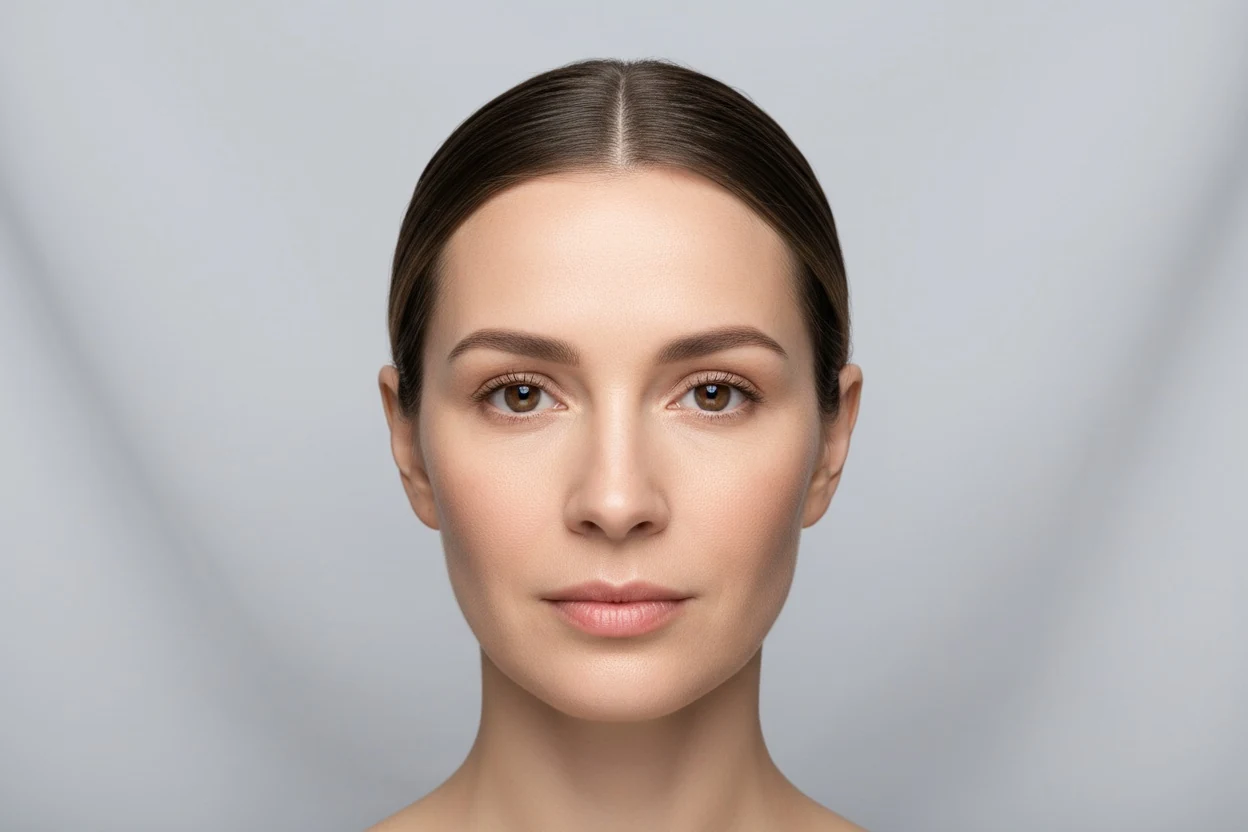
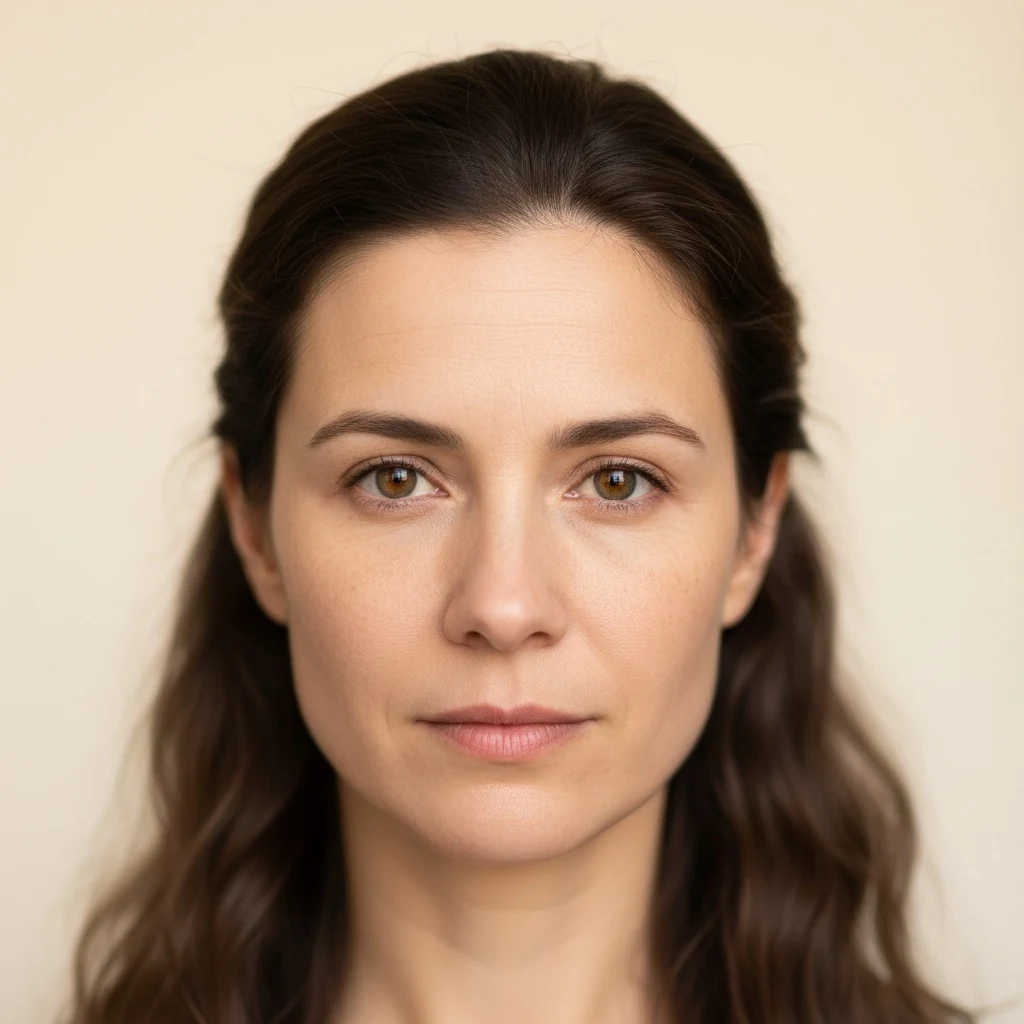
Online Mirror: Webcam Mirror With a True View
Other people see your face the right way round, which is the reverse of what your mirror shows you. A photo, a true (non-reversing) mirror or the true view on this page shows that version. It often looks slightly wrong to you because you are used to your reflection: in a 1977 study, people preferred mirror-image photos of themselves while their friends preferred the true image.
- 2
- views: mirror and true
- 3×
- zoom
- 0
- frames uploaded
- Free
- no sign-up
Updated
Your browser will ask for the camera. Nothing is uploaded or recorded.
How do other people see my face compared with the mirror?
- A flat mirror reverses left and right; a camera does not, unless the app mirrors the preview.
- Mita, Dermer and Knight (1977): participants preferred the mirror-reversed print of their own face, and their friends preferred the true print.
- de Runz and colleagues (2016): 73% of 214 women preferred the mirror-reversed photo of themselves.
- This mirror runs in the browser: the camera stream is shown on your screen and is not uploaded or recorded.
How to use the online mirror
Press “Turn on the mirror” and allow the camera when your browser asks. The live picture appears straight away in mirror view, the way a bathroom mirror shows you. Switch to true view to flip it to the orientation everyone else sees.
Use the zoom slider for a closer look (up to 3×), the light button to surround the picture with a white frame that lights your face in a dark room, and full screen to fill the whole display. Freeze stops the picture so you can look properly; save downloads exactly what is on the screen as a JPEG.
On a phone the front camera is used. On a laptop it is the built-in webcam, or whichever camera your browser is set to. If nothing appears, the FAQ below covers the usual causes.
Mirror view vs true view: how others see you
A flat mirror reverses your face left to right. The parting that sits on your left in the mirror is on your right to everyone else, and the same goes for a crooked smile, a raised eyebrow or a mole. A true mirror, also called a non-reversing mirror, does not swap the sides, so it shows the face other people see.
That is what the true view does here. It is not a filter: the camera already captures you the right way round, and the mirror view is simply that image flipped. Switching between the two is the quickest way to see how others see you.
Most people find the true view slightly odd at first. Your face is not perfectly symmetrical, and every small difference between the two sides is now on the side you do not expect.
| Mirror view | True view | |
|---|---|---|
| Left and right | Swapped | As others see them |
| What it matches | Bathroom mirror, most selfie previews | Photos taken by others, video calls seen by others |
| Text on a T-shirt | Reads backwards | Reads normally |
| Feels familiar to you | Yes | Usually not at first |
Mirror vs camera: why you look different in photos
You see your own face almost only in mirrors, so the reversed version is the one you know. In Mita, Dermer and Knight's 1977 study, people were shown a true photo of themselves and a mirror-reversed one. They preferred the mirror version; their friends, who know them the other way round, preferred the true one. Familiarity, not the face itself, made the difference.
The same effect still shows up today. In a 2016 study of 214 women at a plastic surgery department, 73% preferred the mirror-reversed photo of themselves over the standard photo. If a photo of you looks wrong, a large part of that is simply the flip.
Lens distance changes faces too, separately from the flip. A phone held at arm's length enlarges the nose and narrows the face compared with a photo taken from further away. The mirror here uses your camera, so the same holds: hold the phone further away for a truer picture.
Both effects, the flip and the lens, are covered in depth in how to be photogenic, and what the left–right difference actually is in asymmetrical face: why one side differs.
True mirror online: flip a photo to see the mirror image
The “Flip a photo” tab answers the same question from a picture you already have. Choose a selfie and it appears twice, side by side: as it was saved, and flipped horizontally. Save whichever version you want.
Most phones save front-camera selfies un-mirrored, so the saved version is usually how others see you and the flipped one is what your mirror shows. Some phones have a “mirror front camera” setting that does the opposite; if yours is on, read the two labels the other way round.
The photo is opened by your browser only. It is not uploaded, and closing the tab removes it.
What a webcam mirror is good for
Makeup and grooming when there is no mirror to hand, or when you want a zoomed, well-lit view. Checking hair, teeth and collar before a video call. Seeing your face in true view before a photo, an interview or a date.
It is also a calm way to look at symmetry. Freeze a frame in true view and you are looking at exactly what a camera records. If you want numbers rather than a look, the frame can go straight to a measuring tool, described below.
Measure your face from the mirror
Under the mirror there is a “Measure this frame” row: symmetry, face shape and attractiveness. Pressing one hands the current frame to that tool, which measures 478 facial landmarks in your browser. The frame always goes un-flipped, because the left and right sides of your face have to be on the correct sides for a symmetry or tilt measurement to mean anything.
For the best result, face the camera squarely, keep your head level, and use even light from the front. The light button helps in a dim room.
How to make a true mirror at home
Stand two flat mirrors on their edges so they meet at a right angle, like an open book, and look into the corner where they join. Each mirror reflects the other, the two reversals cancel out, and you see yourself un-reversed. The join runs down the middle of your face, so it works best with mirrors that have thin or no frames.
Raise your right hand and your reflection raises the hand on your right: that is how you know it is a true mirror. The webcam true view above gives you the same picture without the seam.
Tips for a clearer online mirror
- Face a window or a lamp; light from behind you turns your face into a silhouette.
- Use the light button in a dark room; it works like a ring light around the picture.
- Hold the phone at arm's length or further; closer distances distort the face.
- Freeze the picture before saving so you choose the exact moment.
- Use true view before photos and video calls; that is the version others see.
Online Mirror: Webcam Mirror With a True View — frequently asked questions
Does the online mirror record or upload my camera?
No. The picture goes from your camera to your screen and nowhere else. Nothing is recorded unless you press save, and then the file is created in your browser and downloaded to your own device.
Why is the image mirrored?
Because that is what you are used to. A mirror reverses left and right, and most video apps show you a mirrored preview for the same reason. Switch to true view to see the un-reversed image.
How do I see myself the way other people see me?
Choose true view. It shows the camera image without flipping, which is the orientation other people see. A photo someone else takes of you, or a true mirror made from two mirrors at a right angle, shows the same thing.
What is a true mirror?
A true mirror, or non-reversing mirror, shows your face without swapping left and right. Physical ones are made from two mirrors joined at 90 degrees. The true view on this page does the same with your camera.
Why do I look different in photos than in the mirror?
Mostly because the photo is not reversed and the mirror is. You know your face mirrored, so the true version looks slightly off. Camera distance also matters: a close phone lens makes the nose look bigger and the face narrower.
Which is more accurate, the mirror or the camera?
For how other people see you, the camera in true view. For the face you are used to, the mirror. Neither is wrong; they are the same face flipped.
How do I make the online mirror full screen on an iPhone?
Press full screen. On iPhone Safari, which does not allow web pages to go fully full screen, the mirror fills the browser window instead. Turn the phone sideways for a wider view and press exit full screen or Escape to leave.
Can I zoom in?
Yes, up to 3 times with the zoom slider. Zoom crops the centre of the camera picture, so a camera with a higher resolution stays sharper when zoomed.
Why is the picture dark or blurry?
Usually the room light. Turn on the light button, which surrounds the picture with a bright white frame, face a window, or turn up your screen brightness. Clean the camera lens too; a fingerprint blurs everything.
Can I take a photo with the online mirror?
Yes. Press freeze to stop the picture, then save photo. The saved file matches what you see: mirror view saves the mirrored image, true view saves the un-reversed one.
Can I flip a photo to its mirror image?
Yes. Open the flip a photo tab, choose a picture, and you get the original and the flipped version side by side, with a button to save either. It works with any photo, not only selfies.
Does it work on a phone, a tablet and a laptop?
Yes, in any recent Chrome, Safari, Edge or Firefox. Phones and tablets use the front camera; laptops use the built-in webcam or the camera chosen in your browser settings.
The camera does not start. What should I check?
Allow the camera when the browser asks; if you blocked it before, click the camera or lock icon in the address bar and allow it. Close other apps that are using the camera, such as video calls. Pages opened inside some social apps cannot use the camera, so open the page in your normal browser.
Can I use the mirror to check my face symmetry?
You can look, and you can measure. Freeze a frame and press symmetry under the mirror: the frame opens in the face symmetry test, which compares six pairs of landmarks and returns a percentage.
References
- 1.Mita, T. H., Dermer, M., & Knight, J. (1977). Reversed facial images and the mere-exposure hypothesis. Journal of Personality and Social Psychology, 35(8), 597–601. doi:10.1037/0022-3514.35.8.597.
- 2.de Runz, A., Boccara, D., Chaouat, M., Locatelli, K., Bertheuil, N., Claudot, F., Bekara, F., & Mimoun, M. (2016). Female plastic surgery patients prefer mirror-reversed photographs of themselves: a prospective study. Journal of Plastic, Reconstructive & Aesthetic Surgery, 69(1), 122–127. PMID 26428387.
- 3.Ward, B., Ward, M., Fried, O., & Paskhover, B. (2018). Nasal distortion in short-distance photographs: the selfie effect. JAMA Facial Plastic Surgery, 20(4), 333–335. doi:10.1001/jamafacial.2018.0009. PMID 29494735.
Other free face analysis tools
Every tool below runs from the same photo. For all of them at once, start with the free AI face analysis.