Procedure Simulations
Forty procedures, rendered photorealistically on your own face. The measurements are free; a simulation costs credits because it runs on a GPU. Most people find the change smaller than they pictured — which is the point of seeing it first.
Start with a free analysisNose
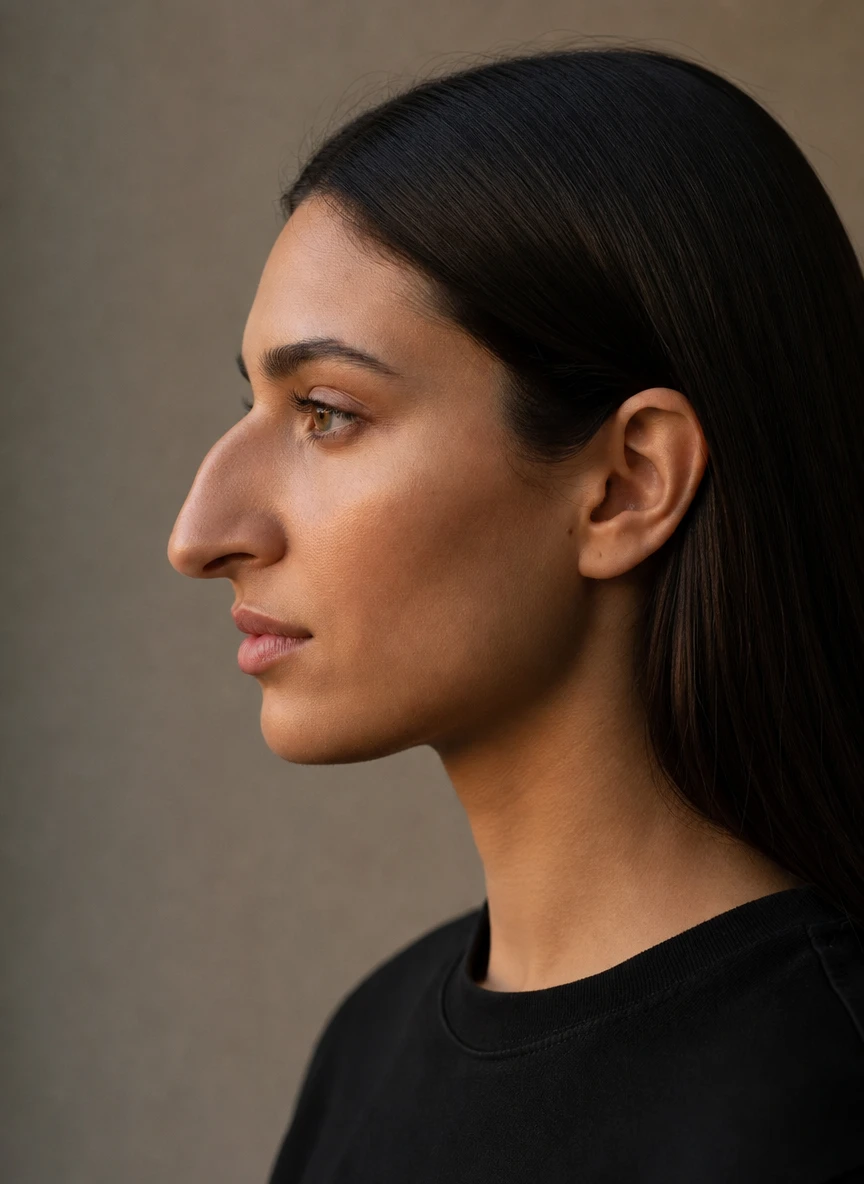

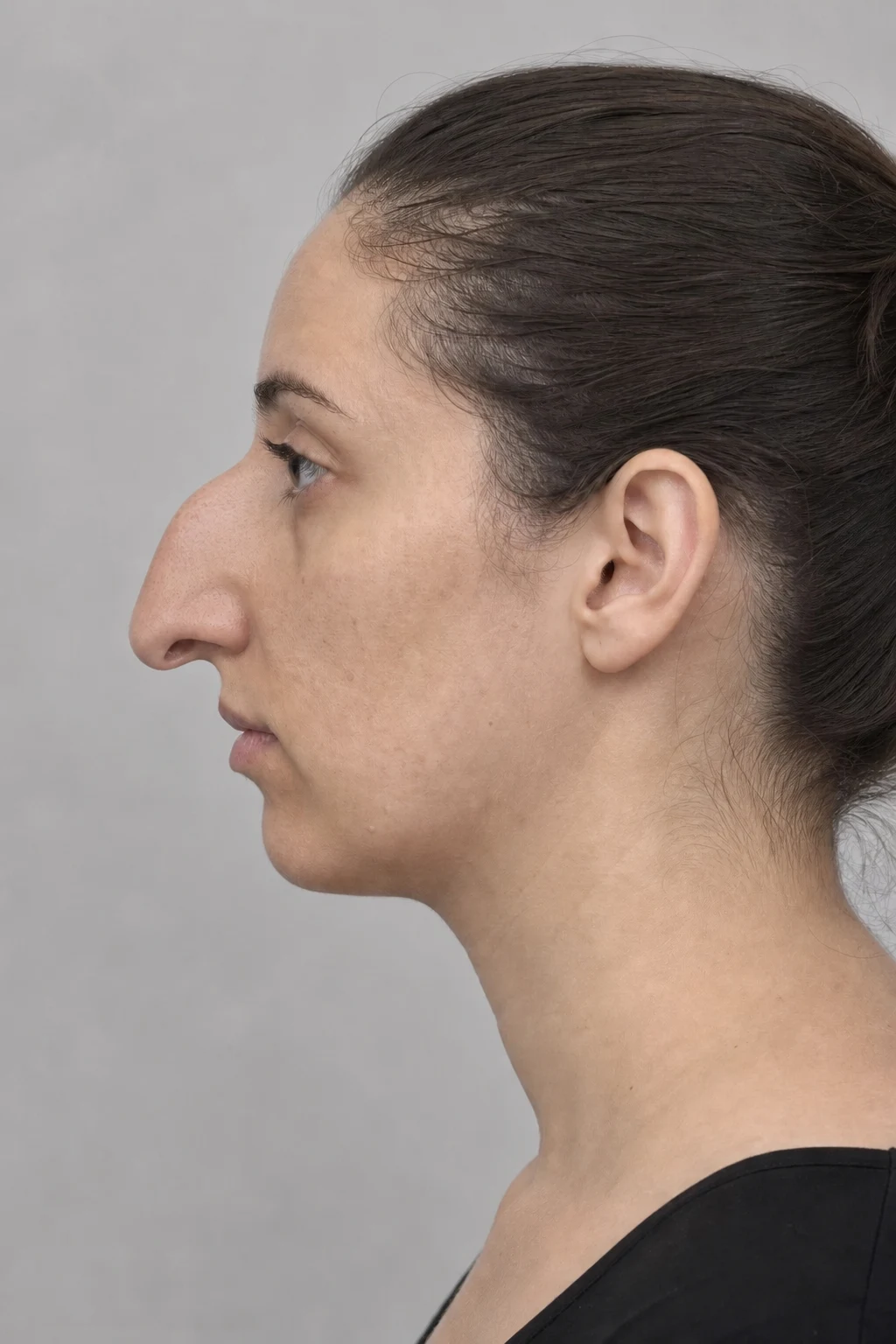
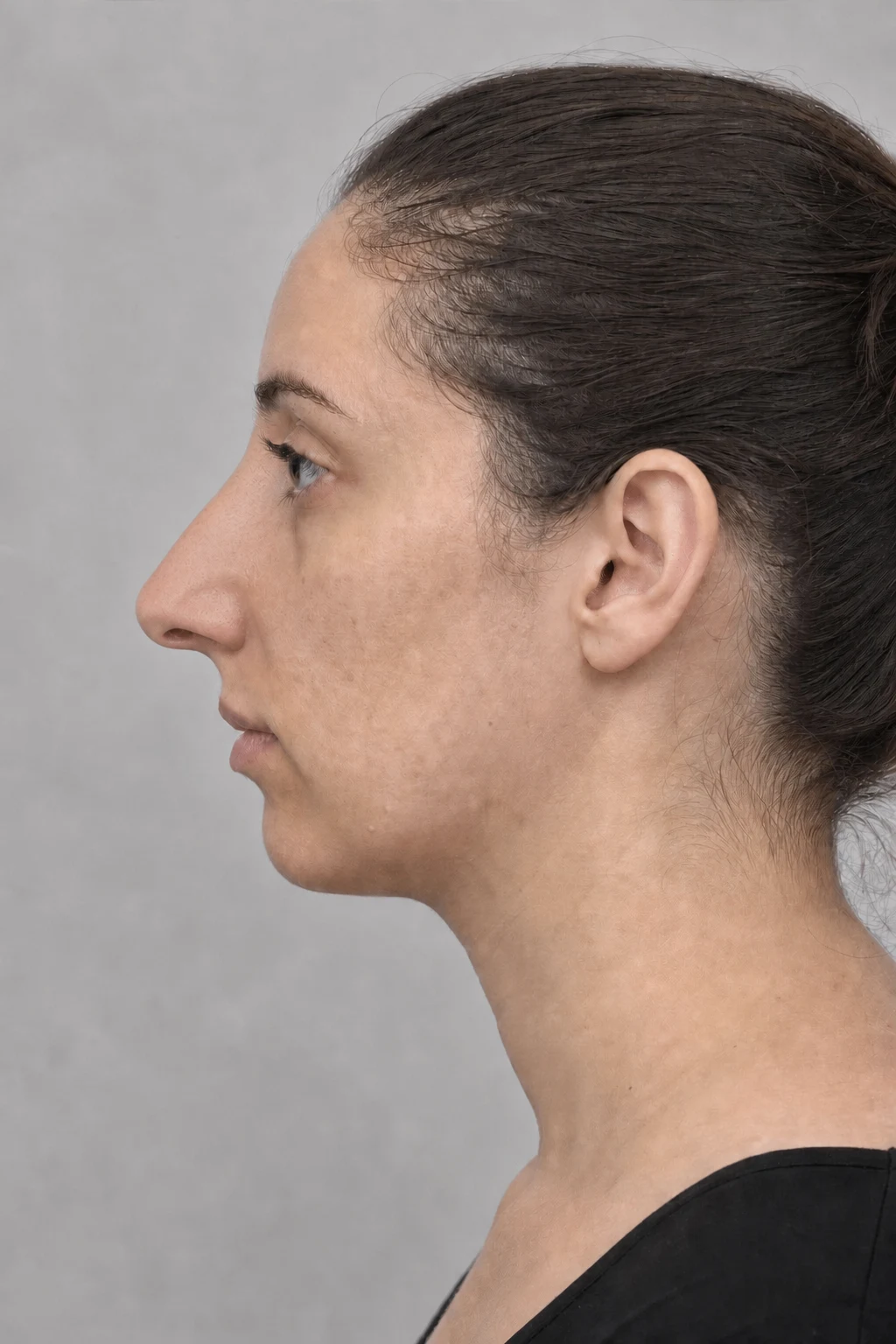
Lips & mouth
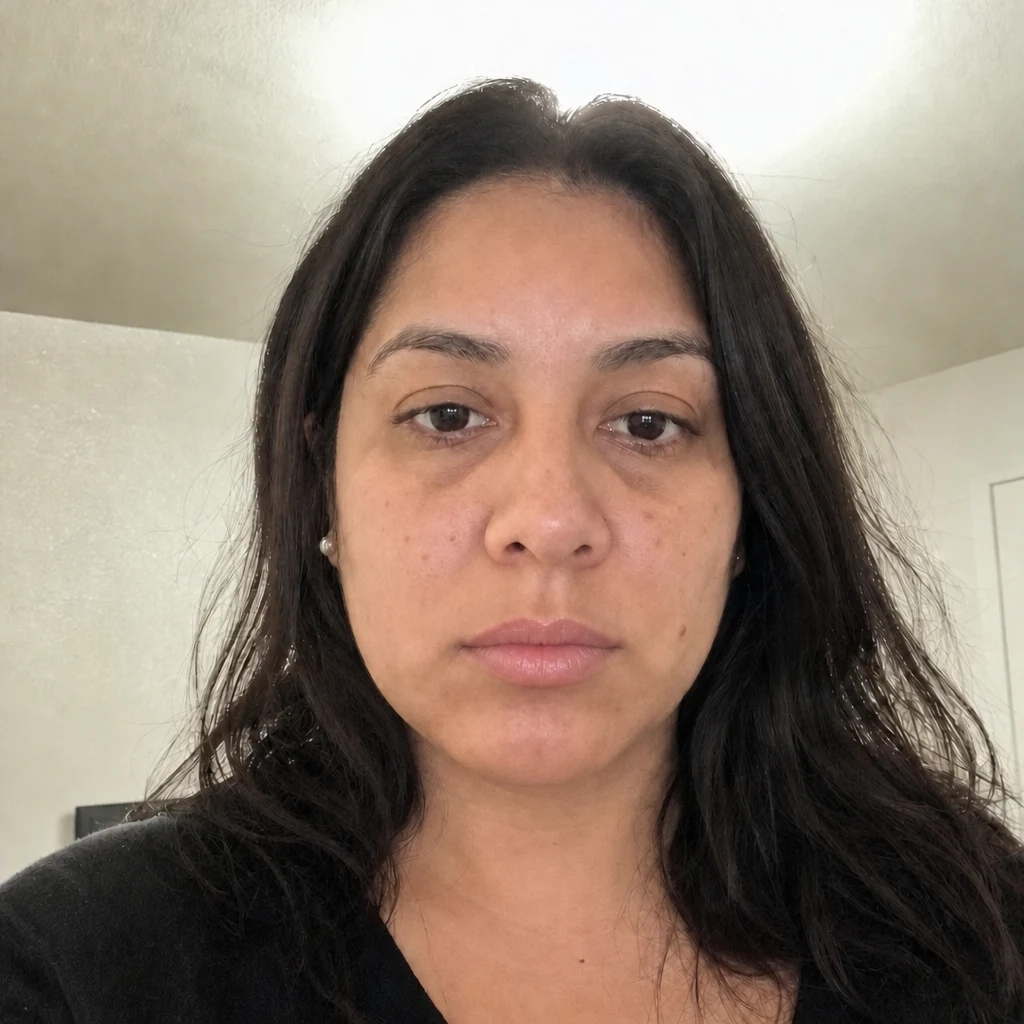
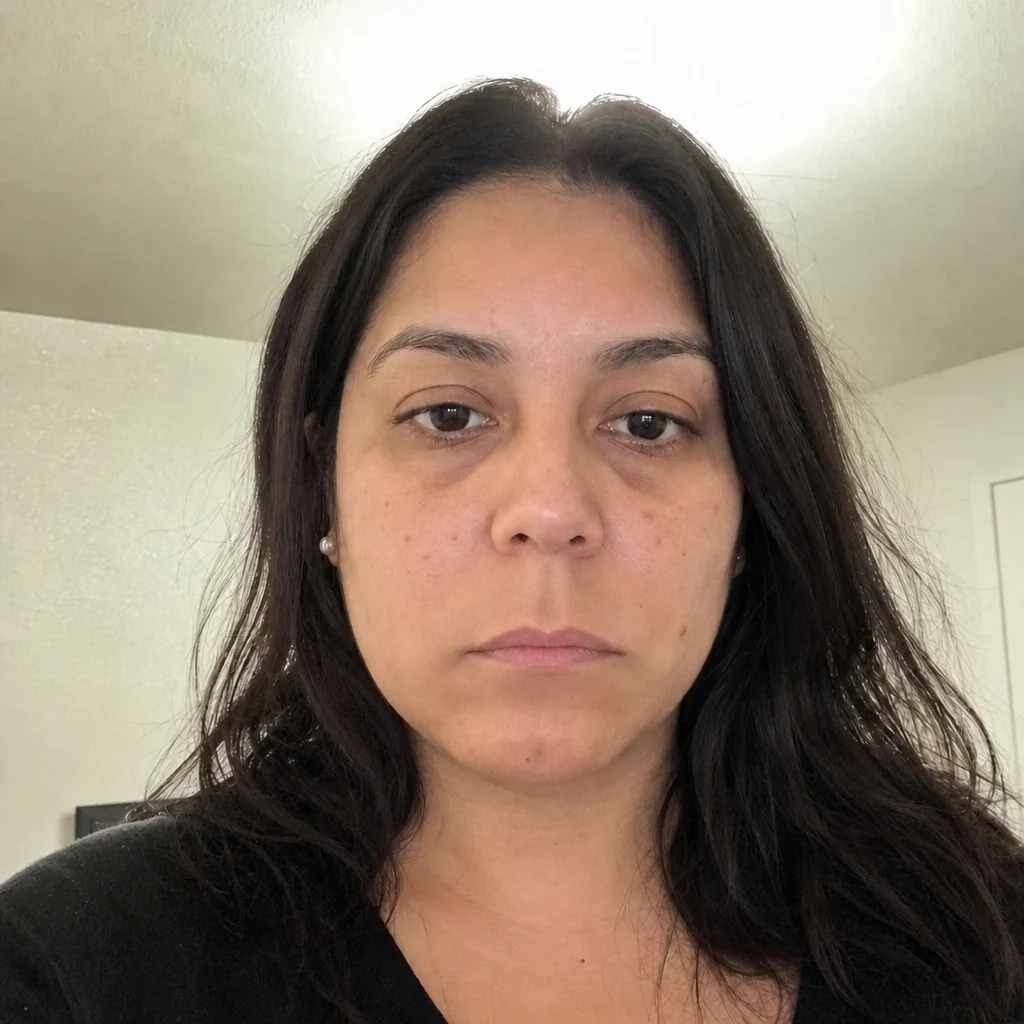
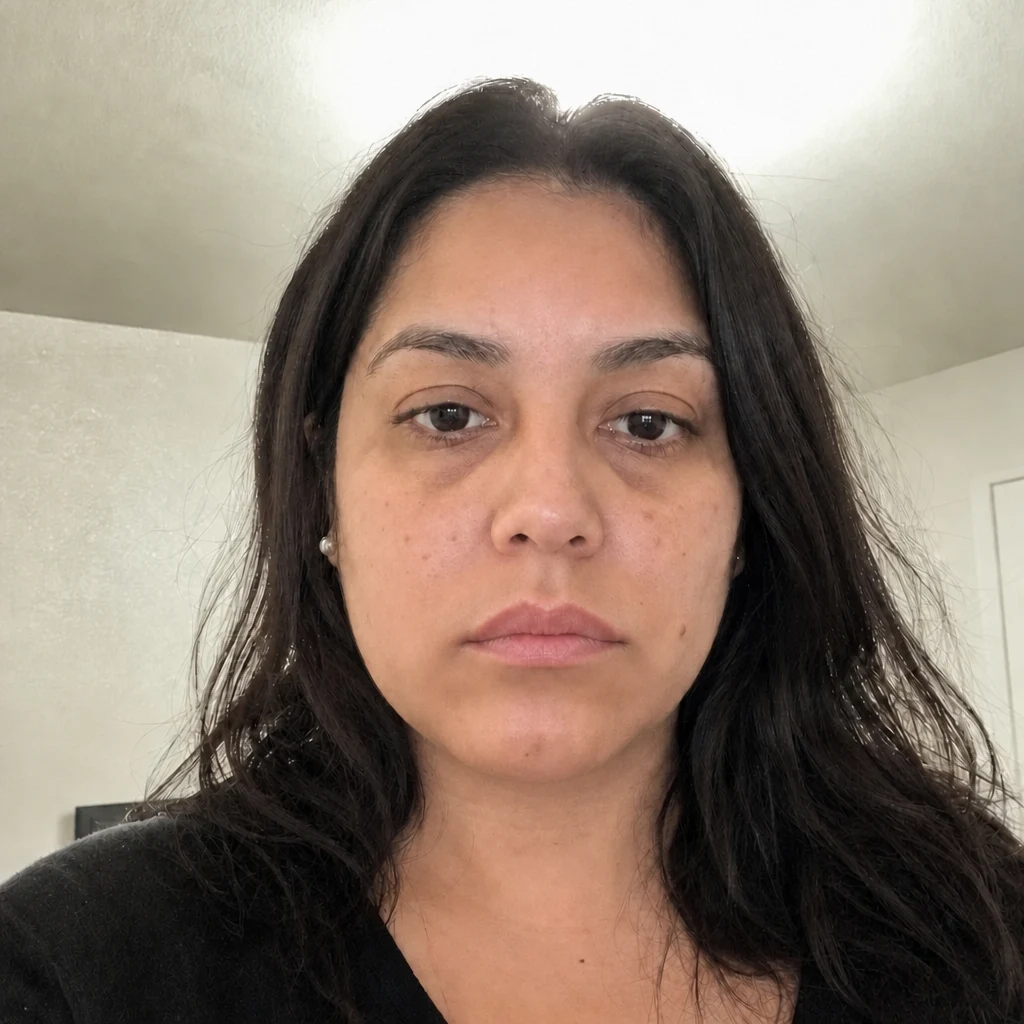
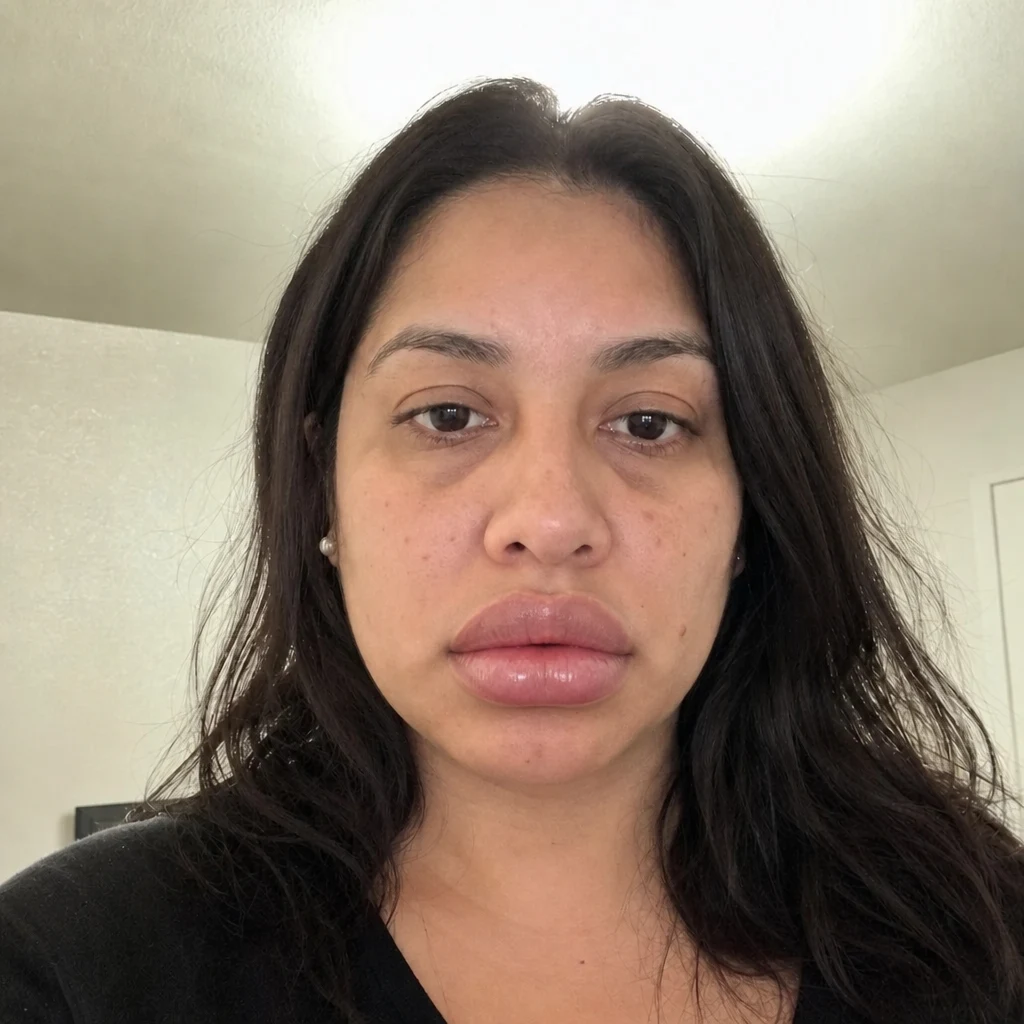
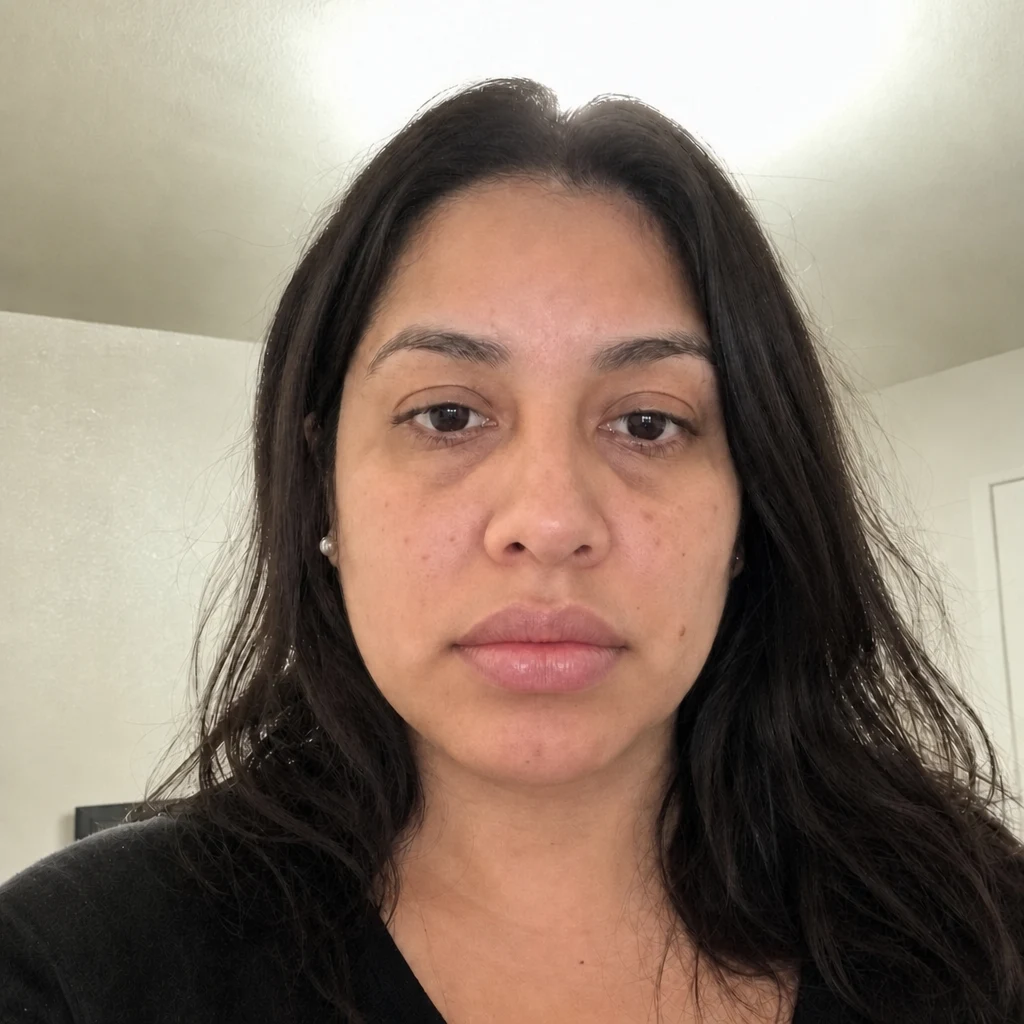
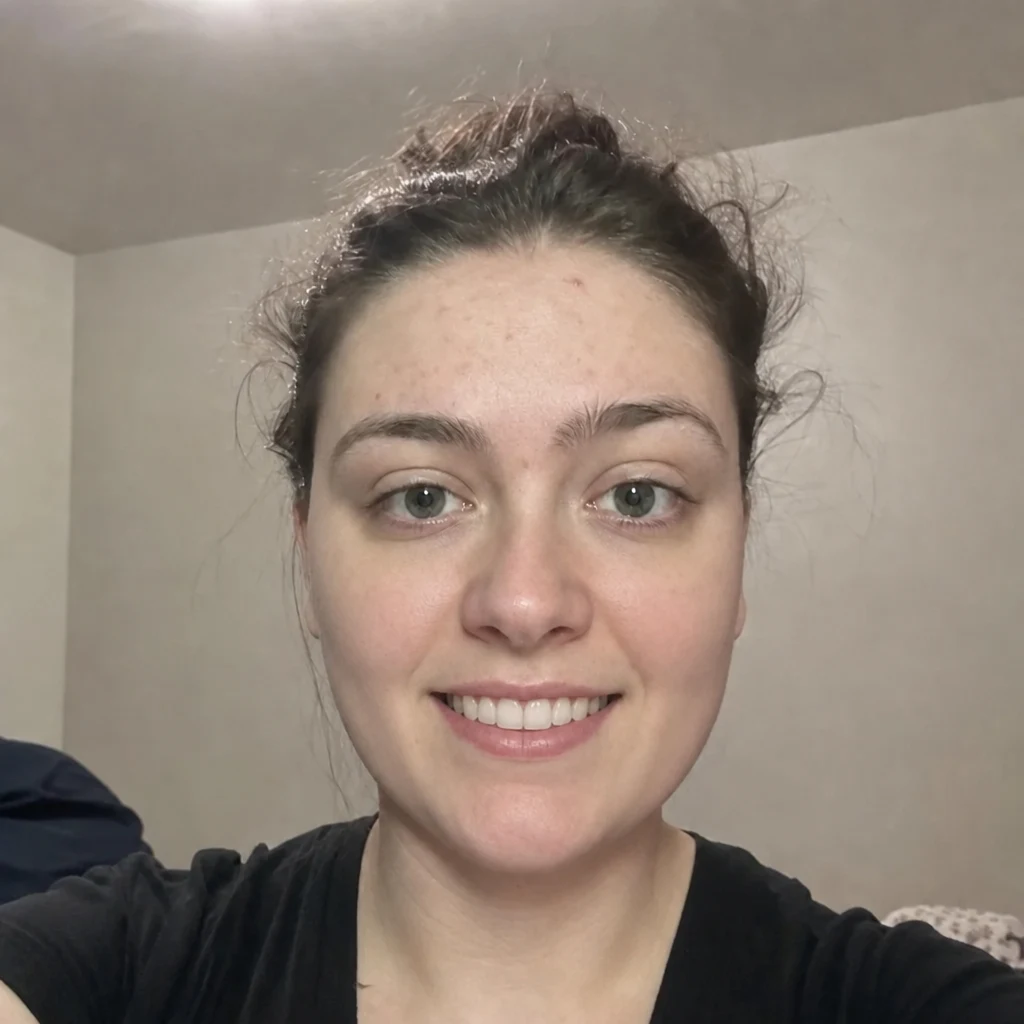
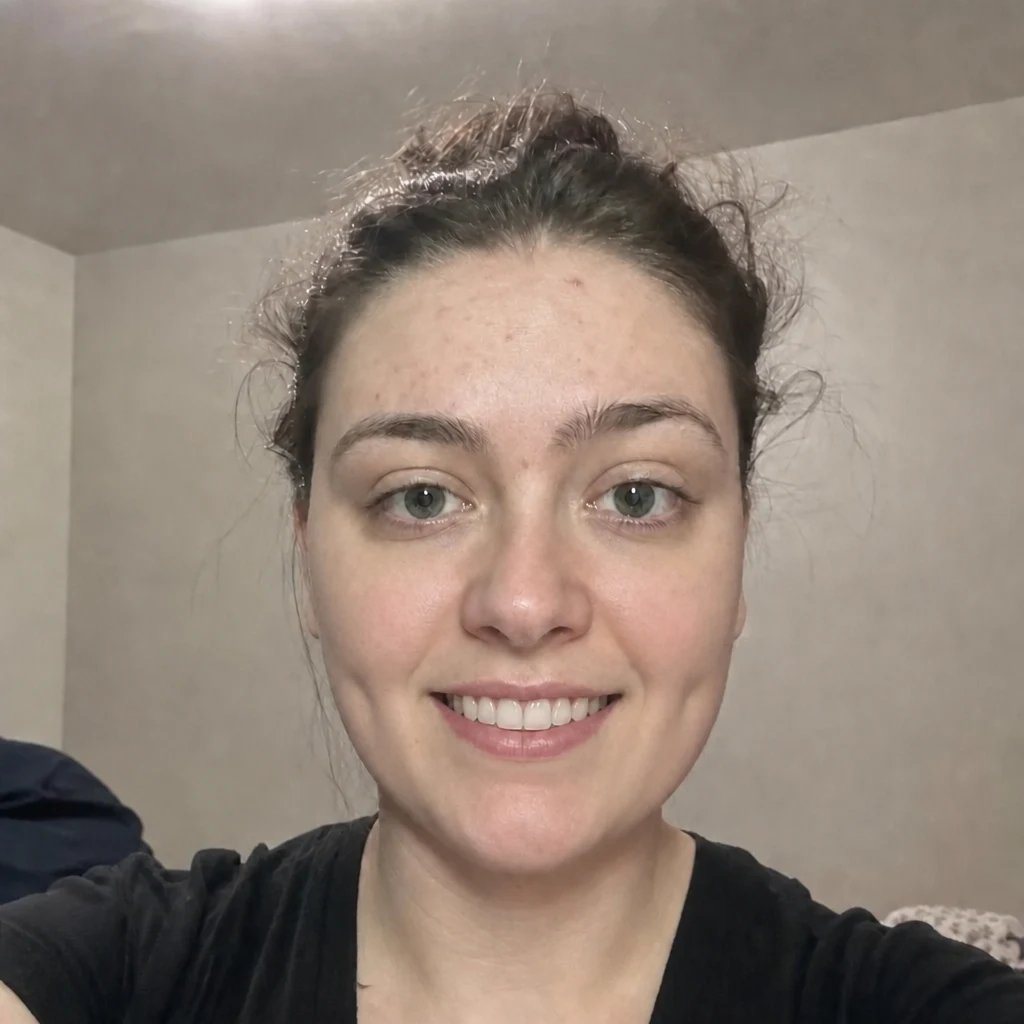
- Before — generatedAfter — simulatedLip FillerSimulates the volume and shape of your lips.
- Before — generatedAfter — simulatedLip LiftSimulates the distance between your nose and upper lip.
- Before — generatedAfter — simulatedLip ReductionSimulates reduced lip volume.
- Before — generatedAfter — simulatedCorner Lip LiftSimulates the upward angle of your mouth corners.
- Before — generatedAfter — simulatedGummy Smile CorrectionSimulates how much gum shows when you smile.
- Before — generatedAfter — simulatedDimple CreationSimulates cheek dimples.
- Before — generatedAfter — simulatedHollywood SmileSimulates tooth colour, alignment and proportion in your smile.
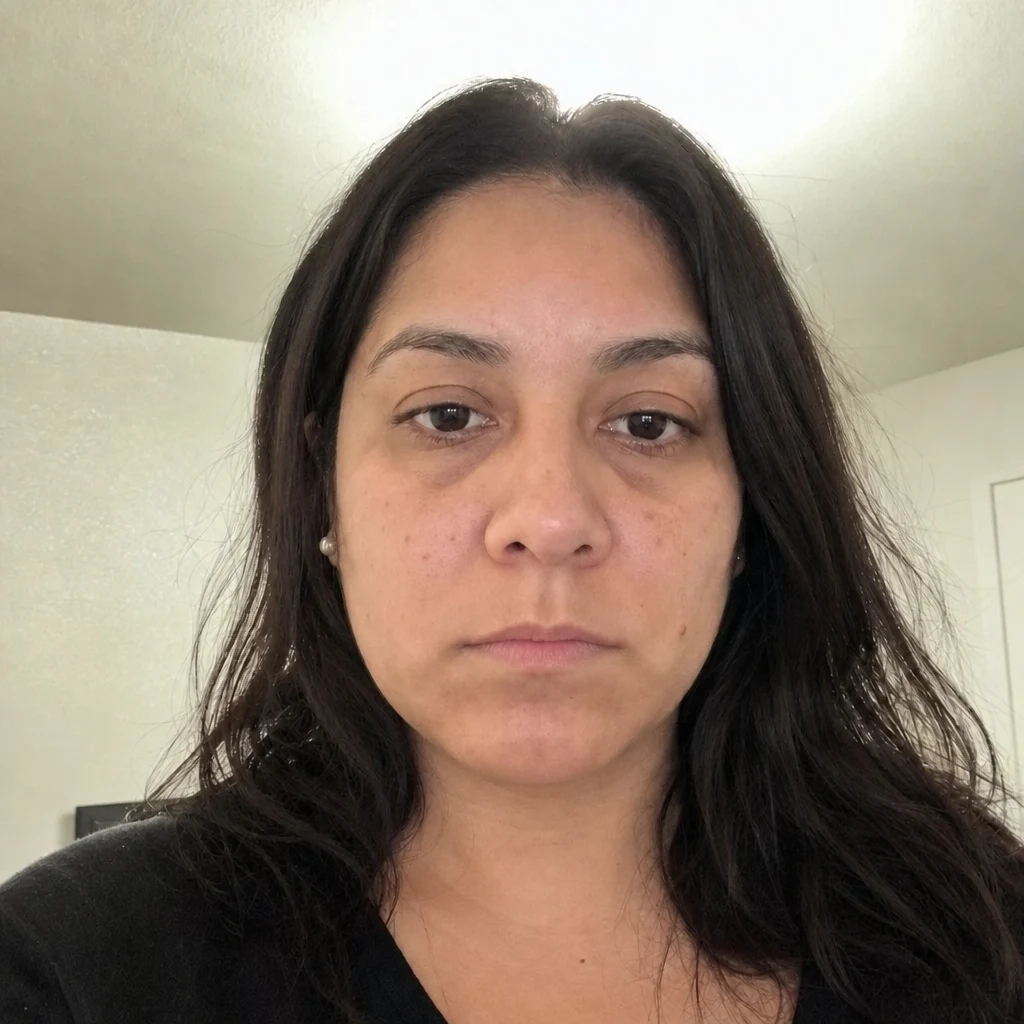






Eyes & brows
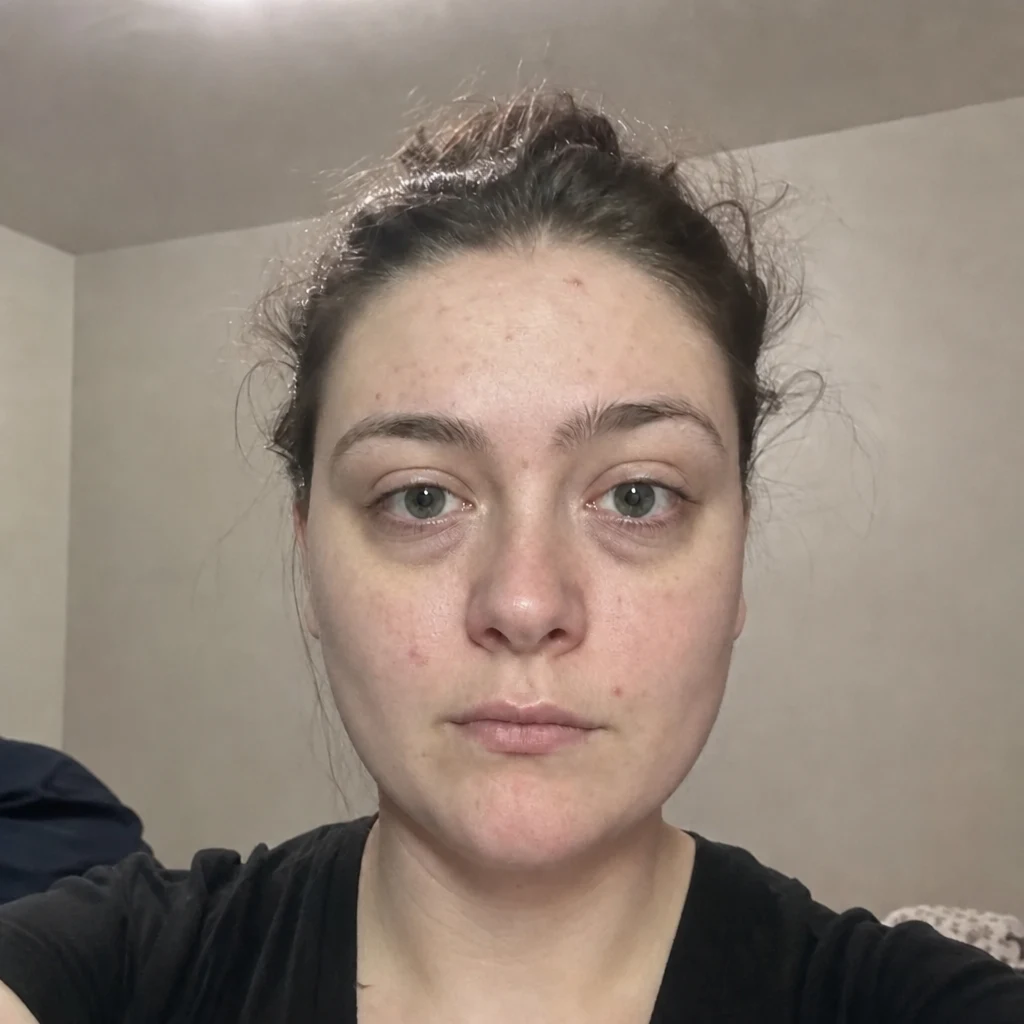
- Before — generatedAfter — simulatedTear Trough FillerSimulates the hollow under your eyes.
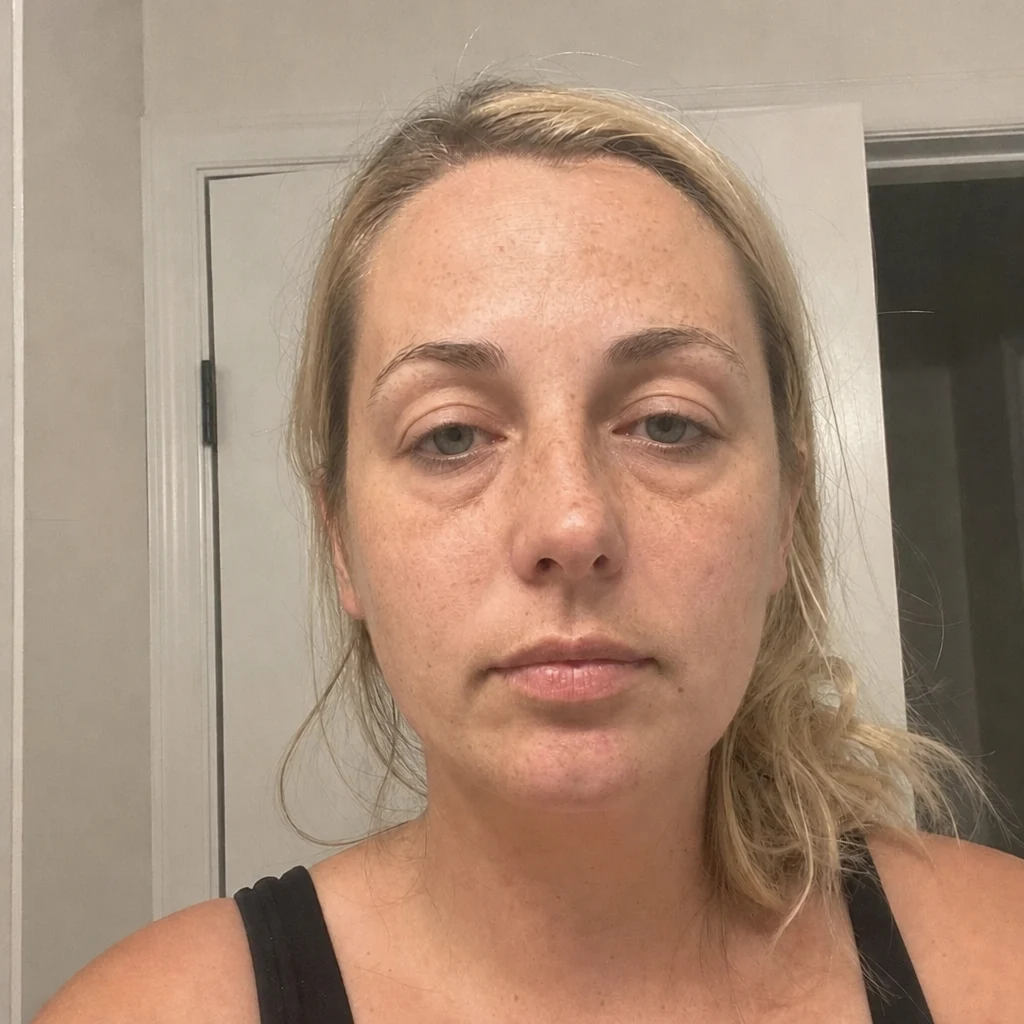
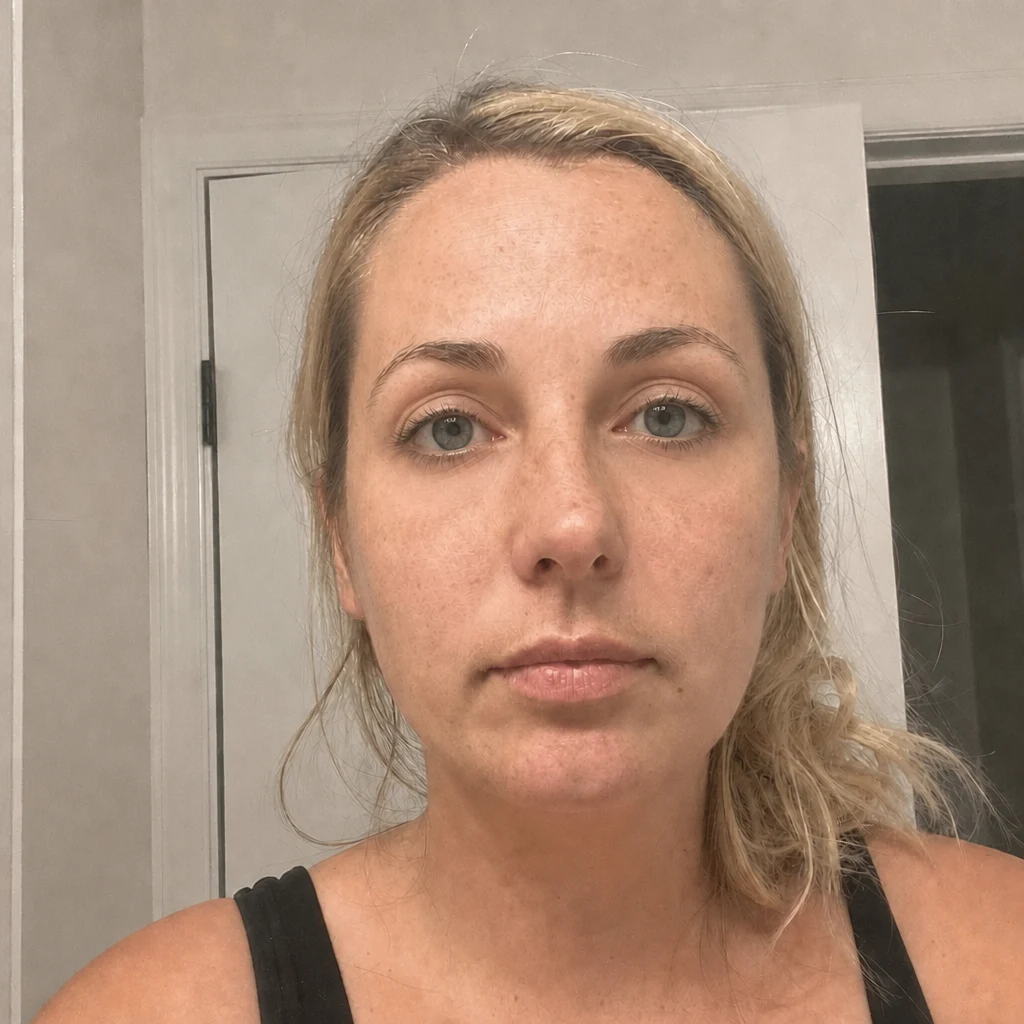
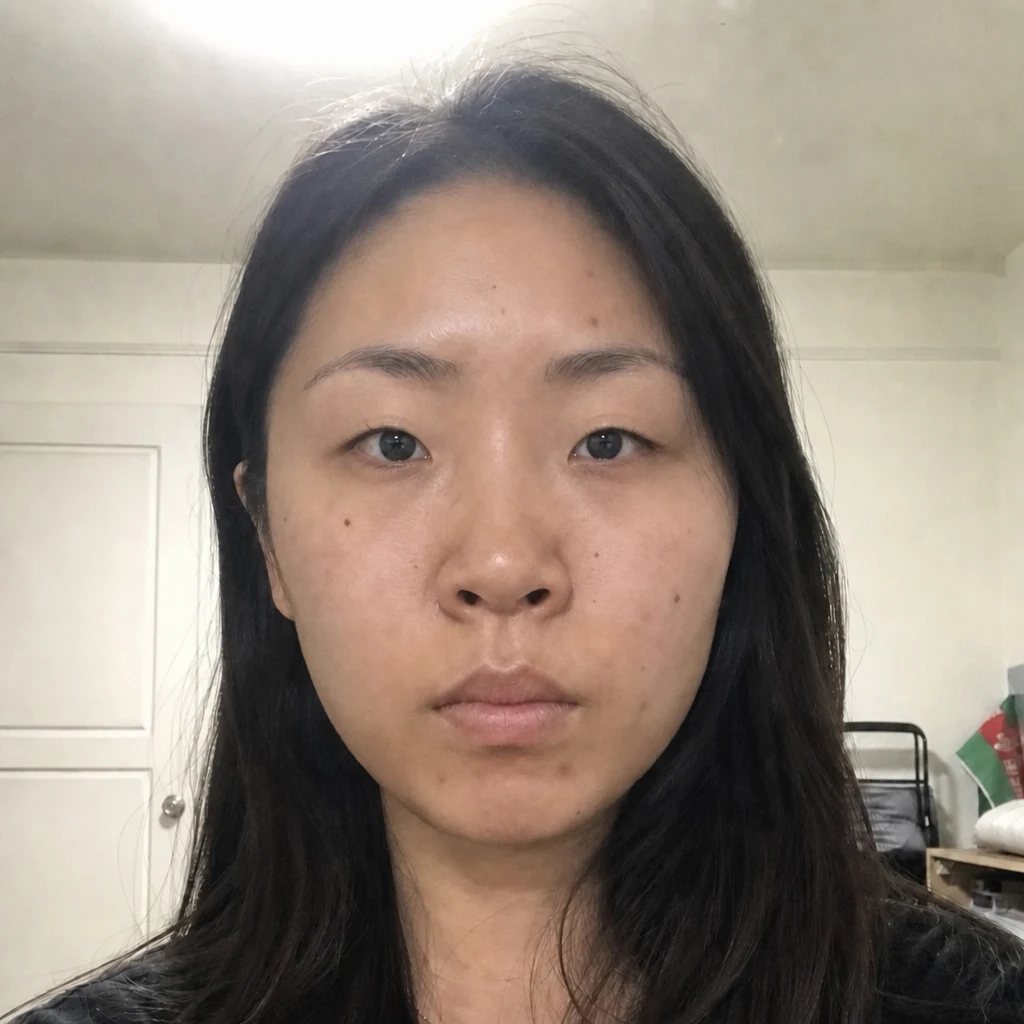
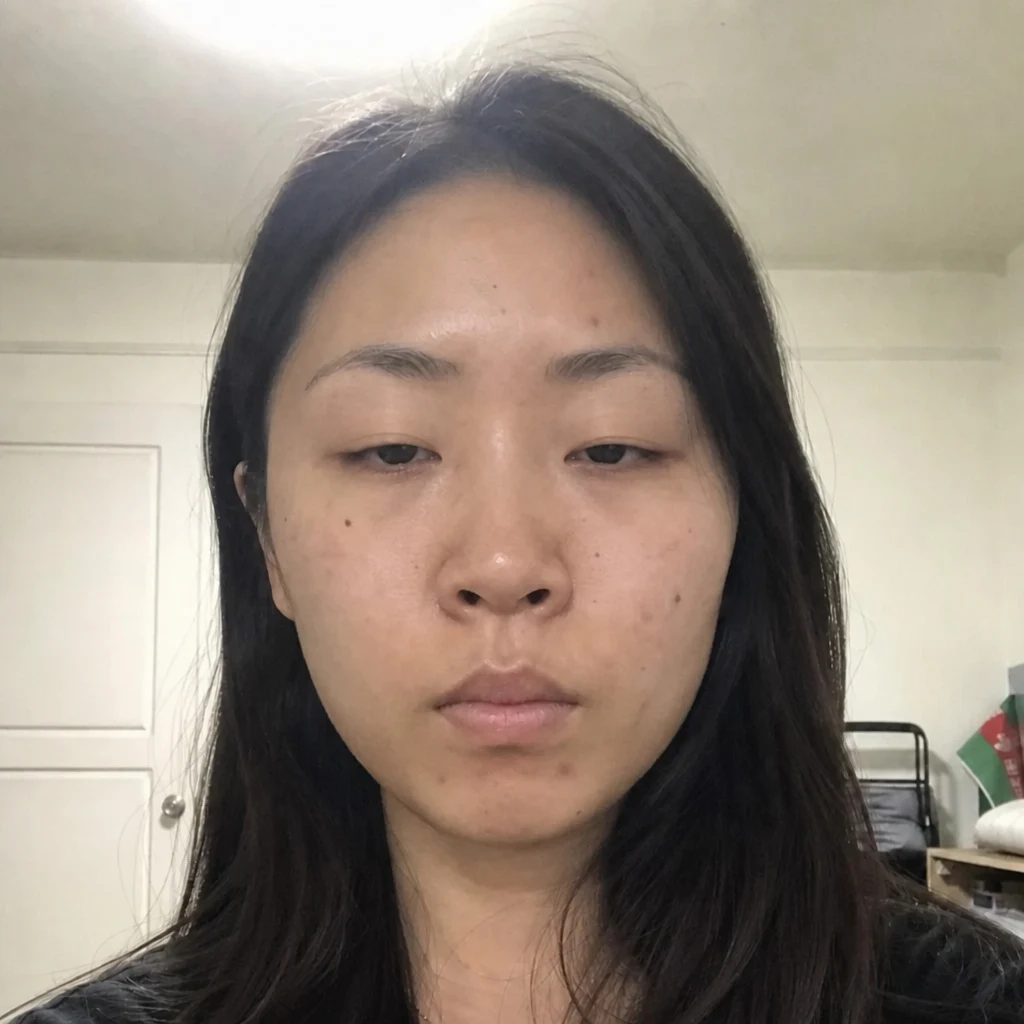
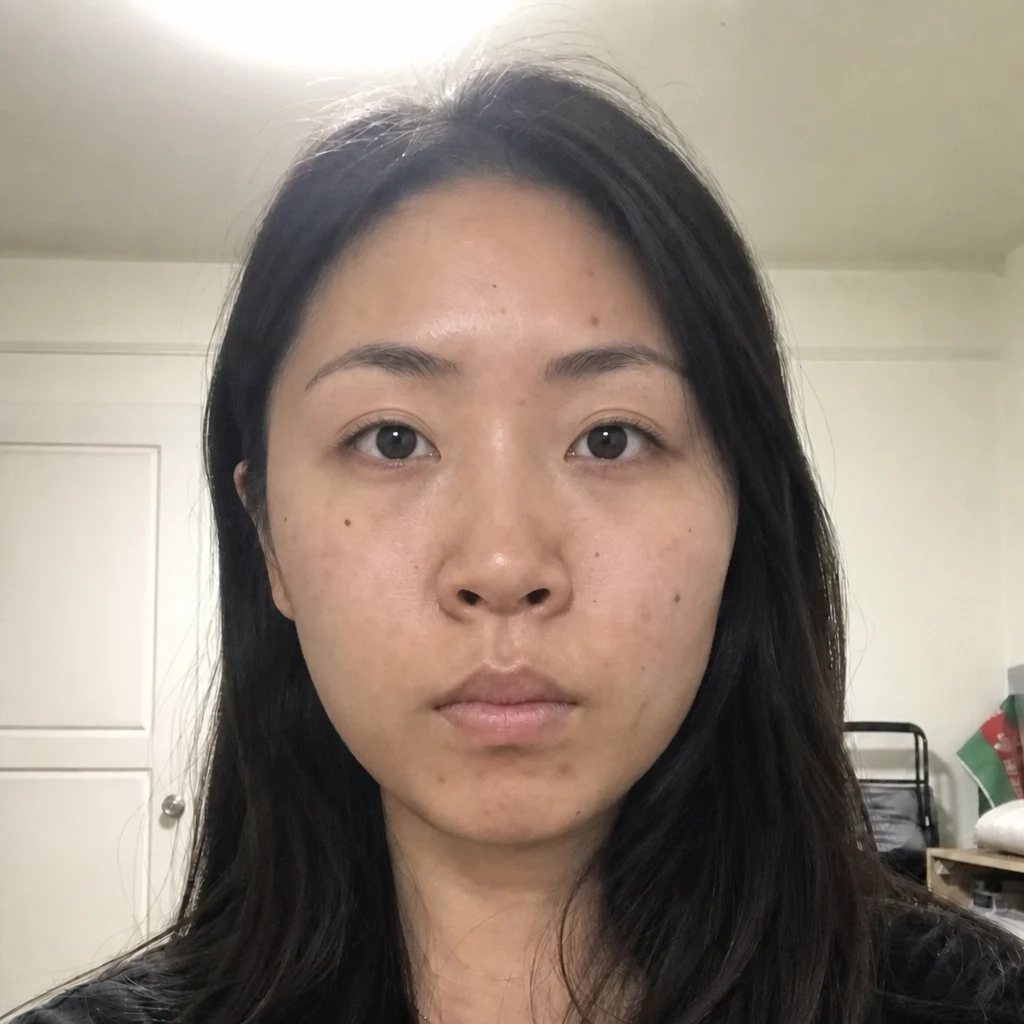
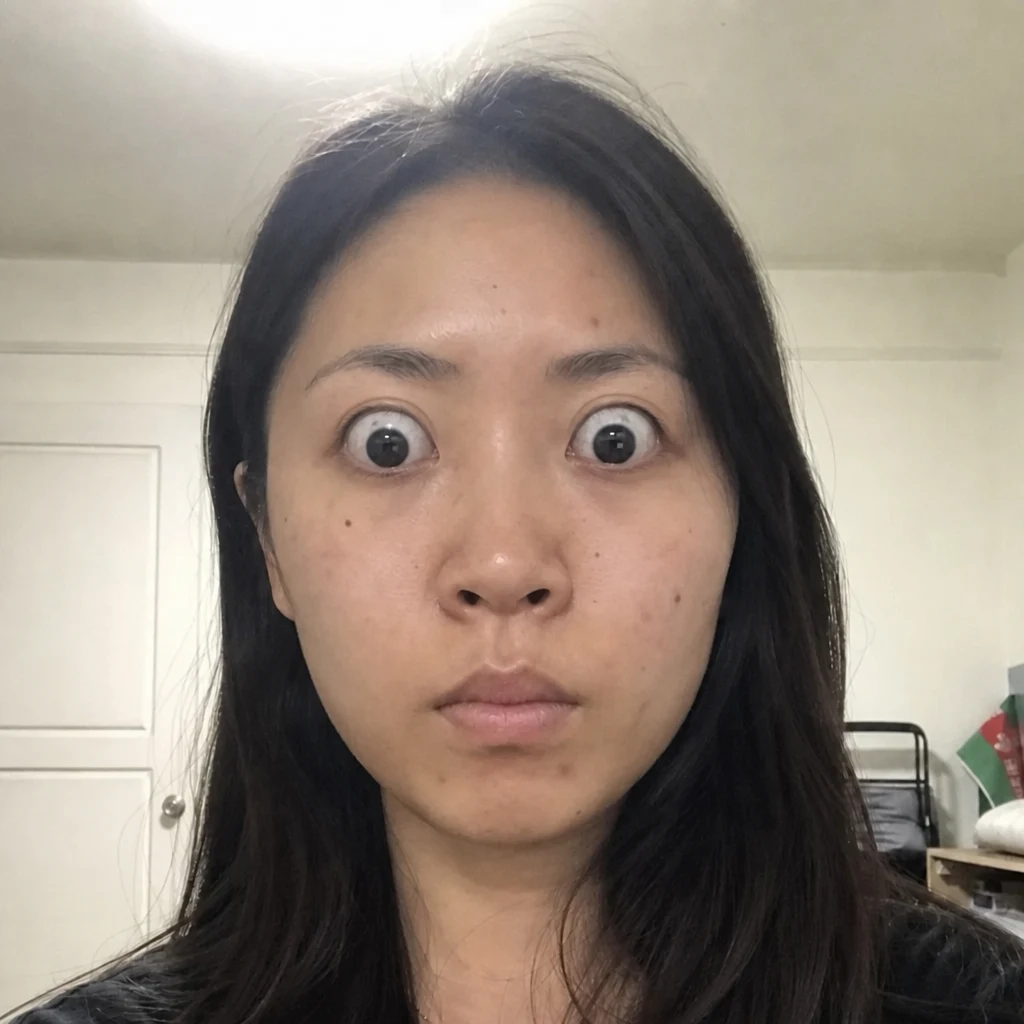
- Before — generatedAfter — simulatedBlepharoplastySimulates upper and lower eyelid skin.
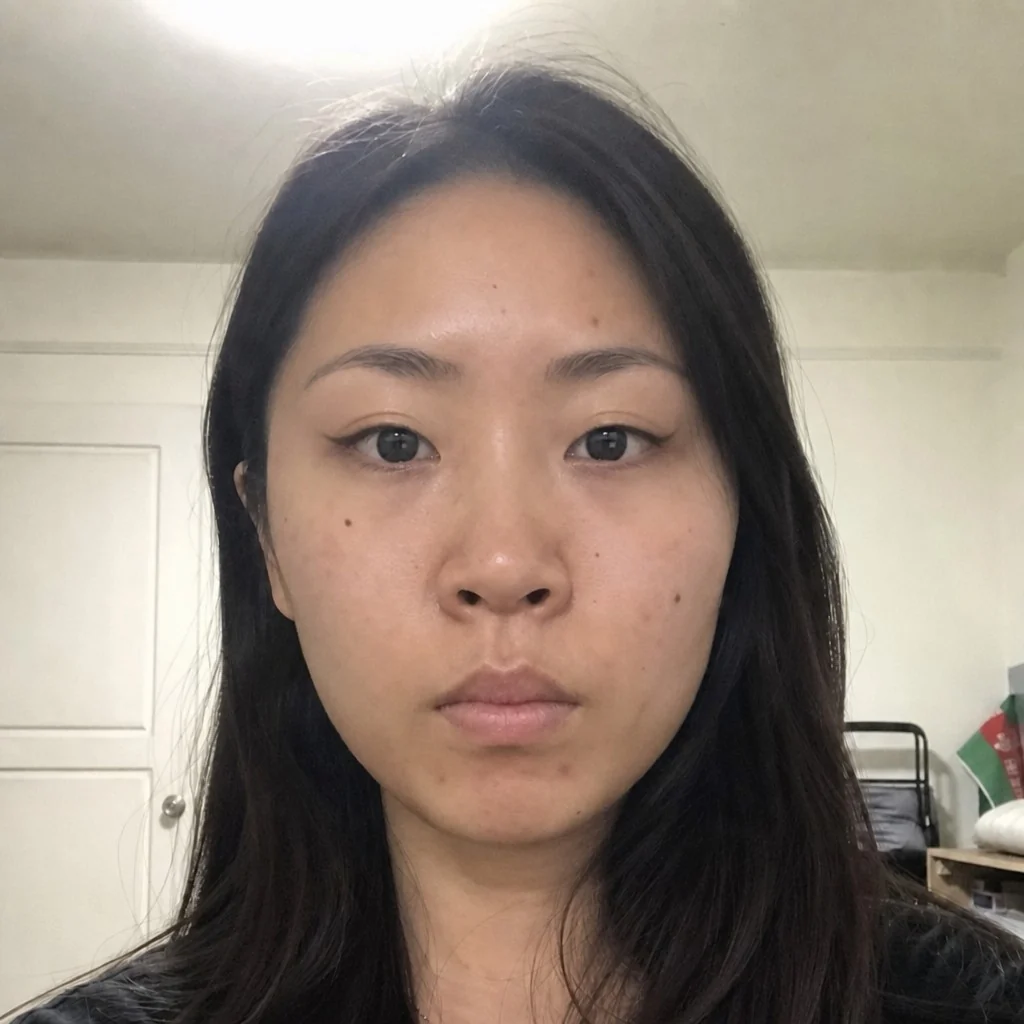
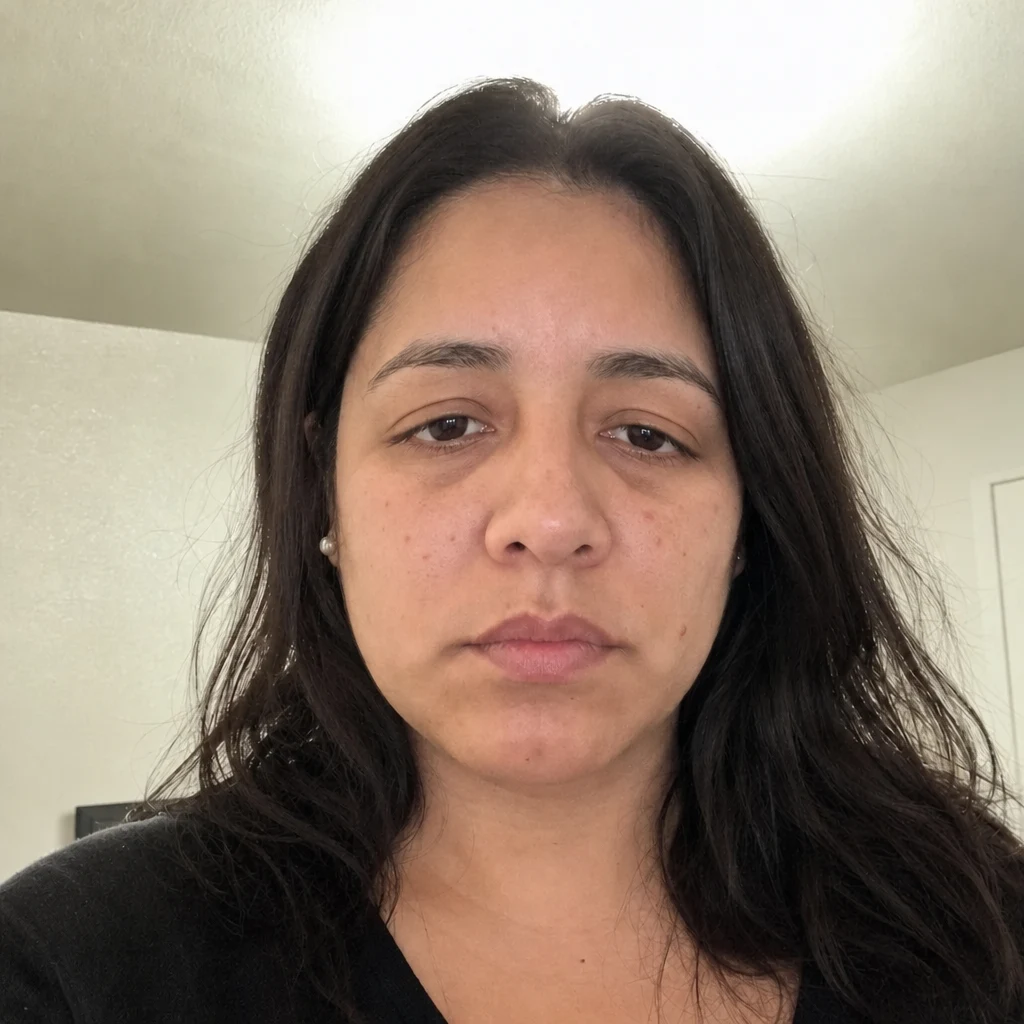
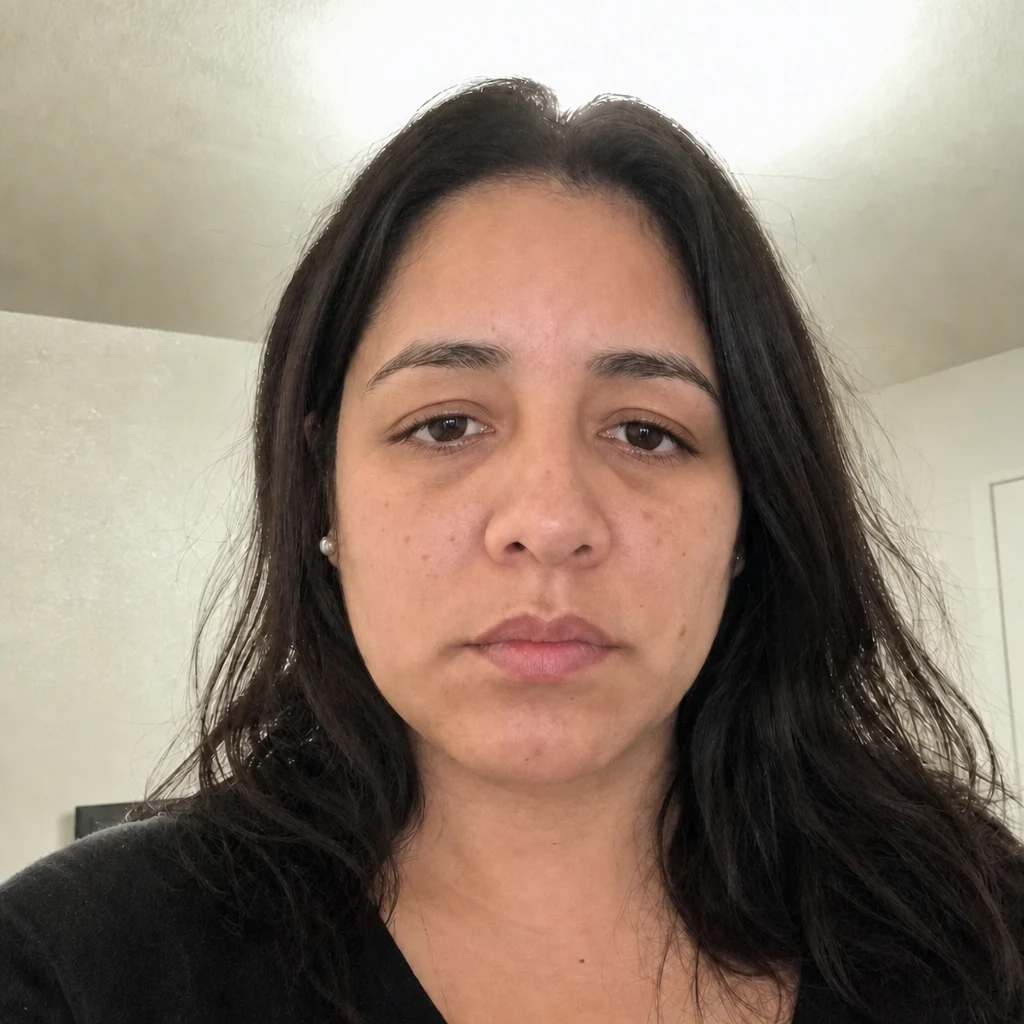
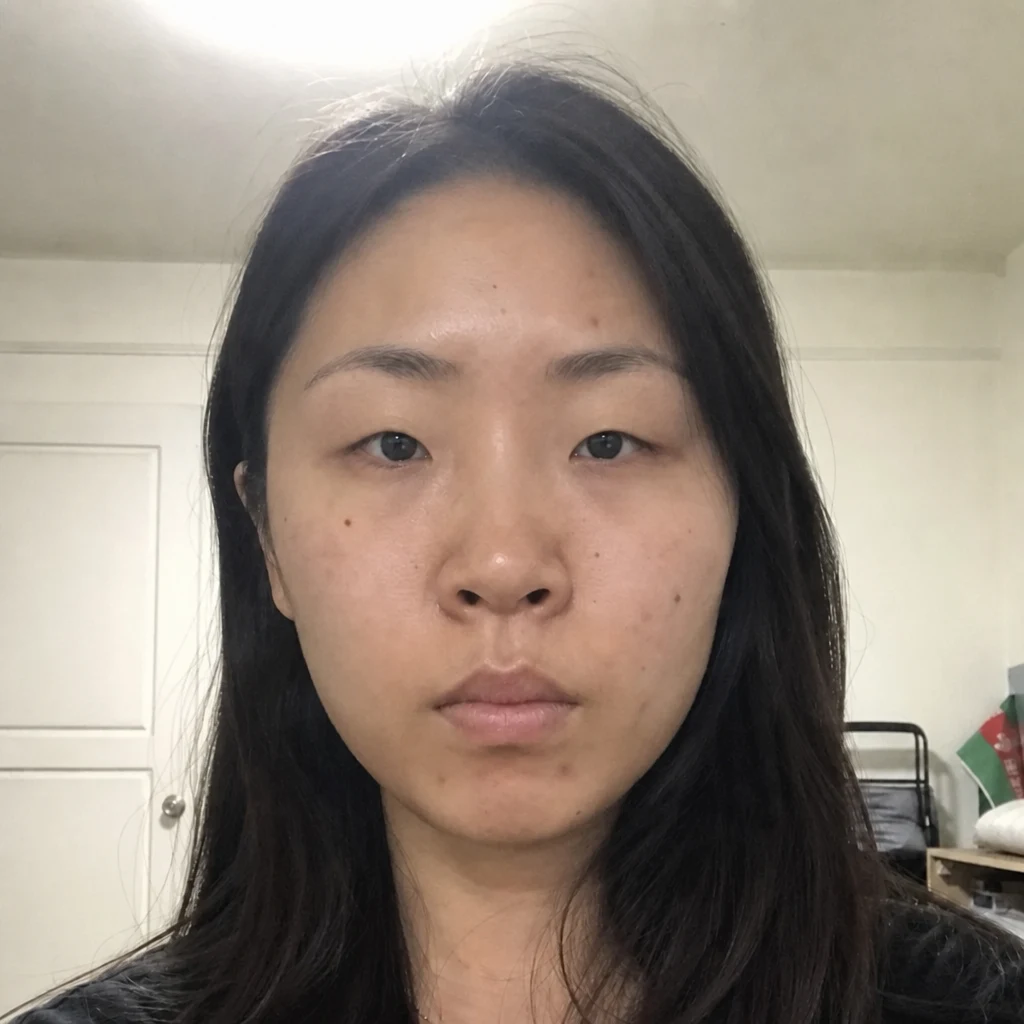
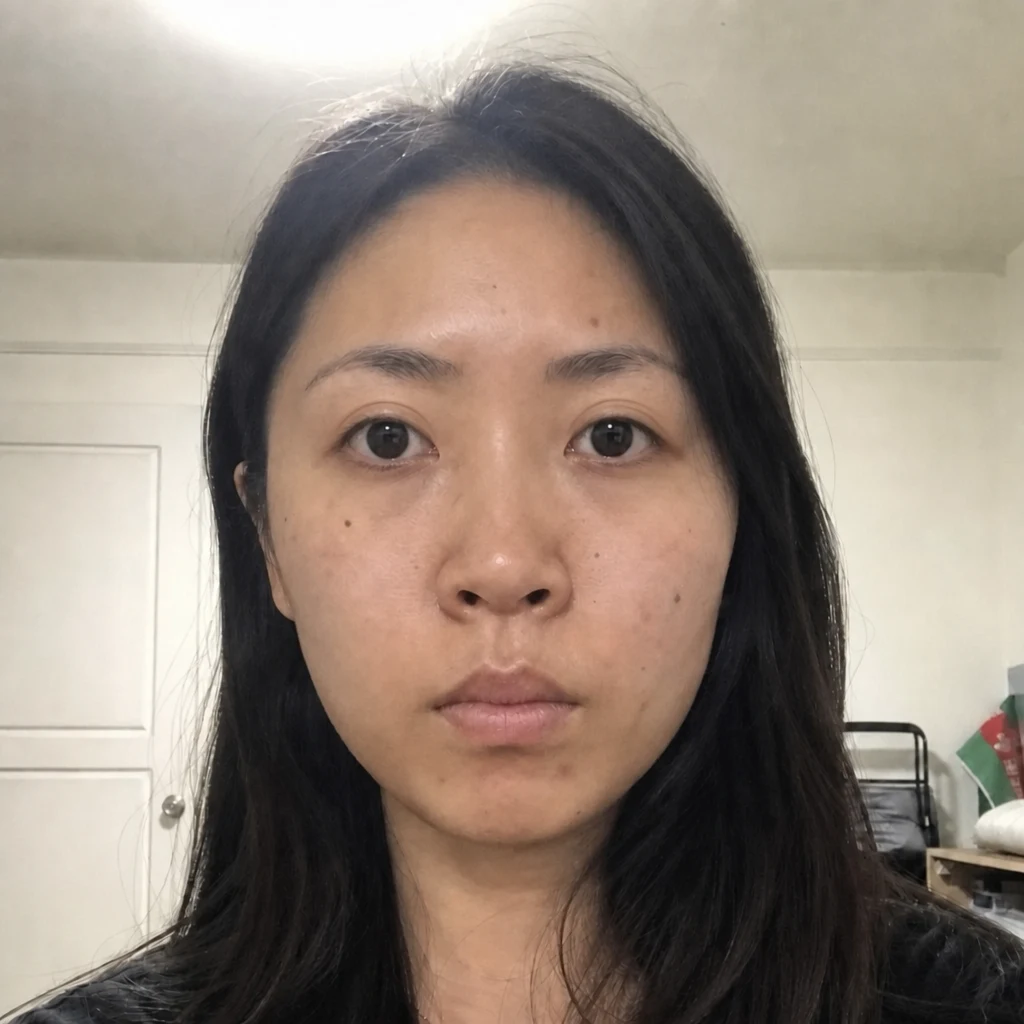
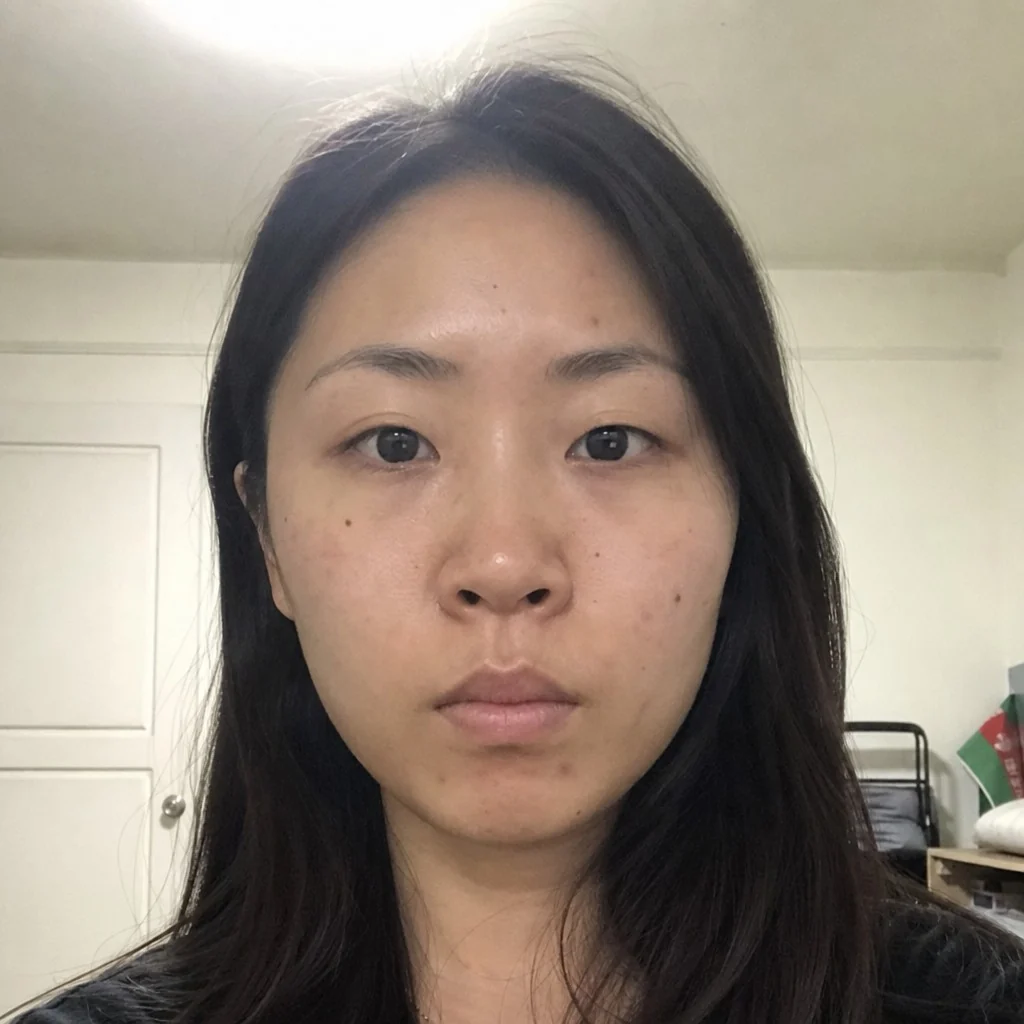
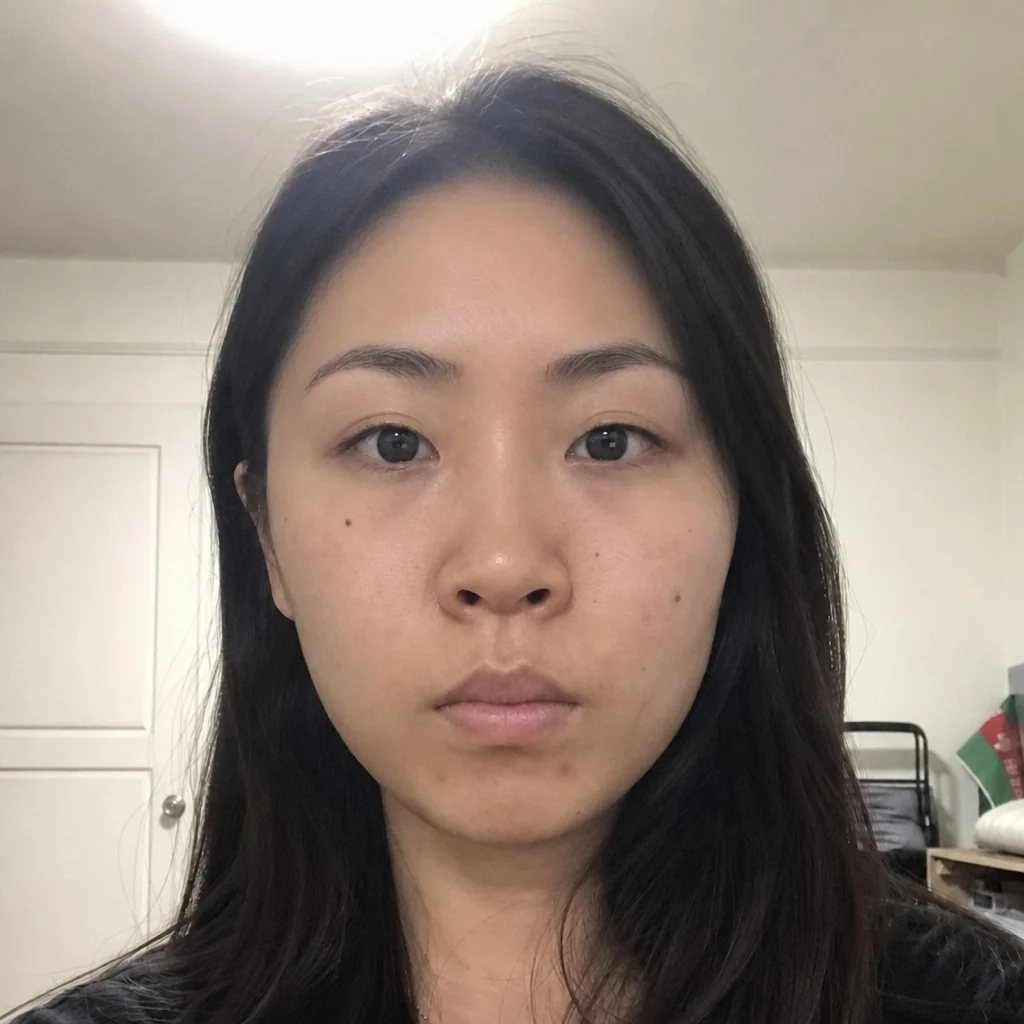
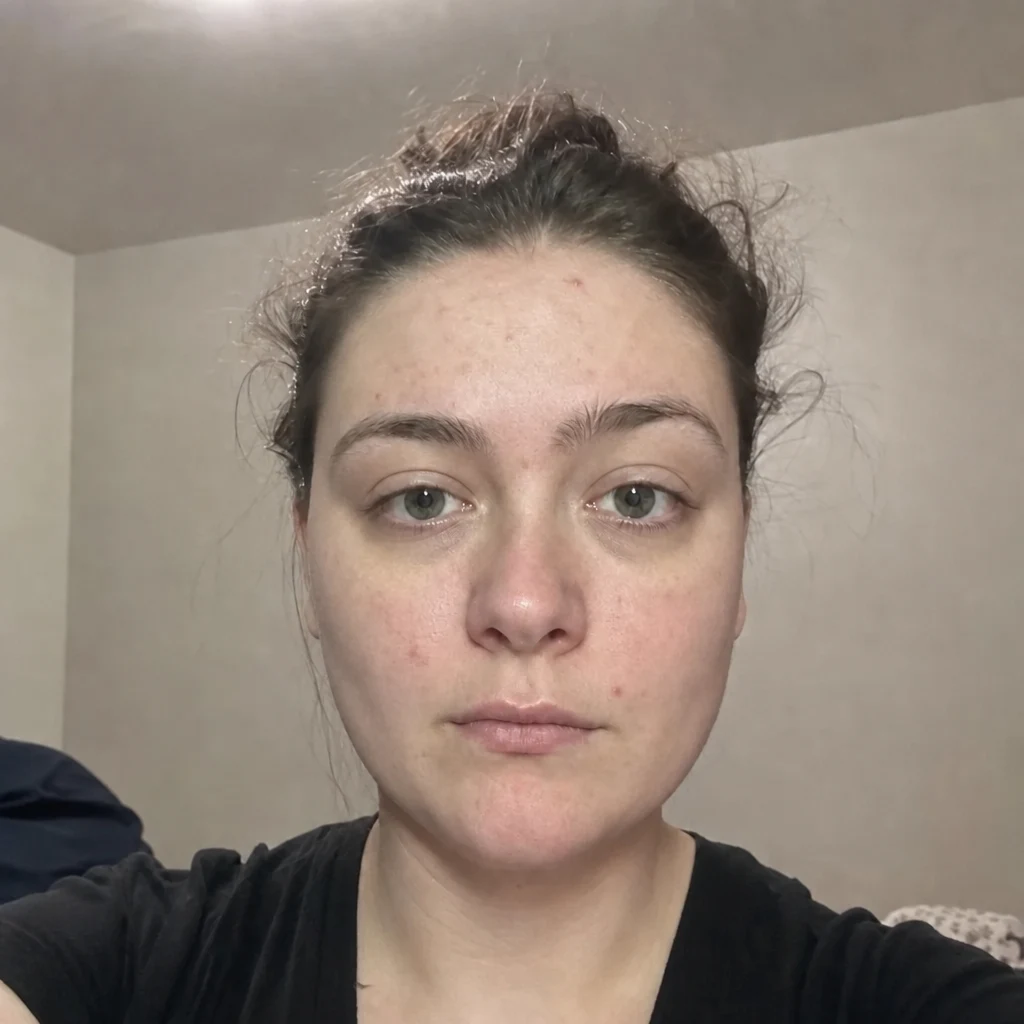
- BeforeAfter — simulatedFox Eye LiftSimulates the outer corner angle of your eyes.
- Before — generatedAfter — simulatedCanthopexySimulates the tilt of your outer eye corner.
- Before — generatedAfter — simulatedEpicanthoplastySimulates the inner corner of your eyes.
- Before — generatedAfter — simulatedPtosis CorrectionSimulates upper eyelid height.
- Before — generatedAfter — simulatedOrbital DecompressionSimulates eye protrusion.
- BeforeAfter — simulatedBrow LiftSimulates brow height and arch.
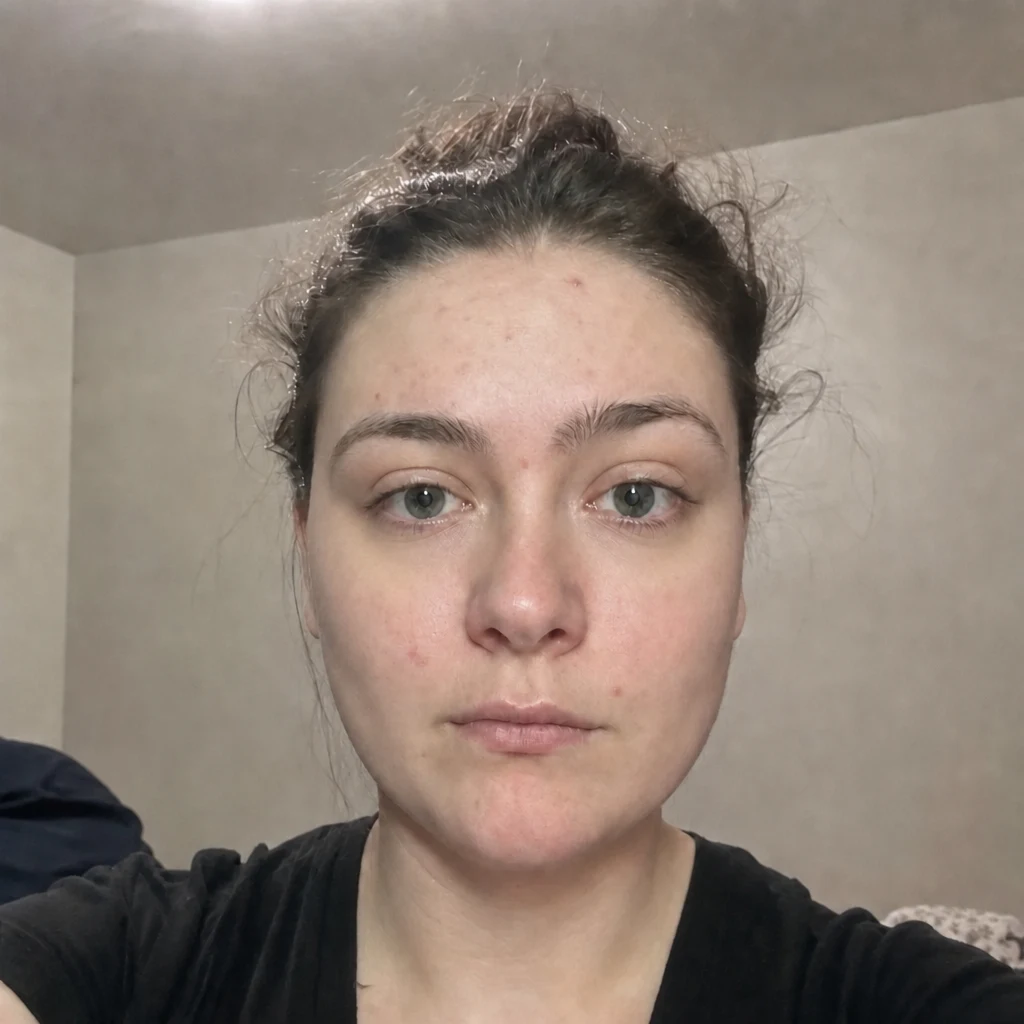
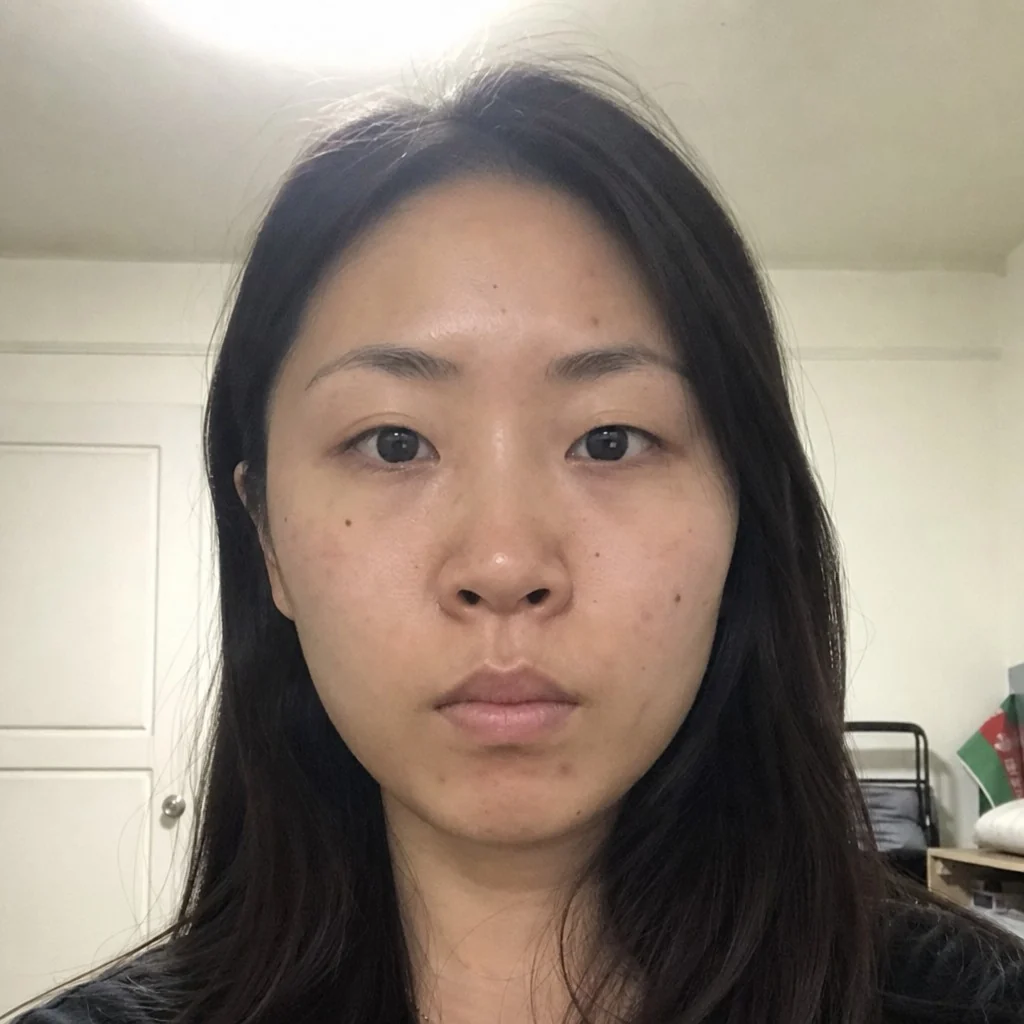
- Before — generatedAfter — simulatedCanthoplasty (Bella Eyes)Simulates the tilt of your outer eye corners, by reattaching the lateral canthal tendon higher.
Jaw & chin
- Before — generatedAfter — simulatedMasseter BotoxSimulates the width of your lower face at the masseter.
- Before — generatedAfter — simulatedChin FillerSimulates chin projection, without surgery.
- Before — generatedAfter — simulatedChin AugmentationSimulates chin projection and length.
- Before — generatedAfter — simulatedGenioplastySimulates the position of your chin bone.
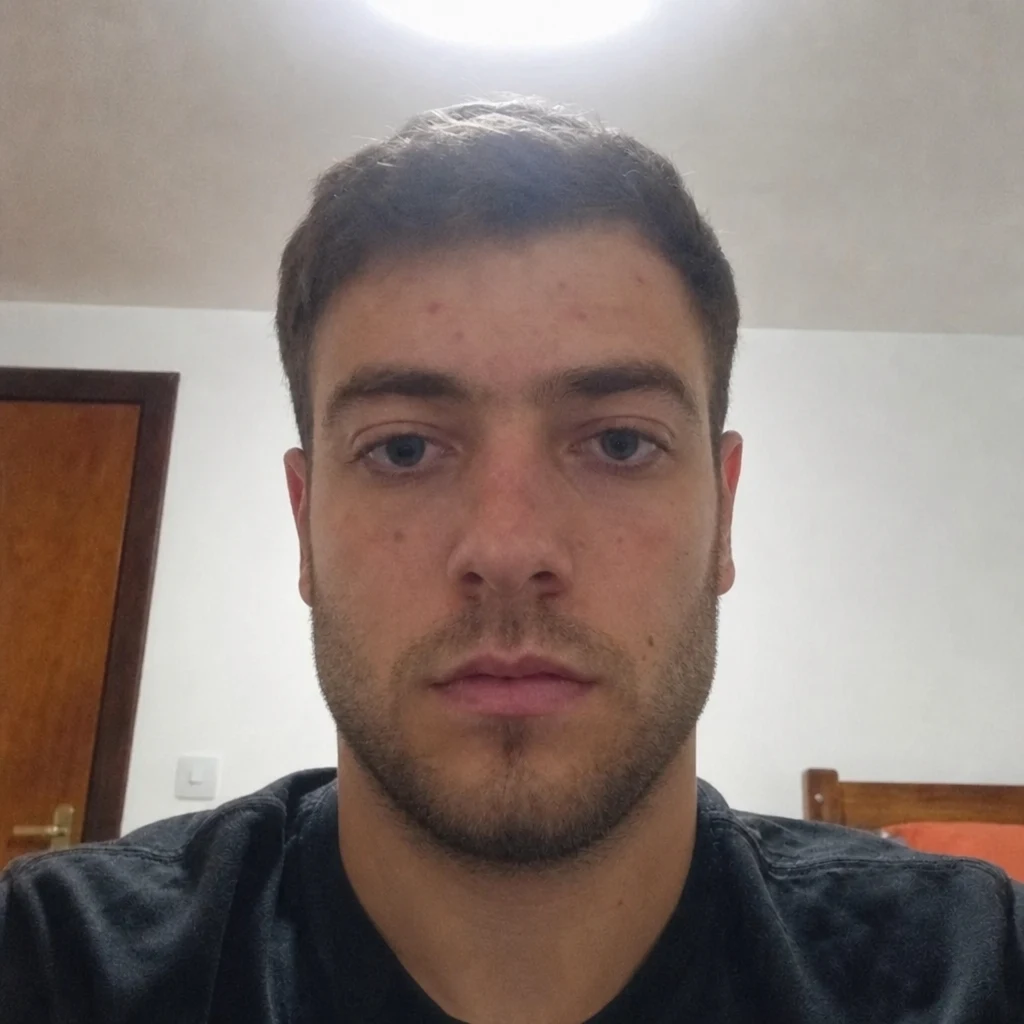
- BeforeAfter — simulatedJawline FillerSimulates definition along your jaw.
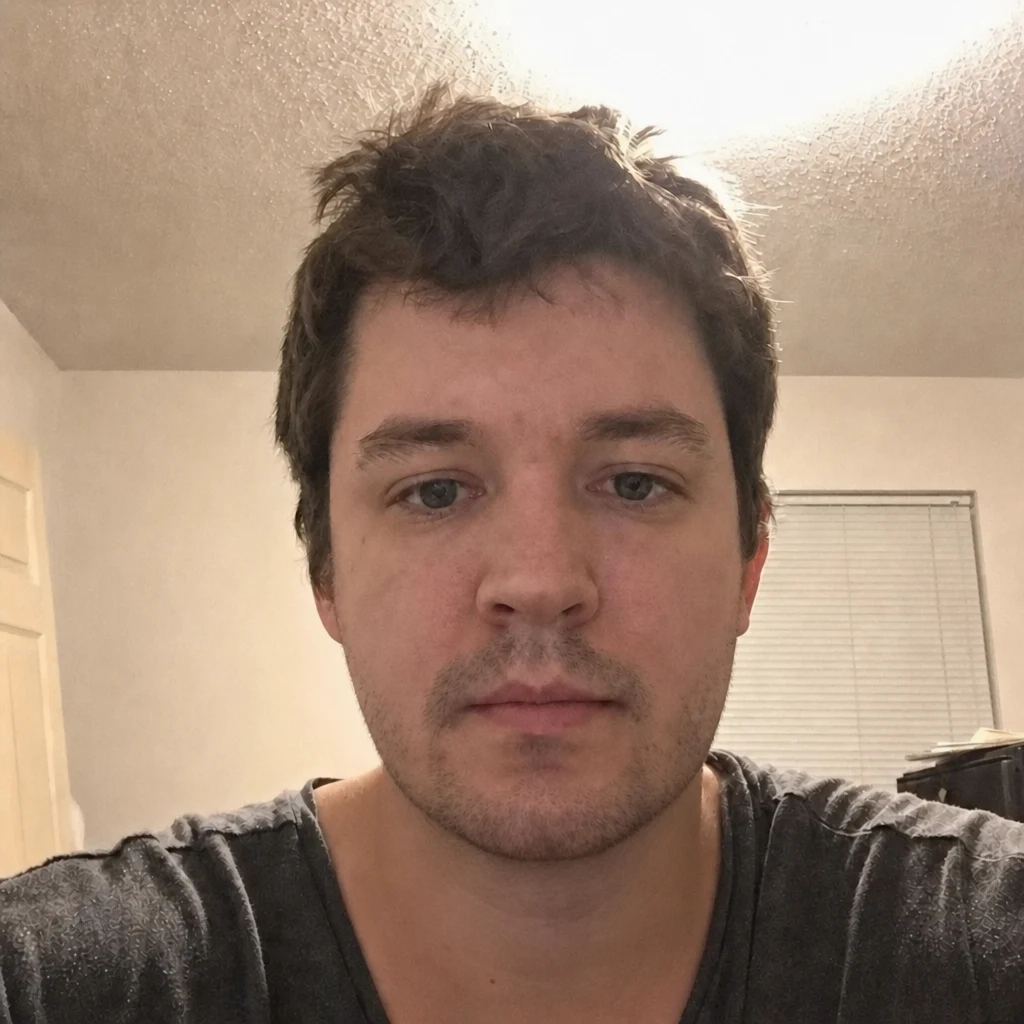
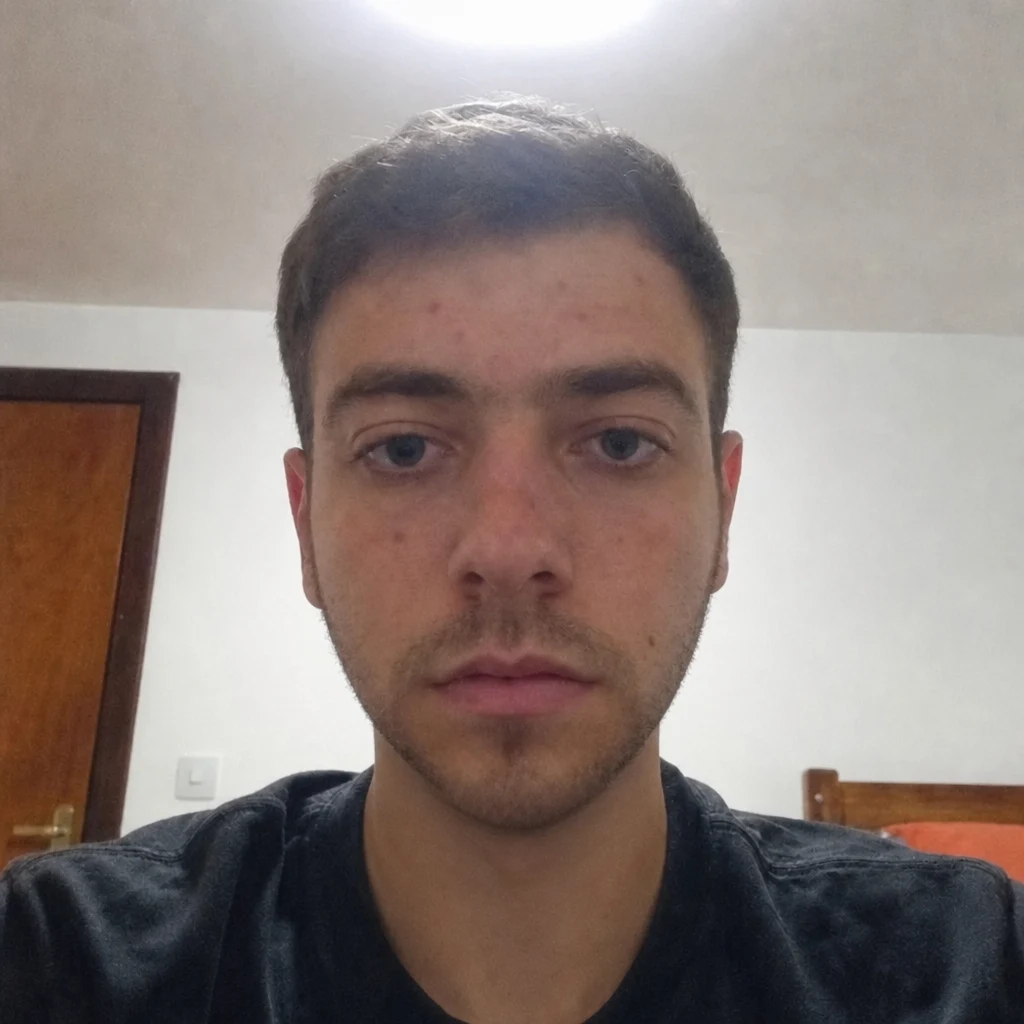
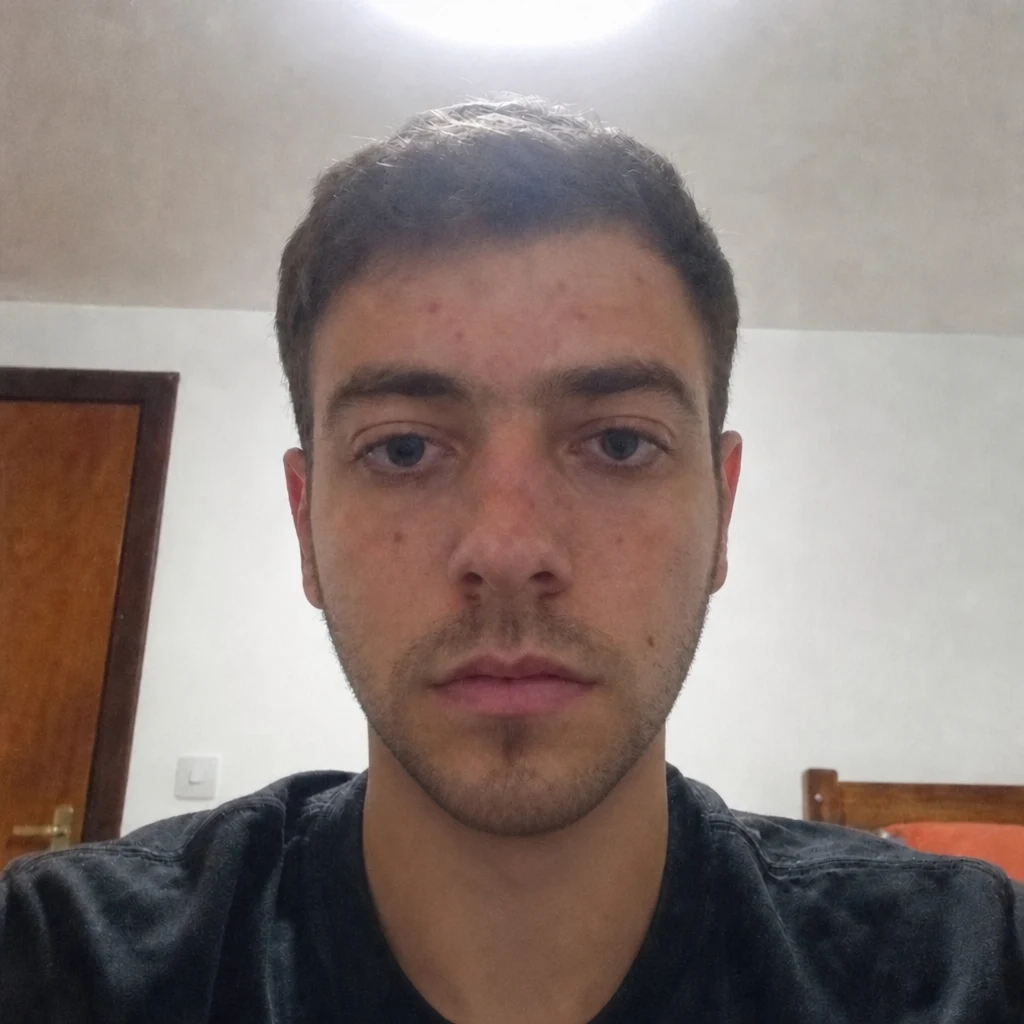
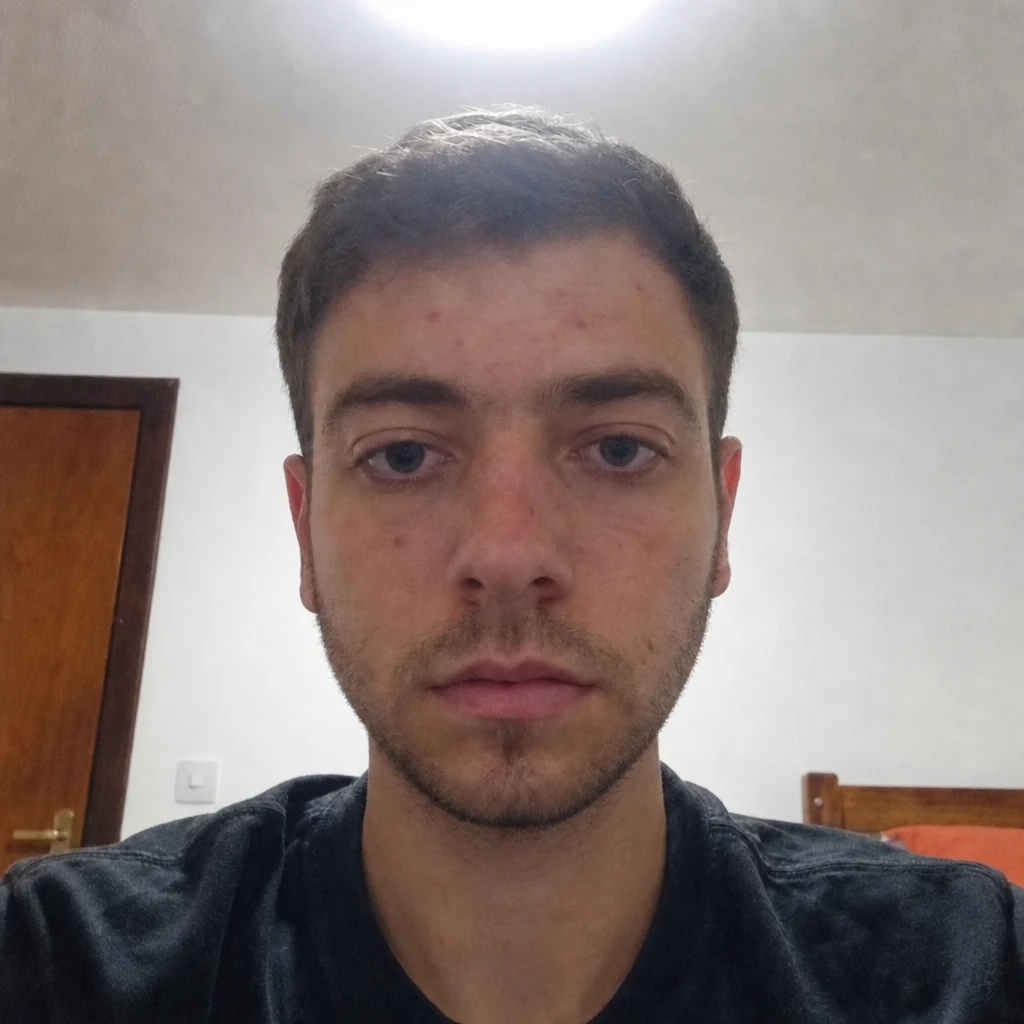
- Before — generatedAfter — simulatedJaw ReductionSimulates the width of your jaw angle.
Cheeks & midface
- BeforeAfter — simulatedCheek FillerSimulates cheekbone projection and midface volume.
- Before — generatedAfter — simulatedTemple FillerSimulates hollowing at the temples.
- BeforeAfter — simulatedBuccal Fat RemovalSimulates cheek fullness below the cheekbone.
- Before — generatedAfter — simulatedBichectomySimulates cheek fullness — the same procedure as buccal fat removal.
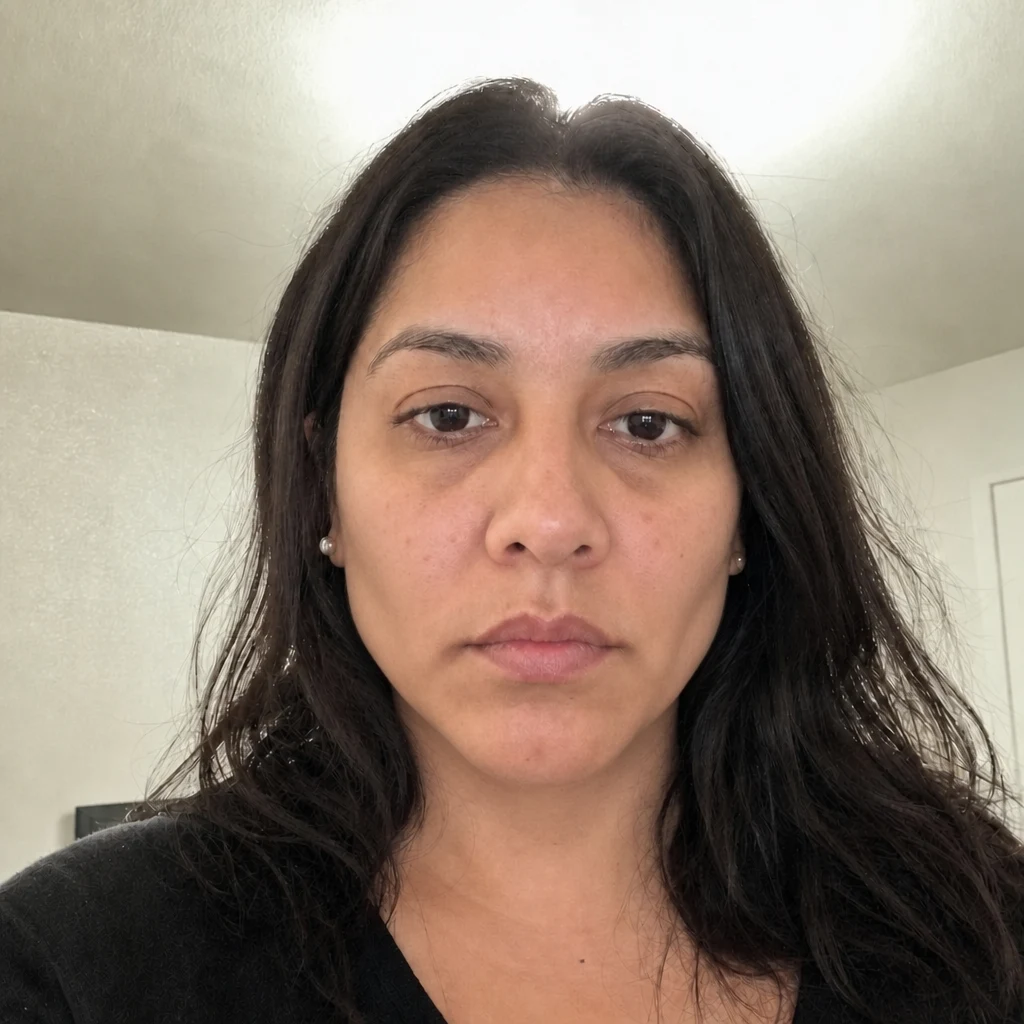
Forehead & hairline
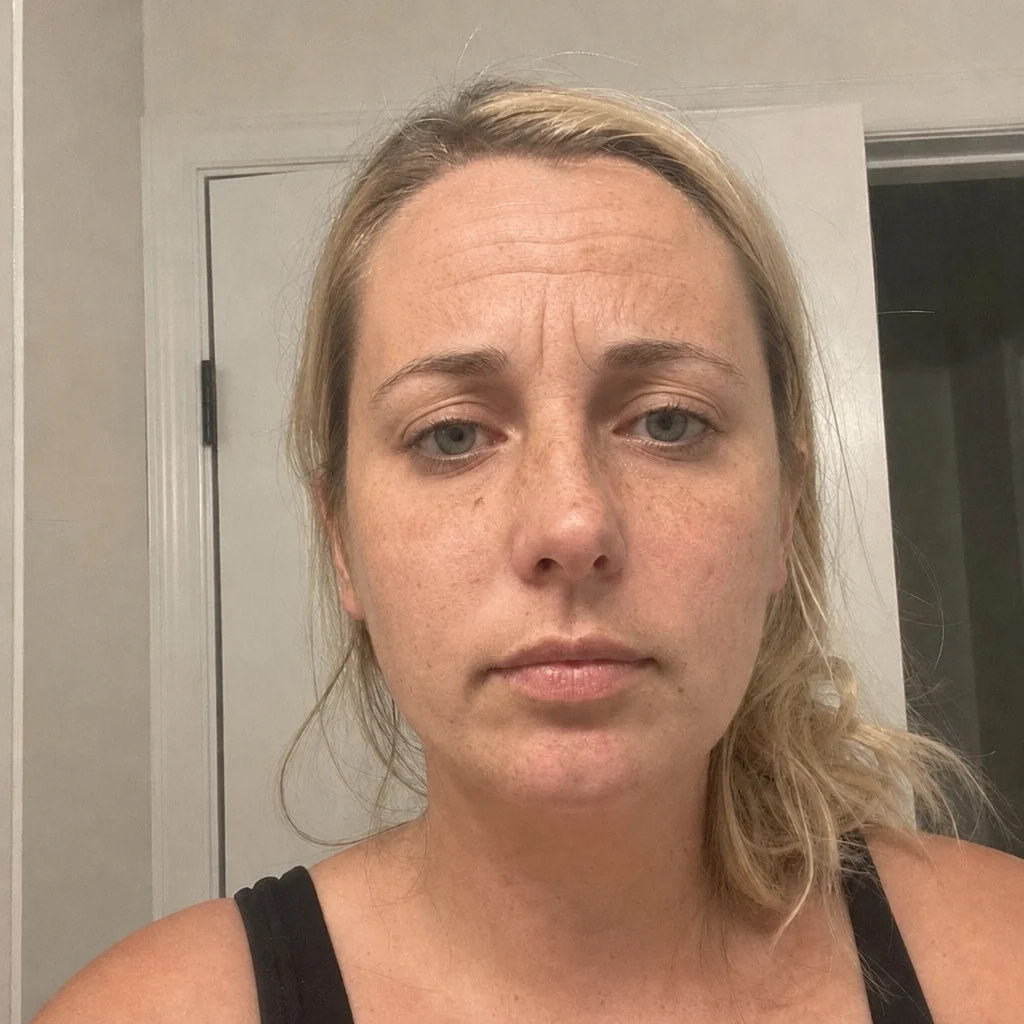
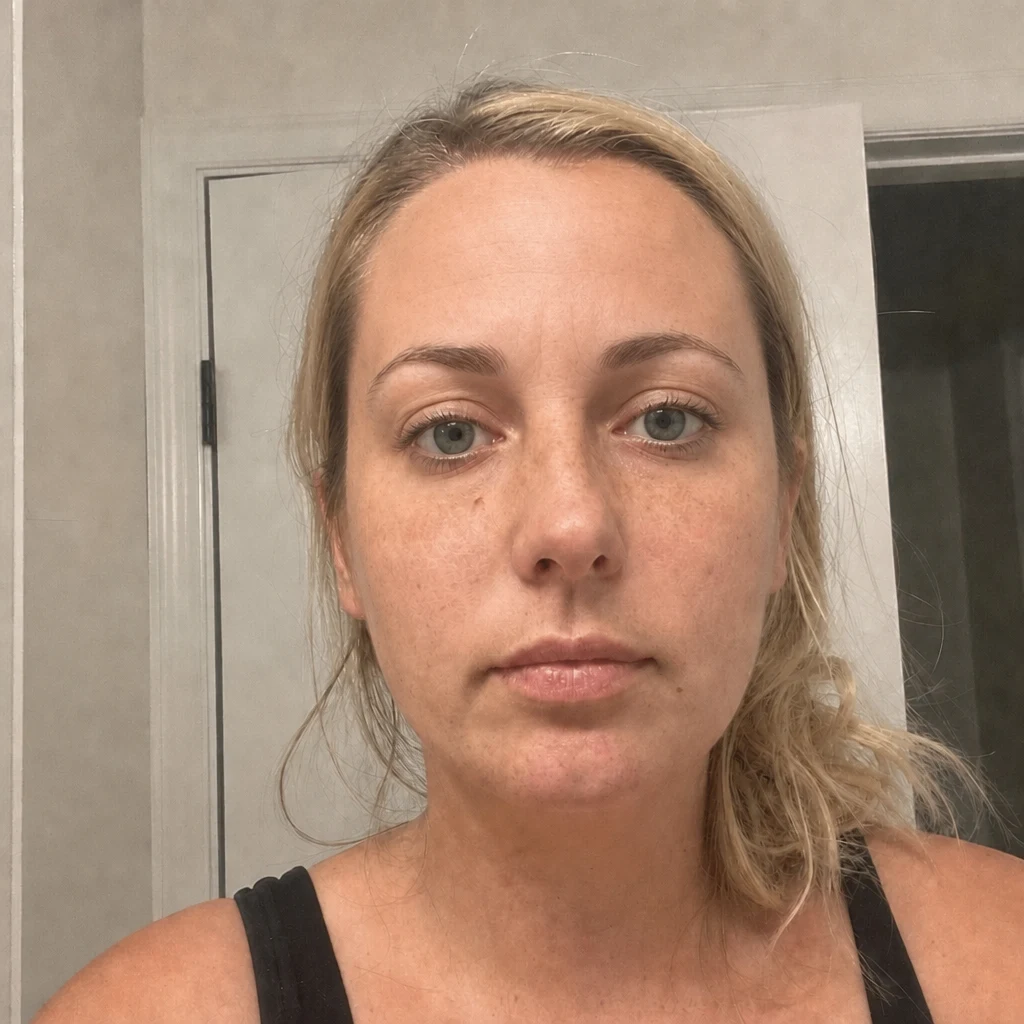
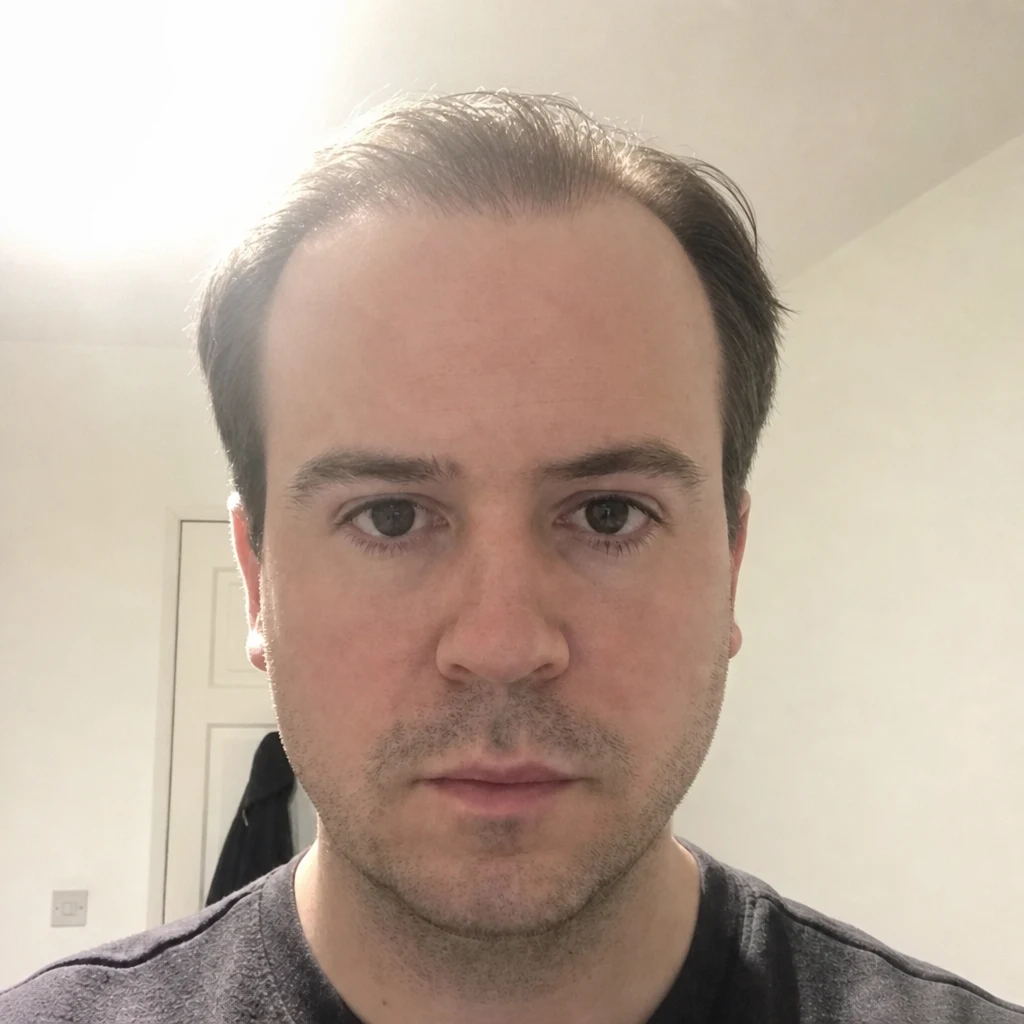
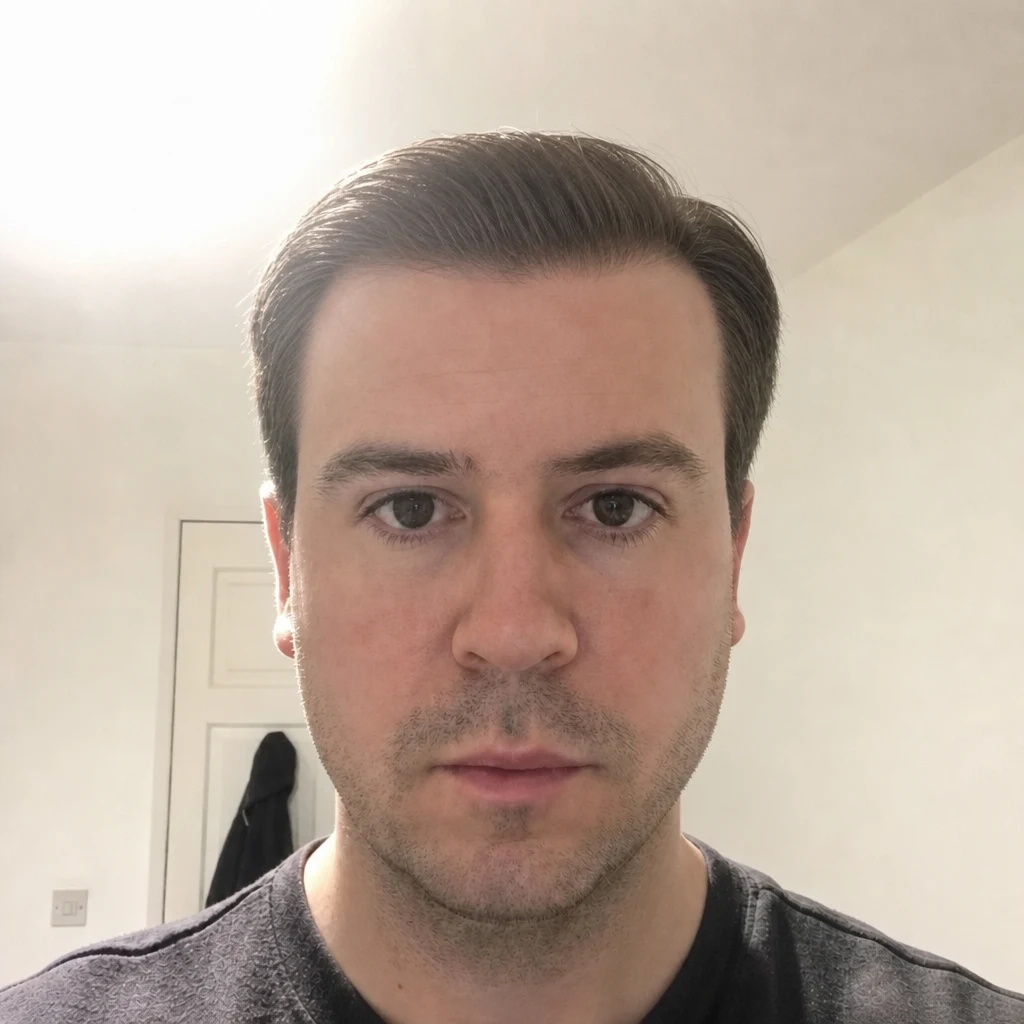
Hair
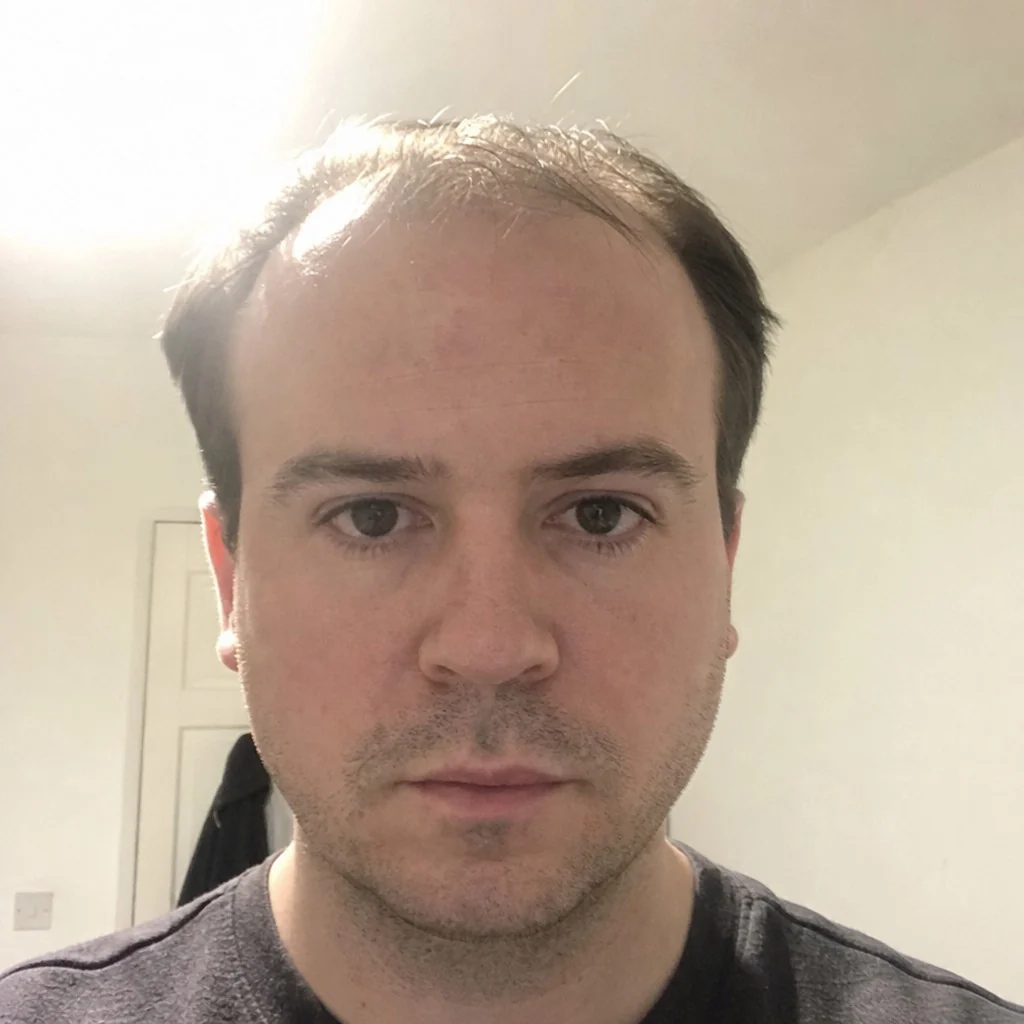
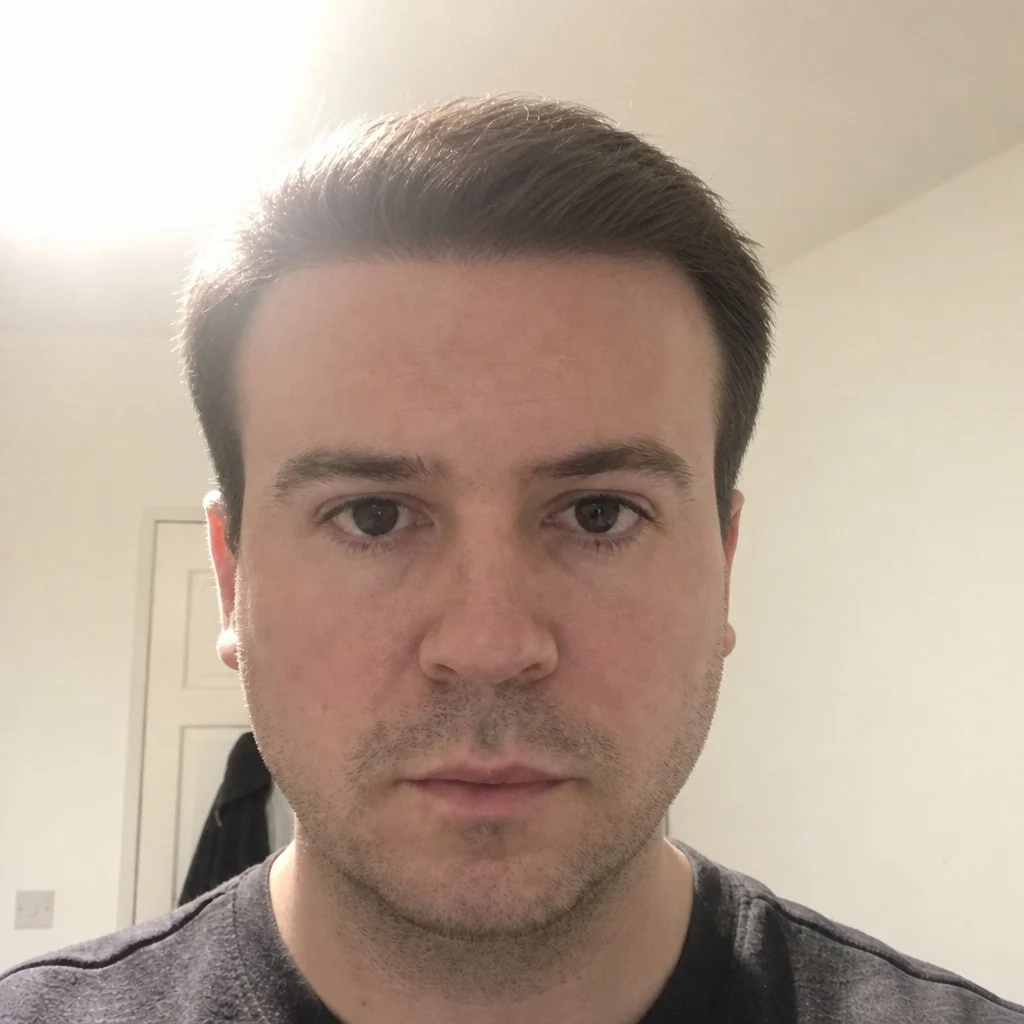
Lifts
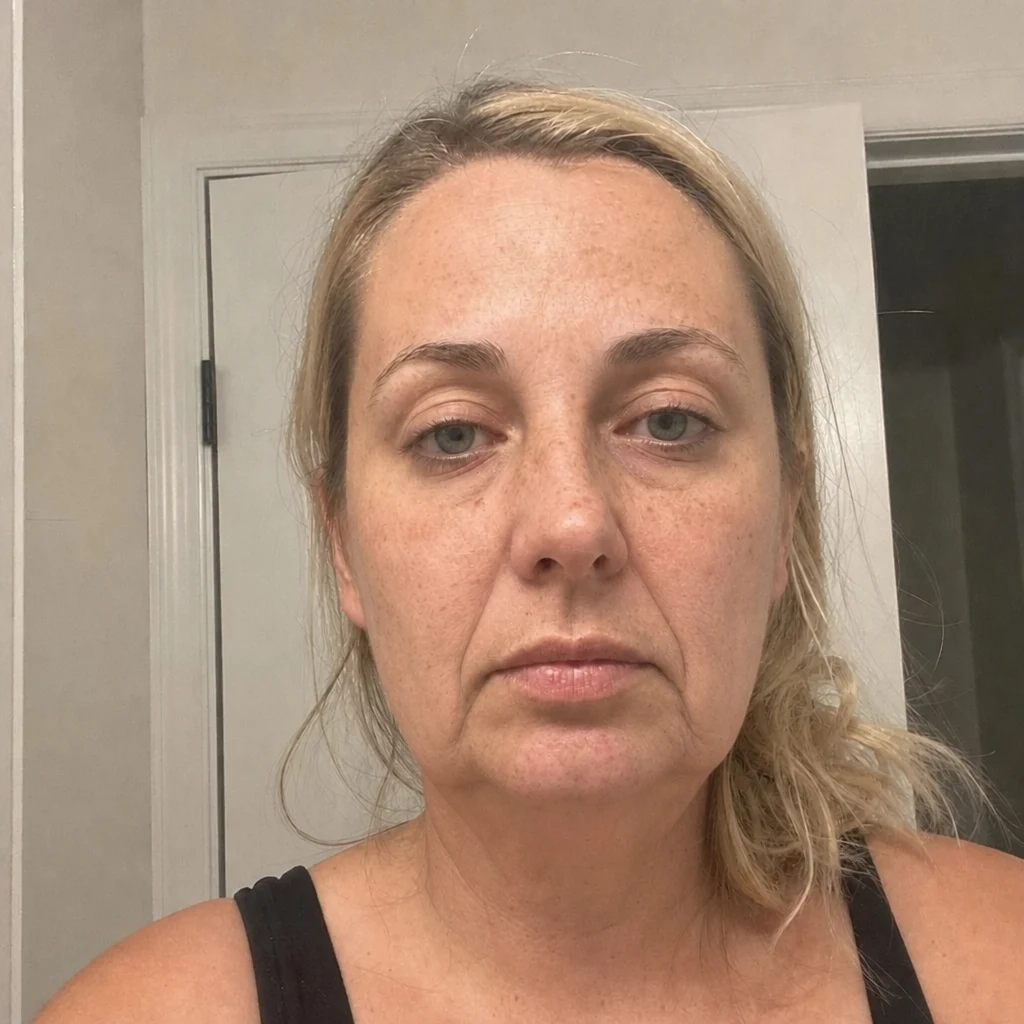
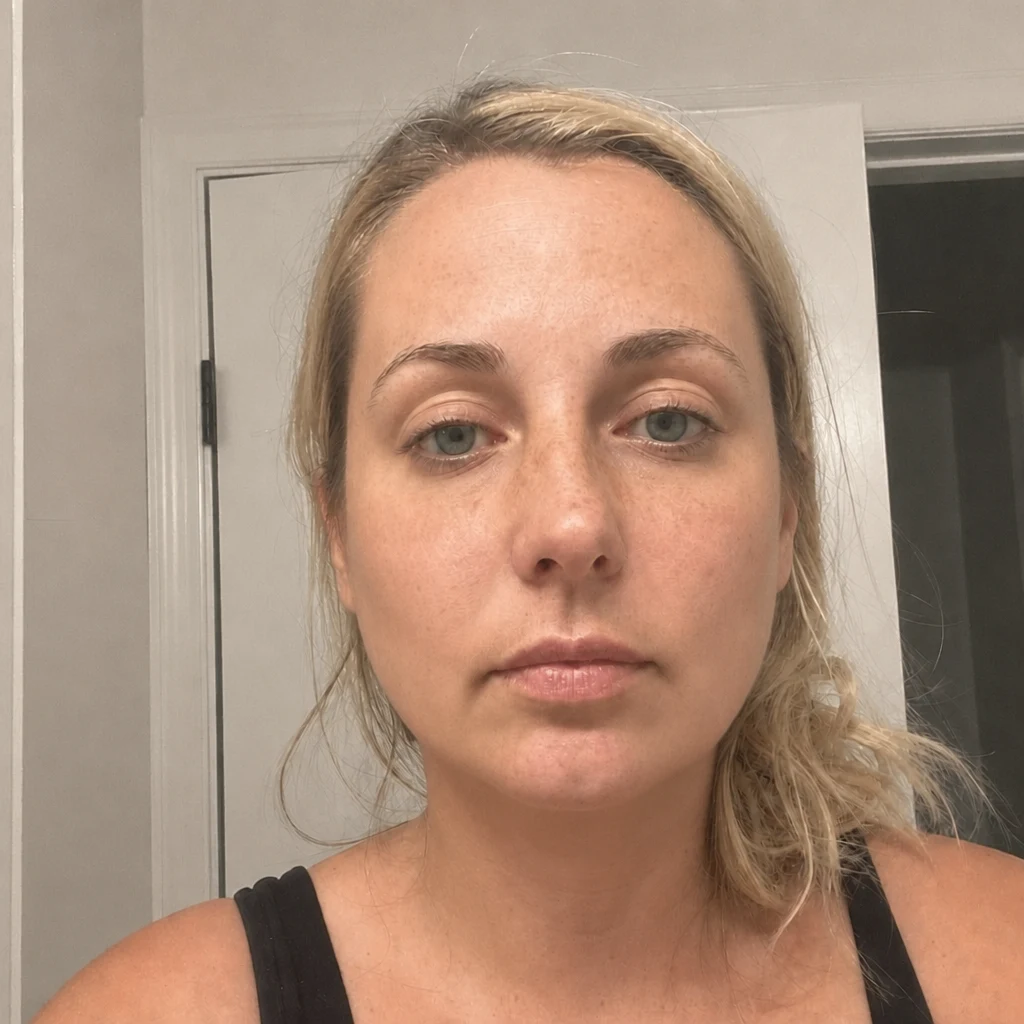
Ears
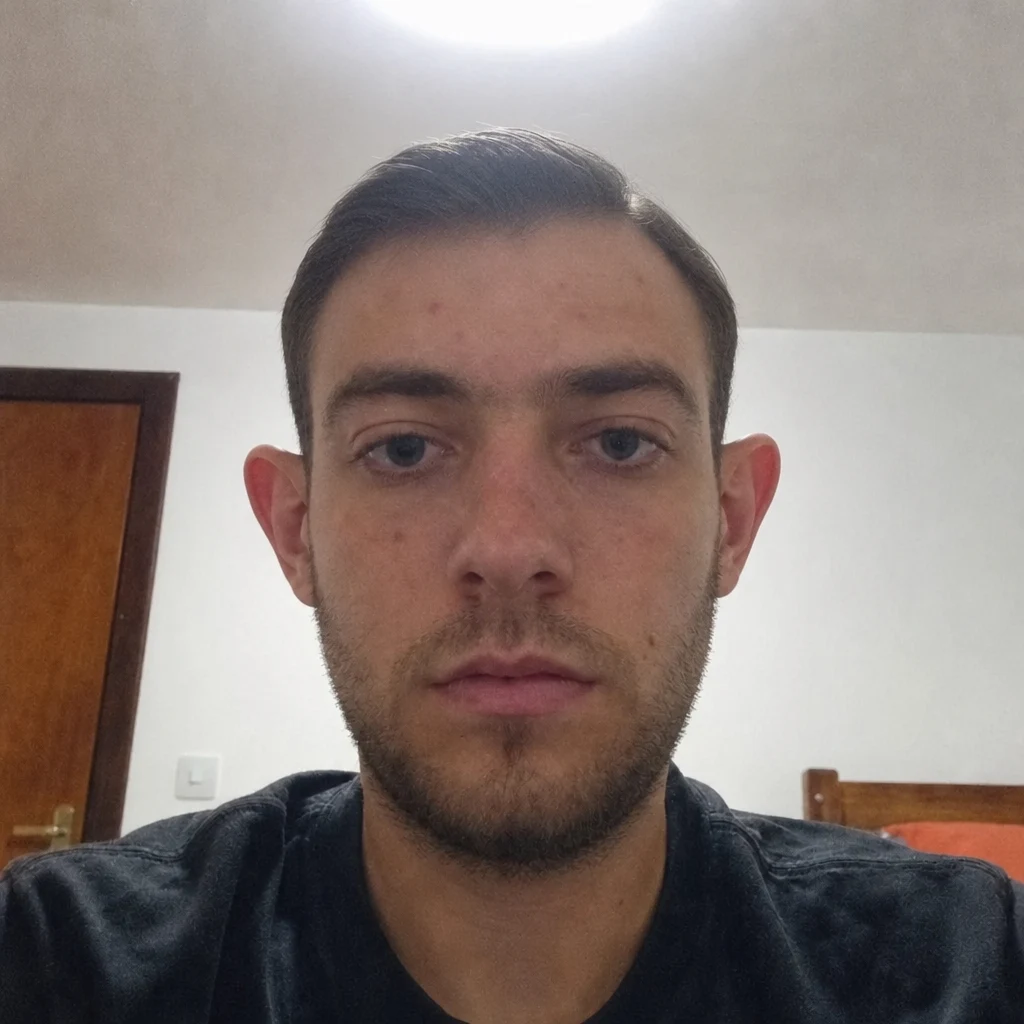
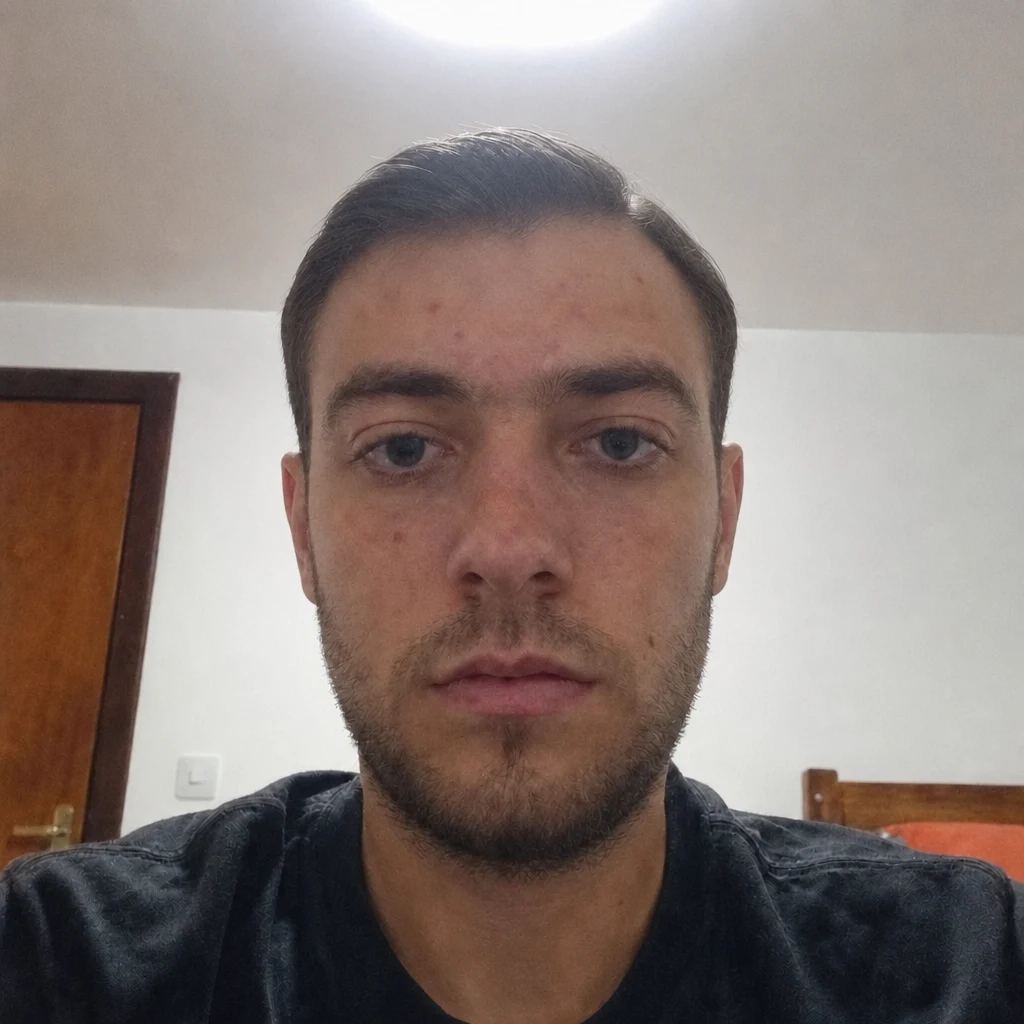
Skin
- Before — generatedAfter — simulatedBotoxSimulates forehead, glabella and crow's feet lines.
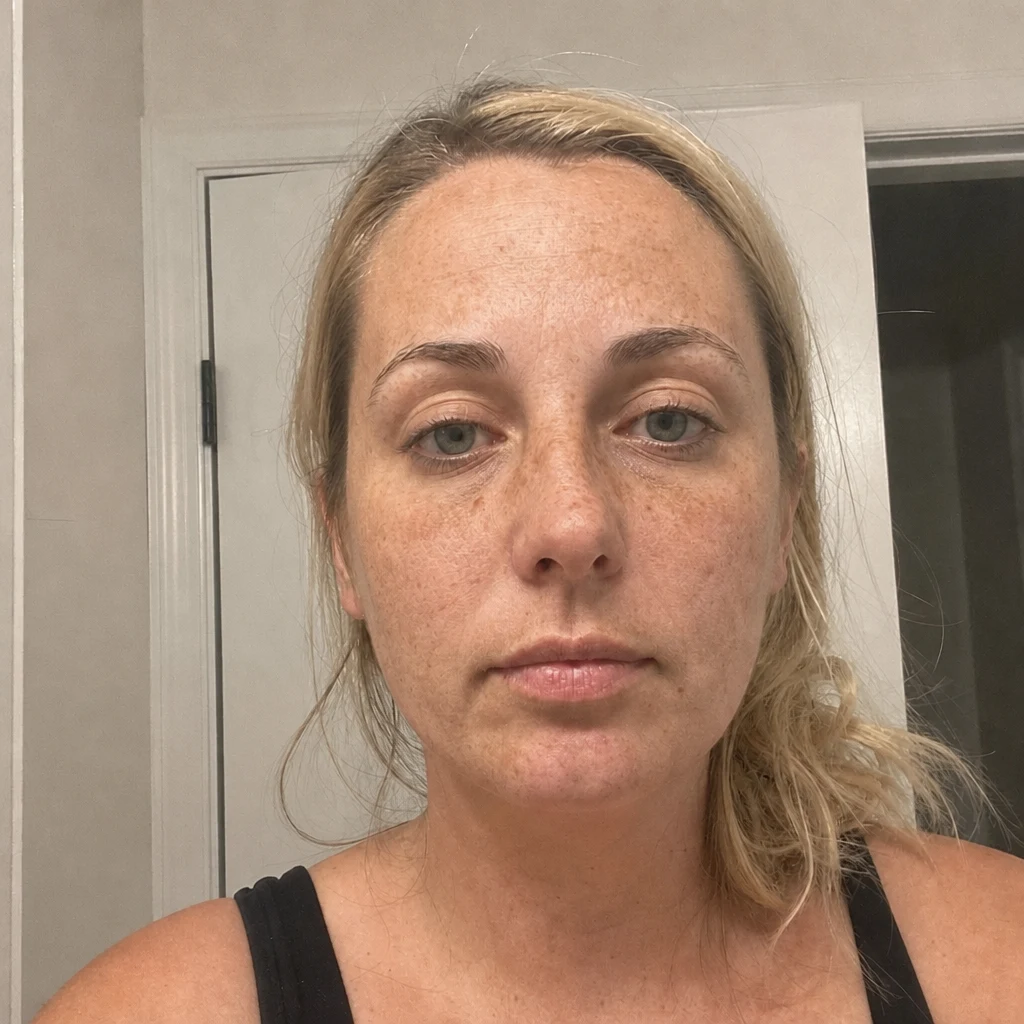
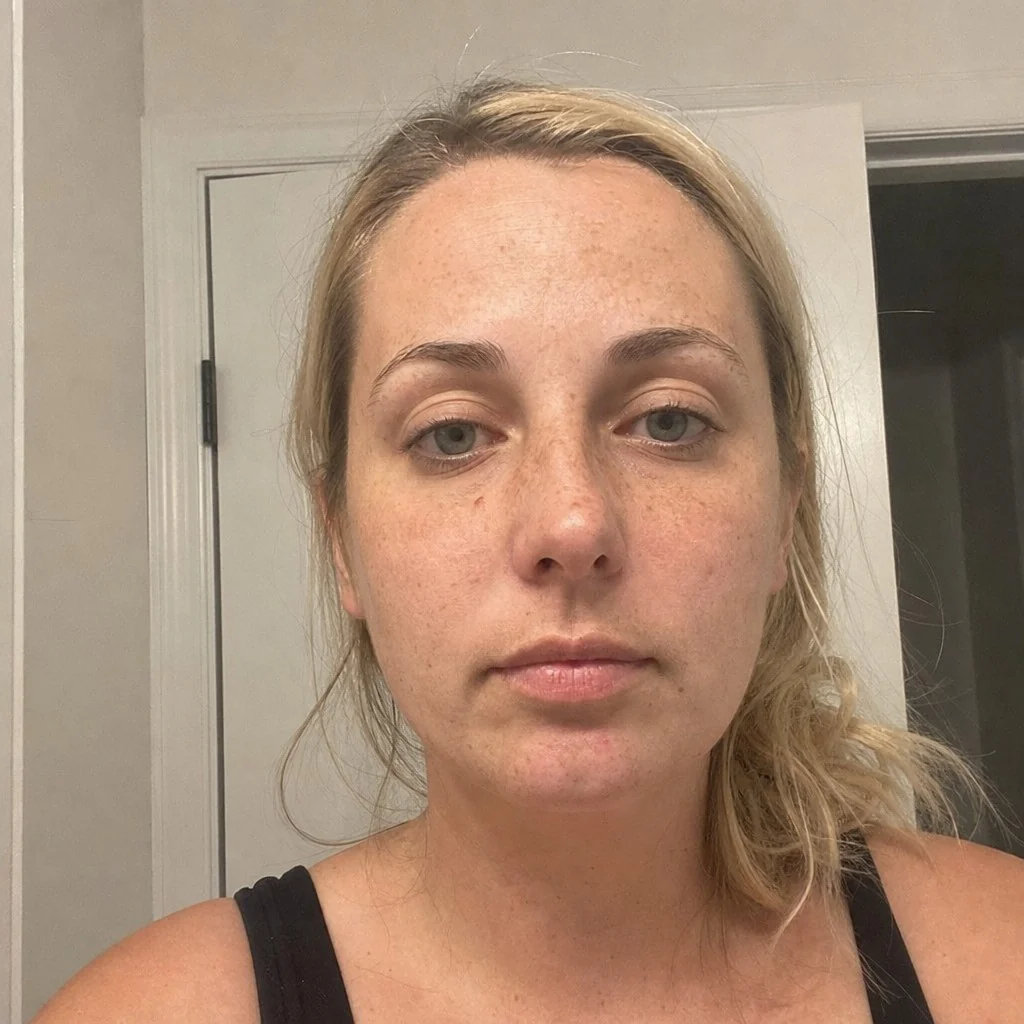
- Before — generatedAfter — simulatedSkin ResurfacingSimulates texture, pores and surface lines.
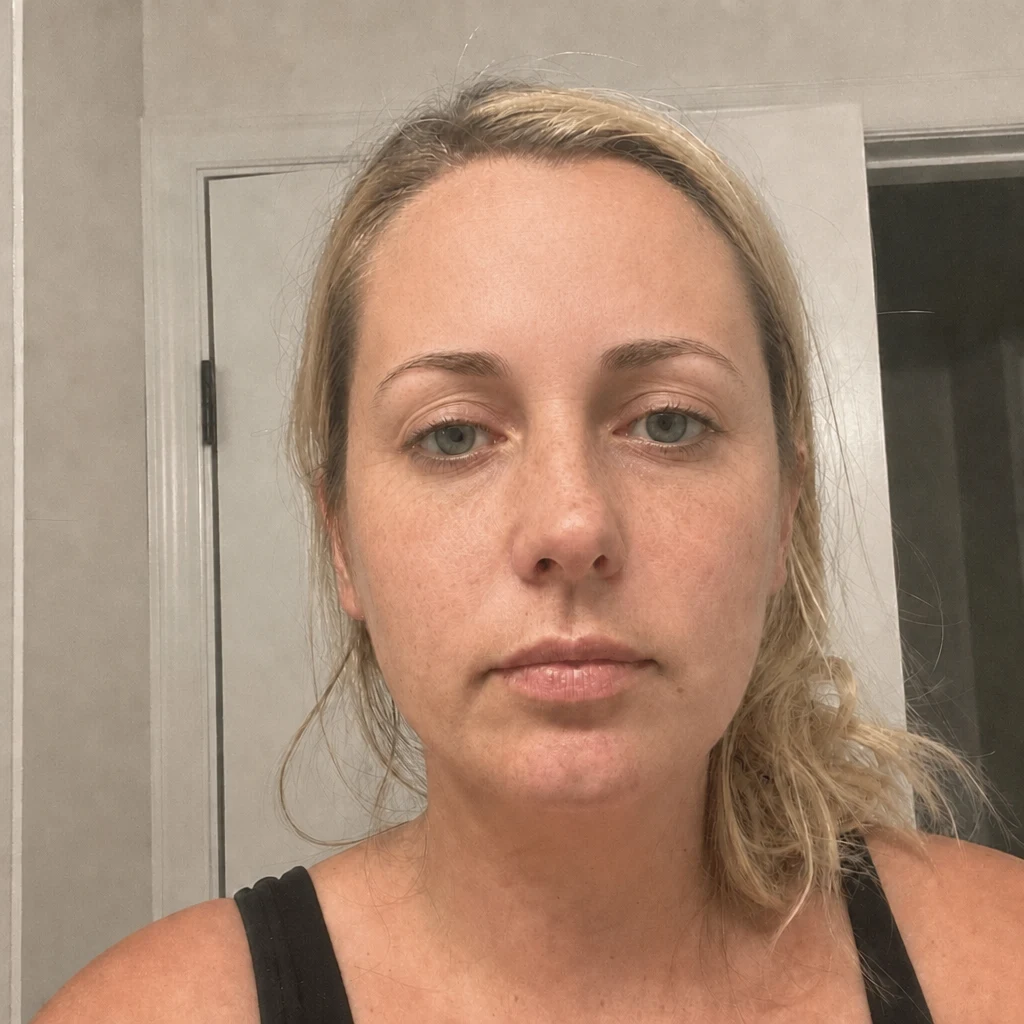
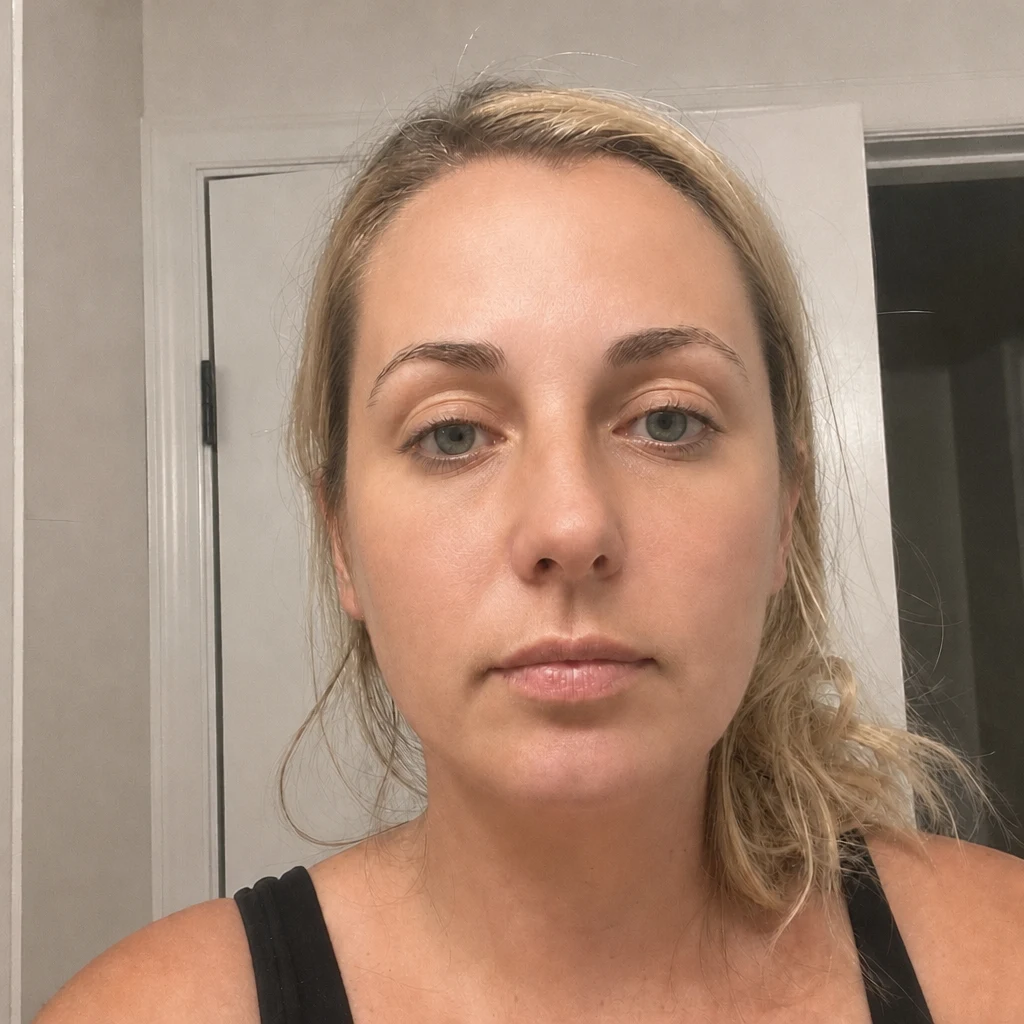
- BeforeAfter — simulatedGlass SkinSimulates skin clarity, pore visibility and redness, without changing your features.
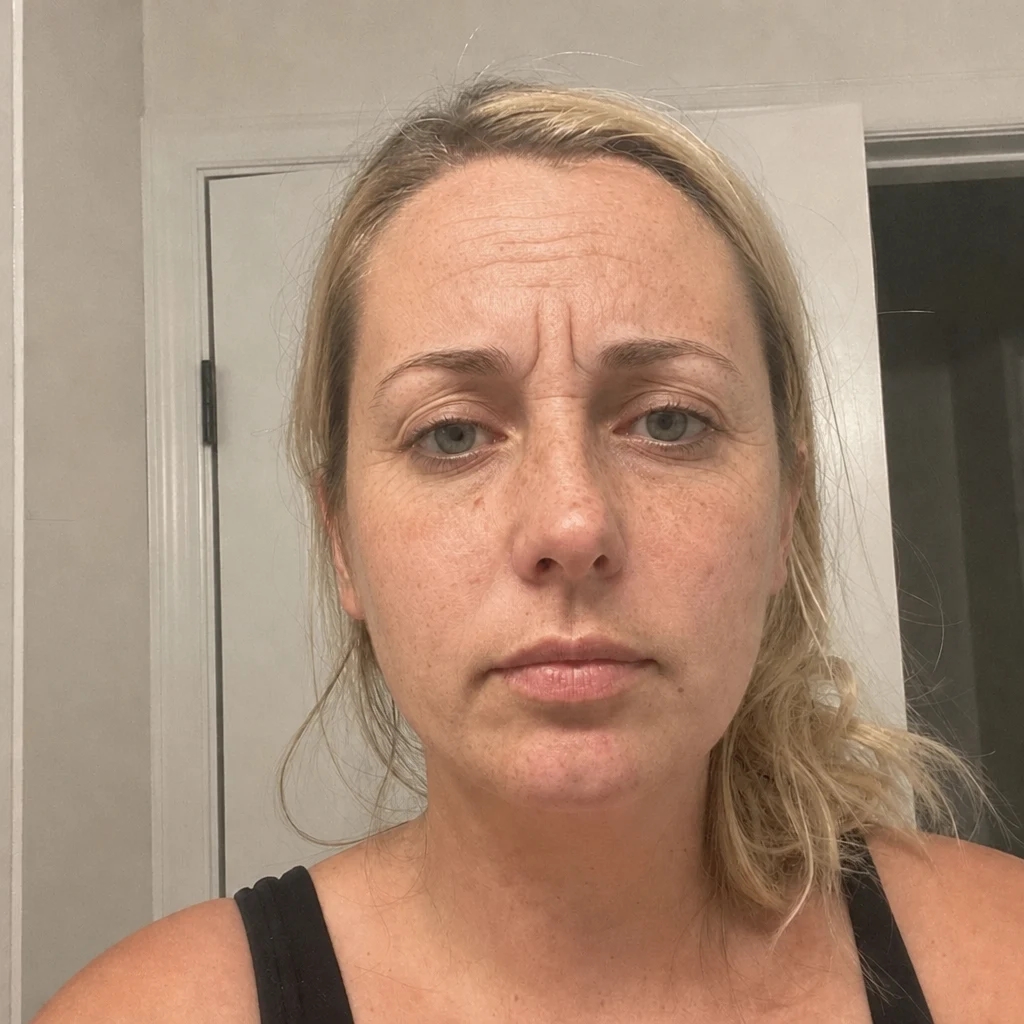
Multi-procedure packs
What a procedure simulation is, and what it is not
A simulation renders one change on your own photograph. It is an illustration of a direction, not a prediction of your result. Three things decide the actual outcome and none of them is visible in a photograph: your underlying anatomy, the technique your surgeon uses, and how you heal. Skin thickness alone sets a ceiling on what several of these procedures can achieve, and it is the single most common reason a real result differs from what somebody expected.
What it is genuinely good for is narrower and more useful than a prediction. It tells you whether you want the change at all. A large share of people who render one find the difference smaller than they had been imagining and stop there, which is a real outcome and a cheap one. And it gives you something concrete to take into a consultation — showing a surgeon a picture of the direction you want is far more precise than describing it.
Start from a measurement, not a photograph you saved
Every procedure page here names the measurement that points to it. A long philtrum points to a lip lift rather than to filler; a jaw that measures wide points to masseter treatment if the width is muscle and to something else entirely if it is bone; a short lower third points at the chin. Those are questions a measurement answers and a saved photograph does not.
The measurement tools are free, need no account, and run in your browser without your photo going anywhere. Running one before you render anything costs nothing and changes which procedure page you end up on — which is usually worth more than the render.
What happens to your photo
The two halves of this site treat your photo differently, and the difference is worth stating plainly. The measurement tools run a landmark model inside your browser tab — the image never crosses the network, and you can watch that in your browser's developer tools while a test runs.
A simulation cannot work that way. Rendering a photorealistic image needs a GPU, so the photo is sent to a rendering service, which is why the tool asks for explicit consent before the first render rather than burying it in a policy. Results are stored against your account so they appear in your history, and you can delete any of them from the dashboard.
How the data actually flows →Taking a photo that renders well
The same framing that makes a measurement accurate makes a render usable: straight on, camera at eye level, even light on both sides, relaxed expression, hair off the face. A three-quarter angle is the most common cause of a render that looks like someone else, because the model has to invent the compressed side of the face before it can change anything on it.
For procedures whose whole point is the profile — rhinoplasty, chin work, lip lifts — a front render shows the least informative view of the change. Those pages say so individually rather than letting the render imply more than it contains.
How the credits work
Measurements are free and always will be — they run on your device, so they cost us nothing to serve. A render runs on a GPU, which is why it costs credits. Credit packs start at $4.99 for five renders and never expire; a subscription is cheaper per render and resets each period. The balance is shared with the Aesti mobile app, so credits bought in either place work in both.
See the full pricing ladder →Procedure simulations — frequently asked questions
How many procedures can I simulate?
40, grouped into 11 areas: nose, lips and mouth, eyes and brows, jaw and chin, cheeks and midface, forehead and hairline, hair, lifts, ears, skin, and multi-procedure packs. Each has its own page with an example render, what the procedure changes anatomically, and the measurement on this site that points at that area.
Can I simulate more than one procedure on the same photo?
Yes, in two ways. Run them one after another, where each render is separate and costs its own credit; or use one of the two packs, which apply several changes in a single render. A pack is the cheaper way to see a combined direction, and separate renders are the only way to see which single change is actually doing the work.
How long does a render take, and what happens if one fails?
Usually under a minute, and you can leave the page while it runs — the result lands in your dashboard either way. A render that fails does not cost a credit; it goes back to the pool it came from, whether that was a plan or a pack.
Are the before-and-after examples on this page real patients?
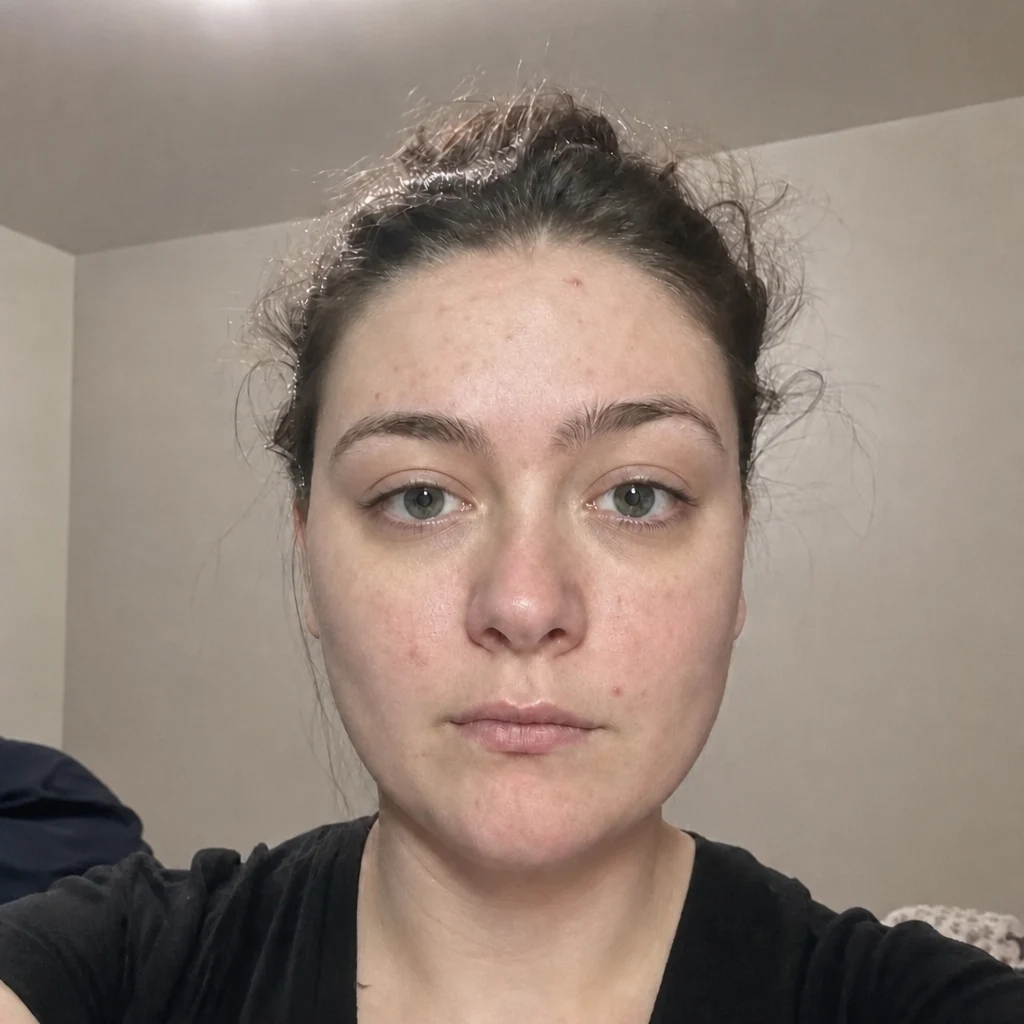
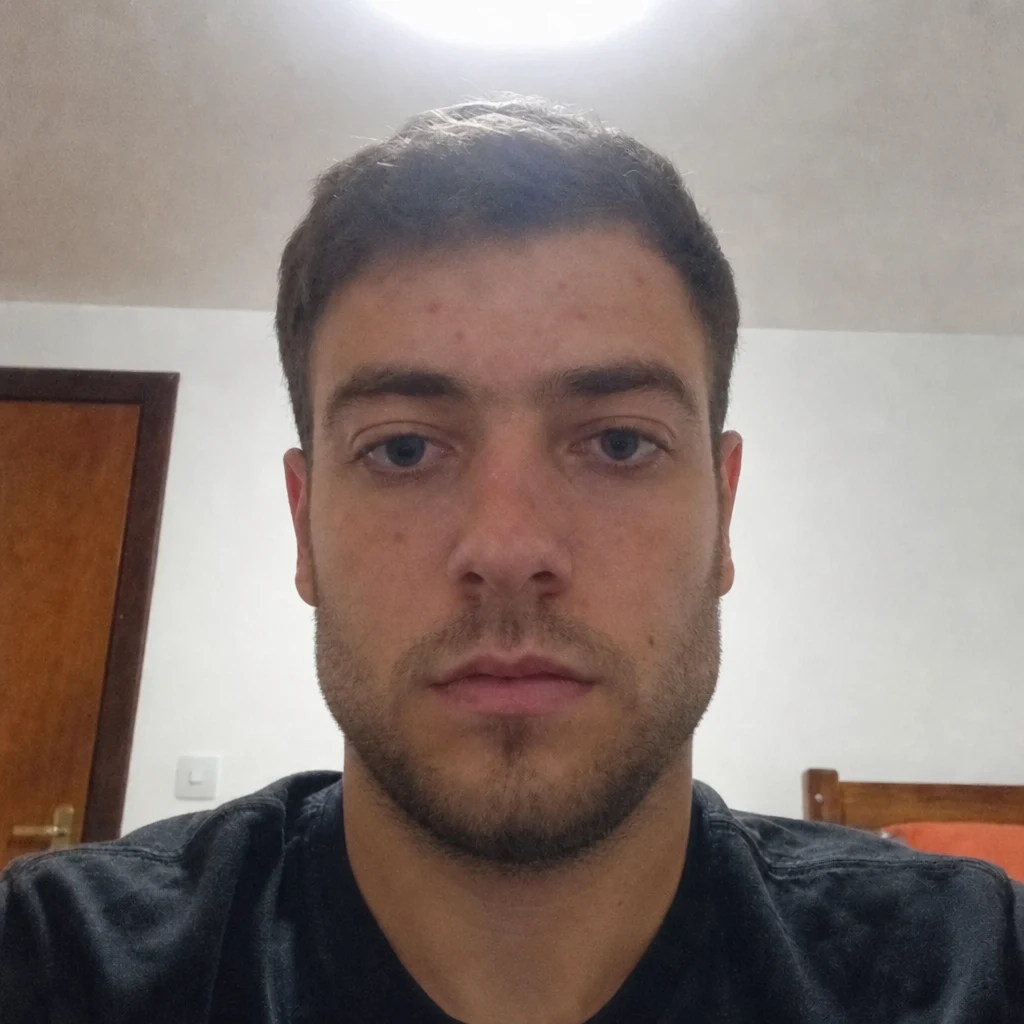
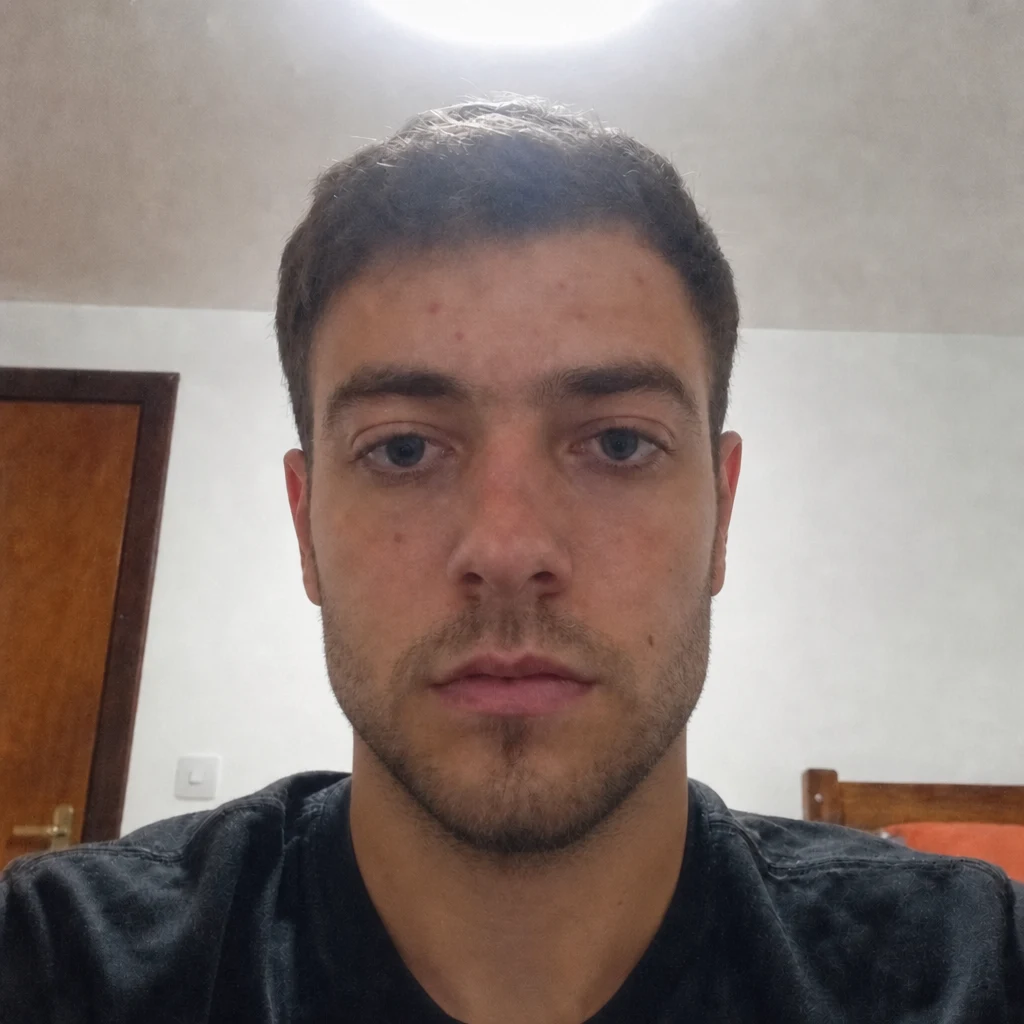
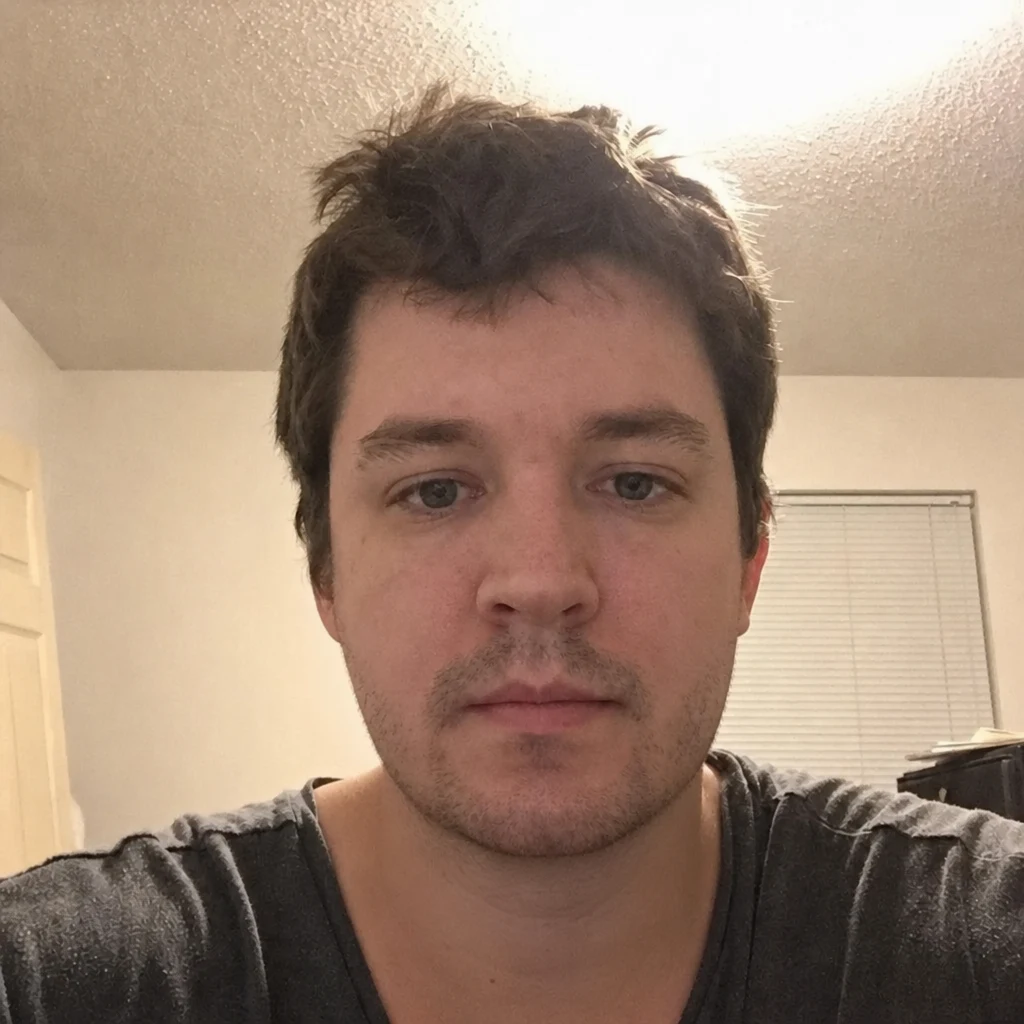
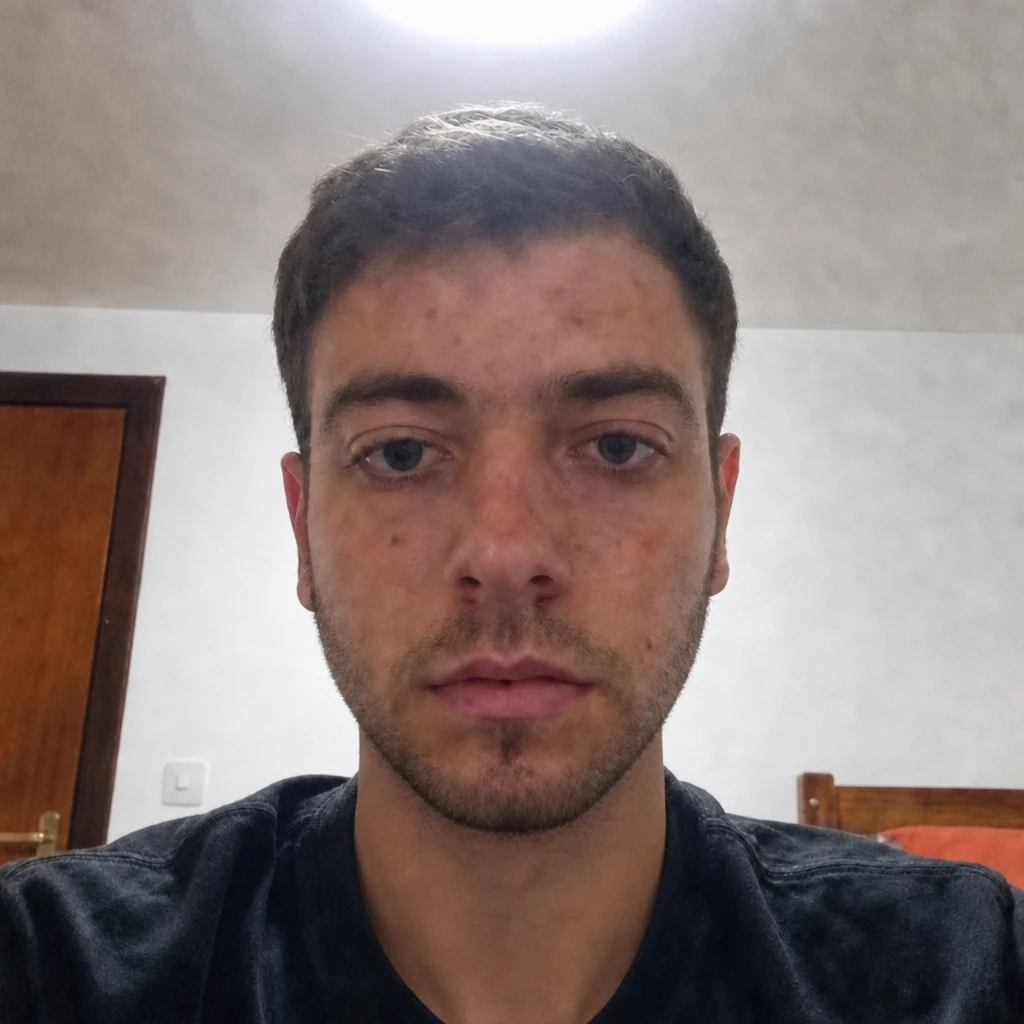
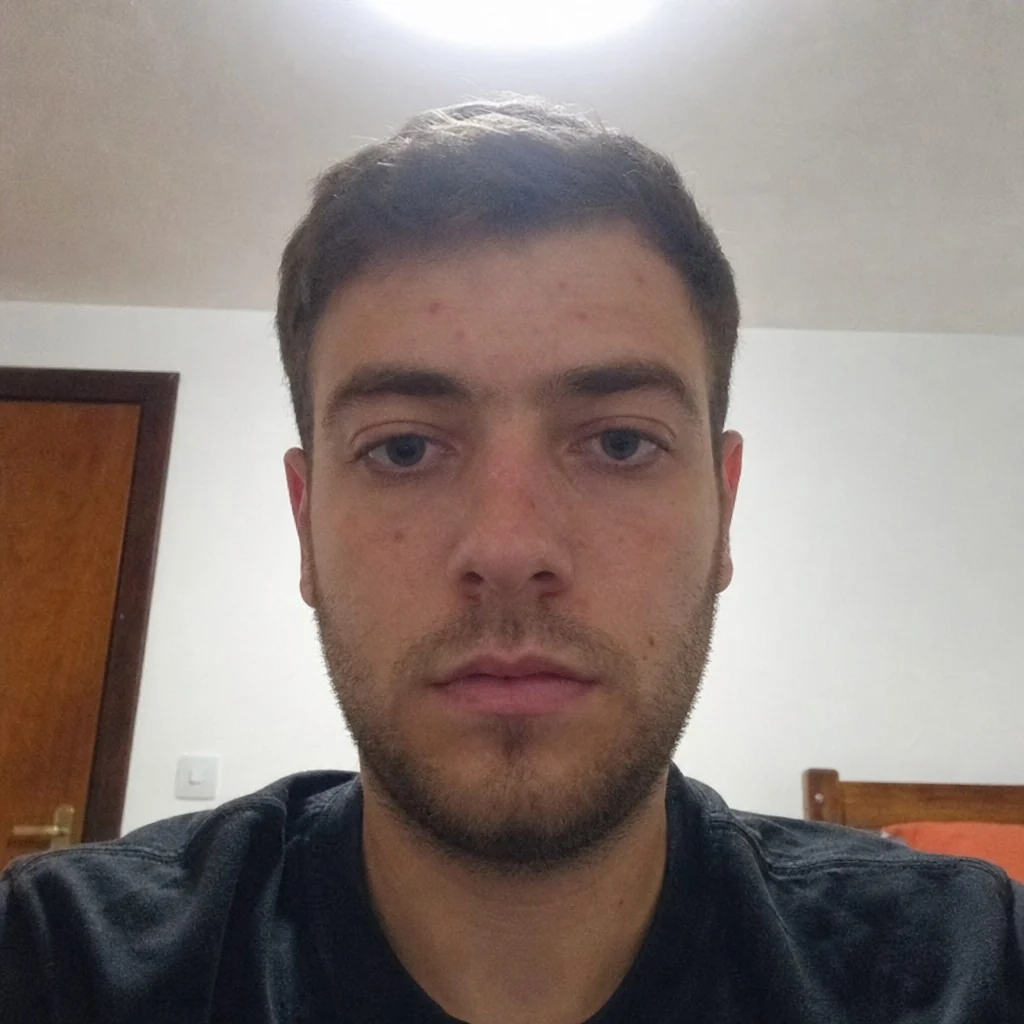
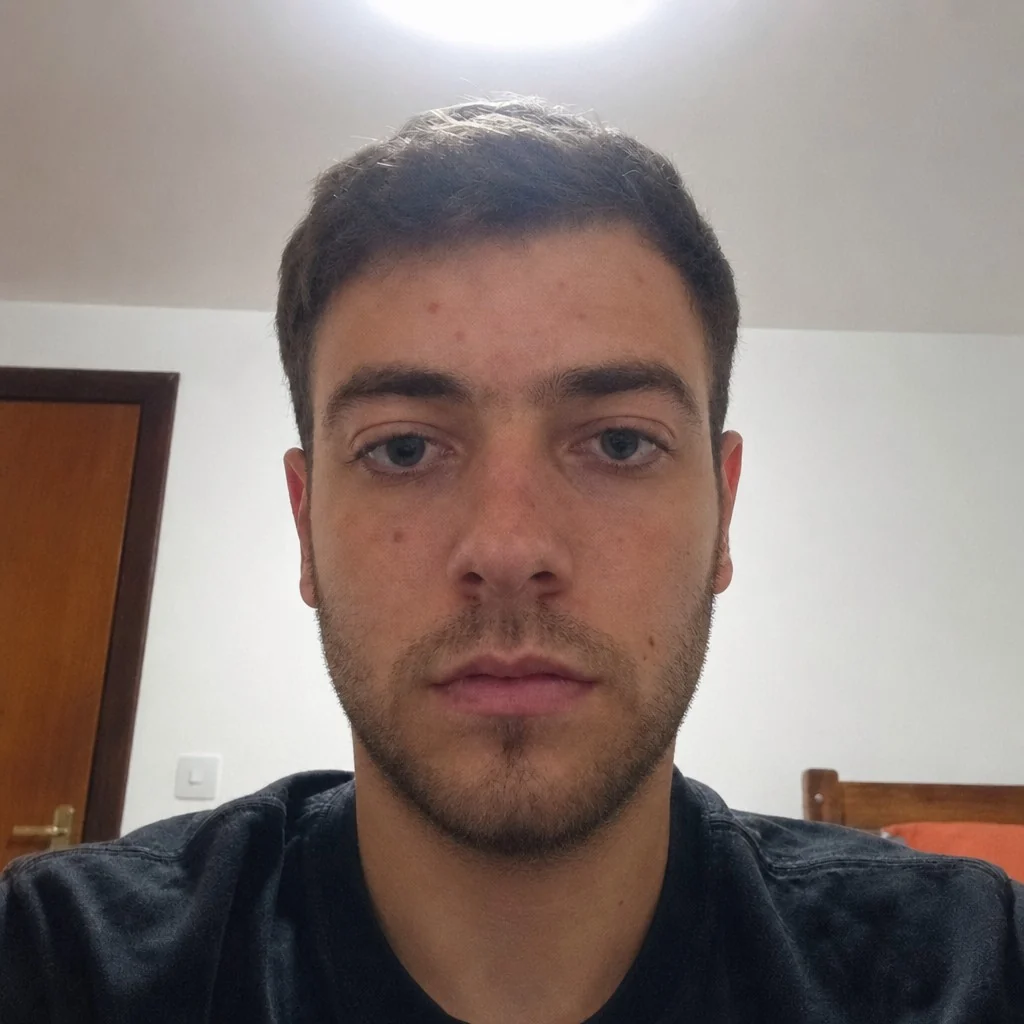
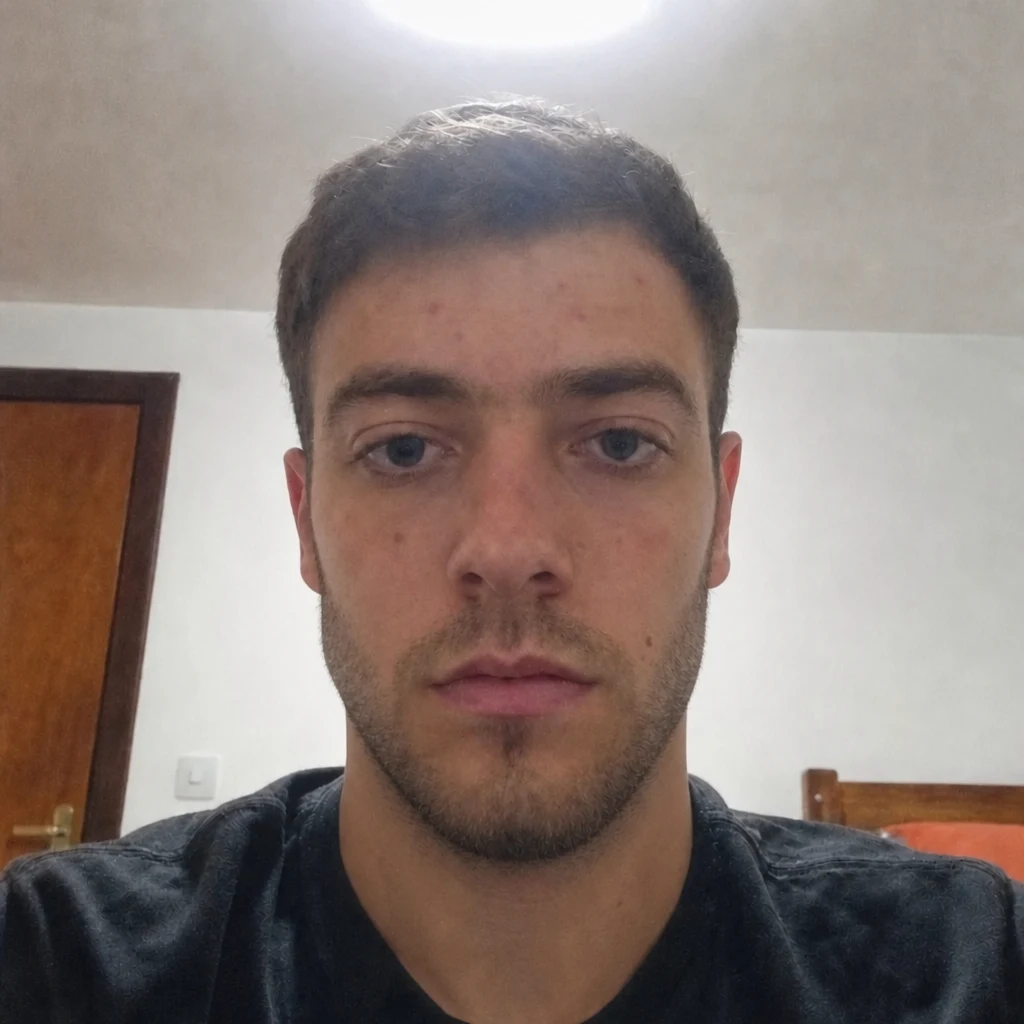
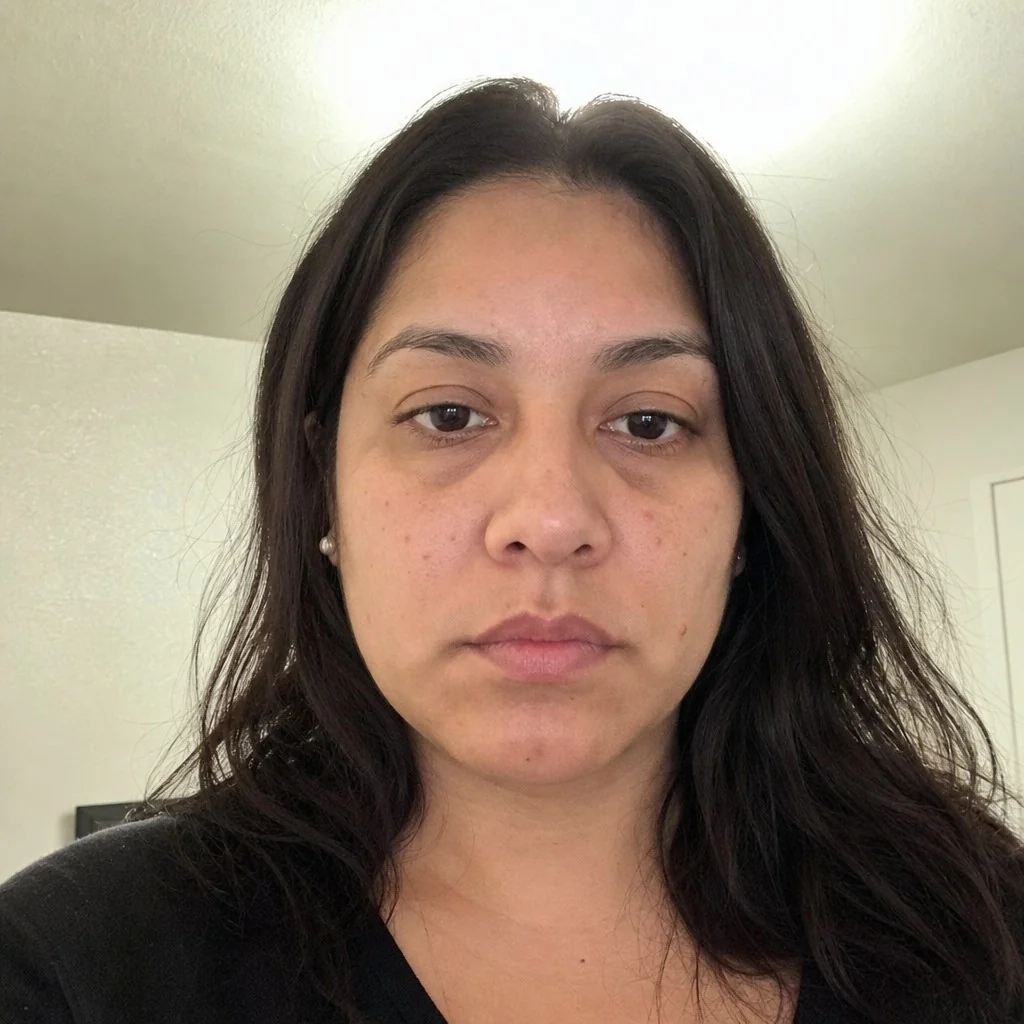
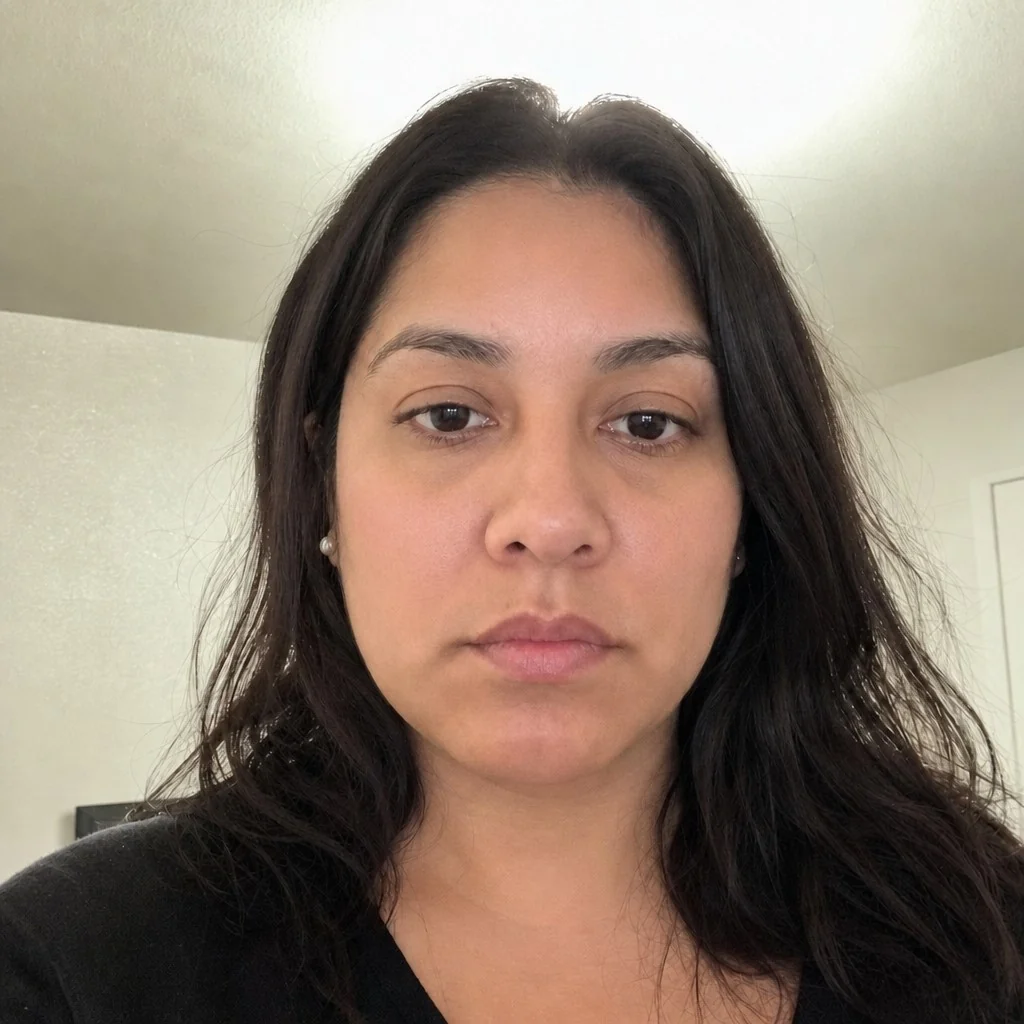
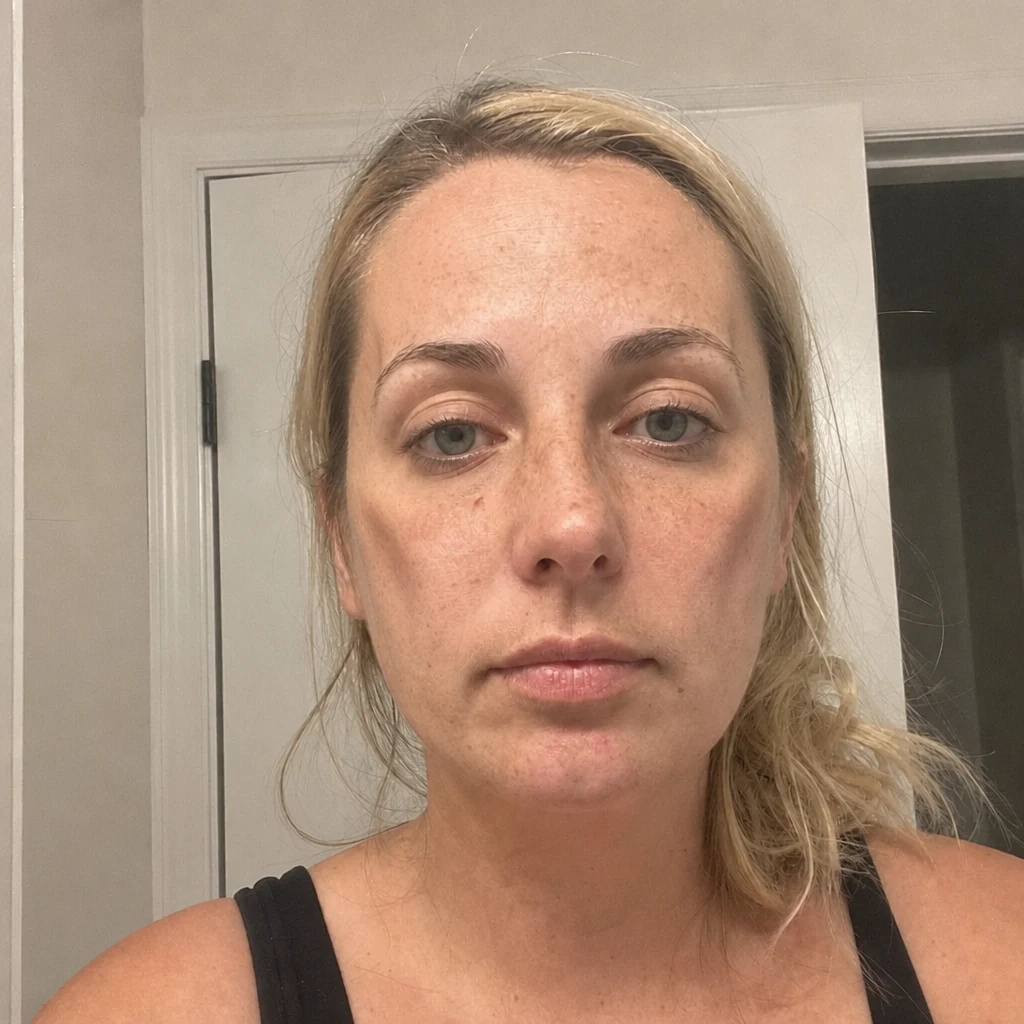
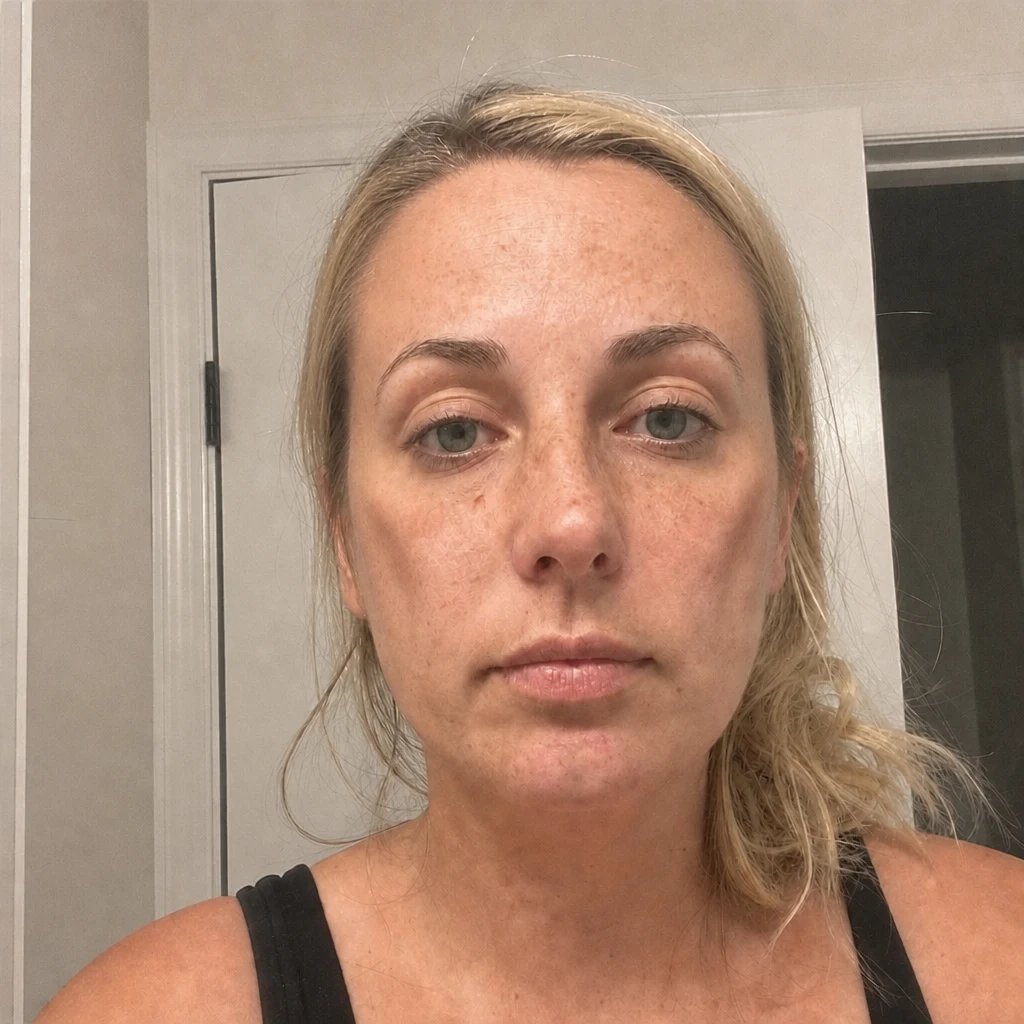
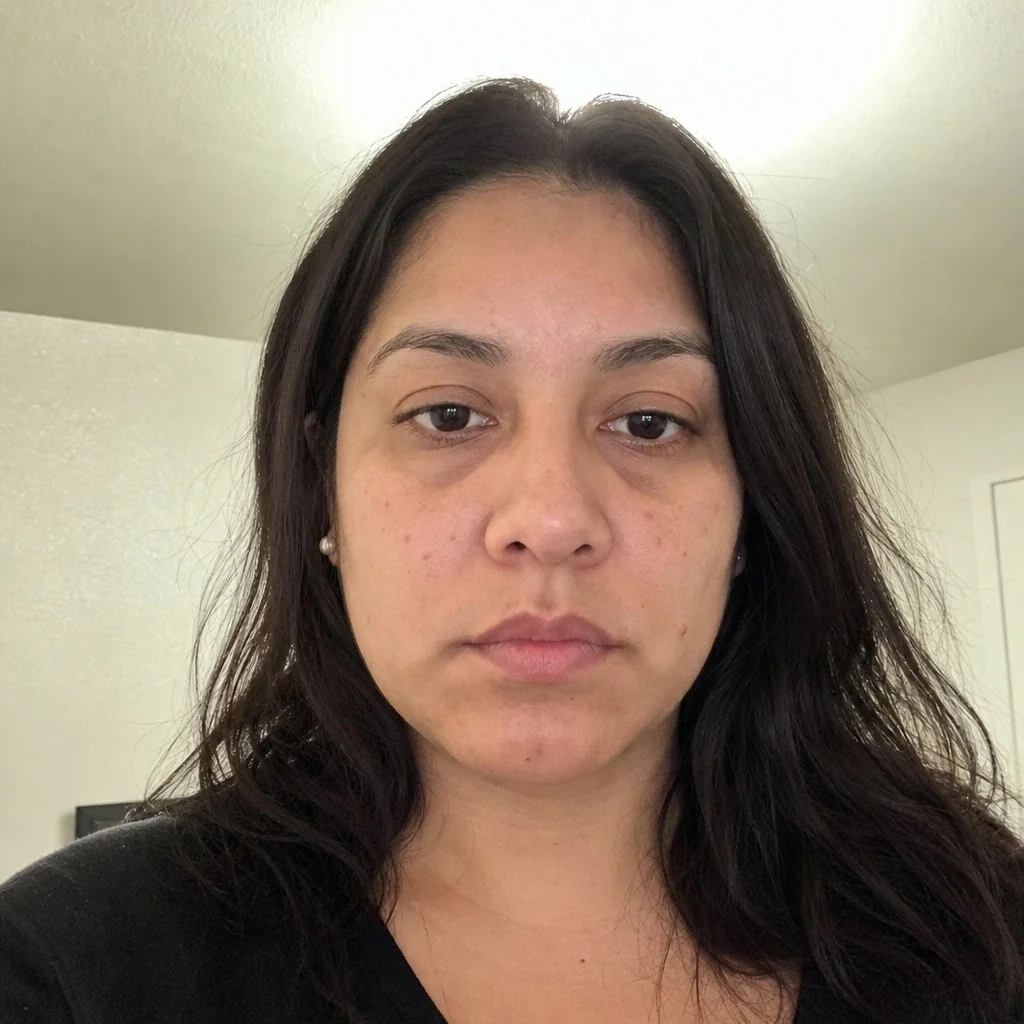
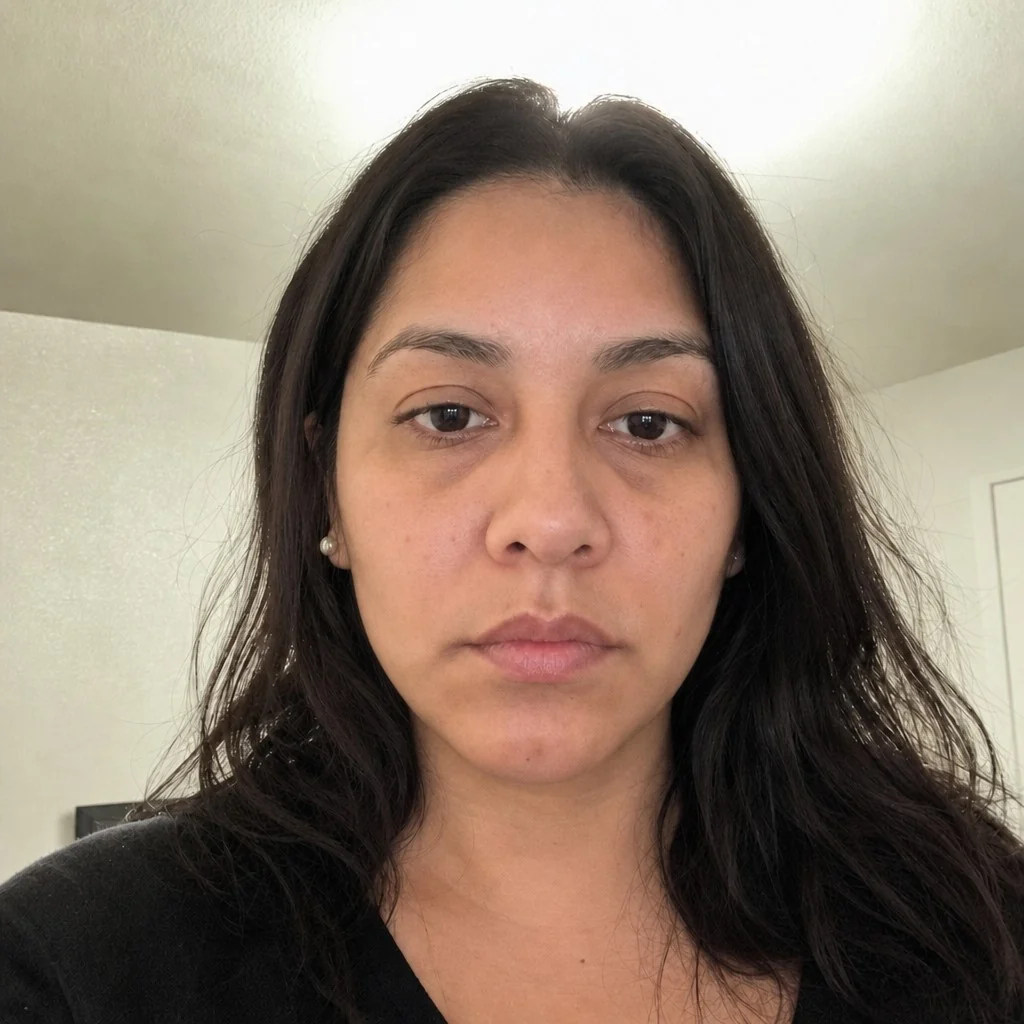
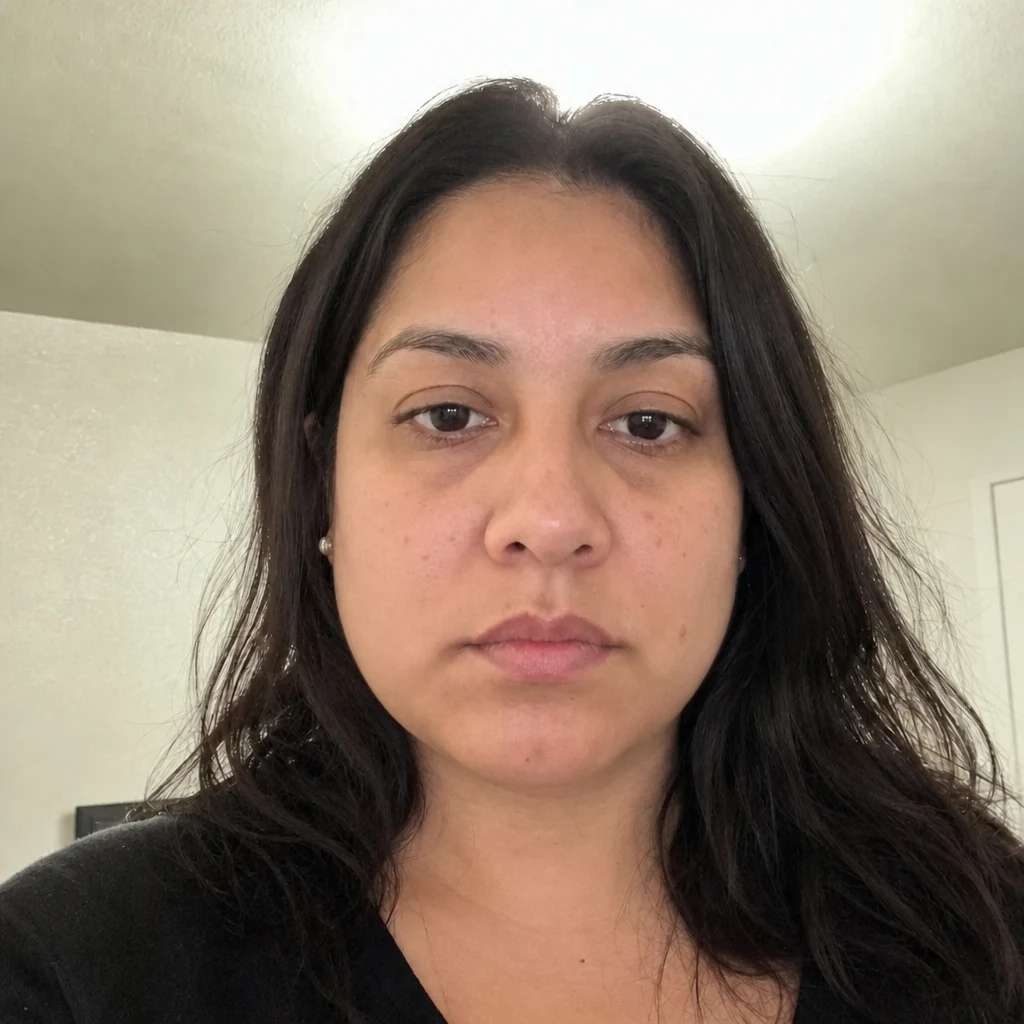
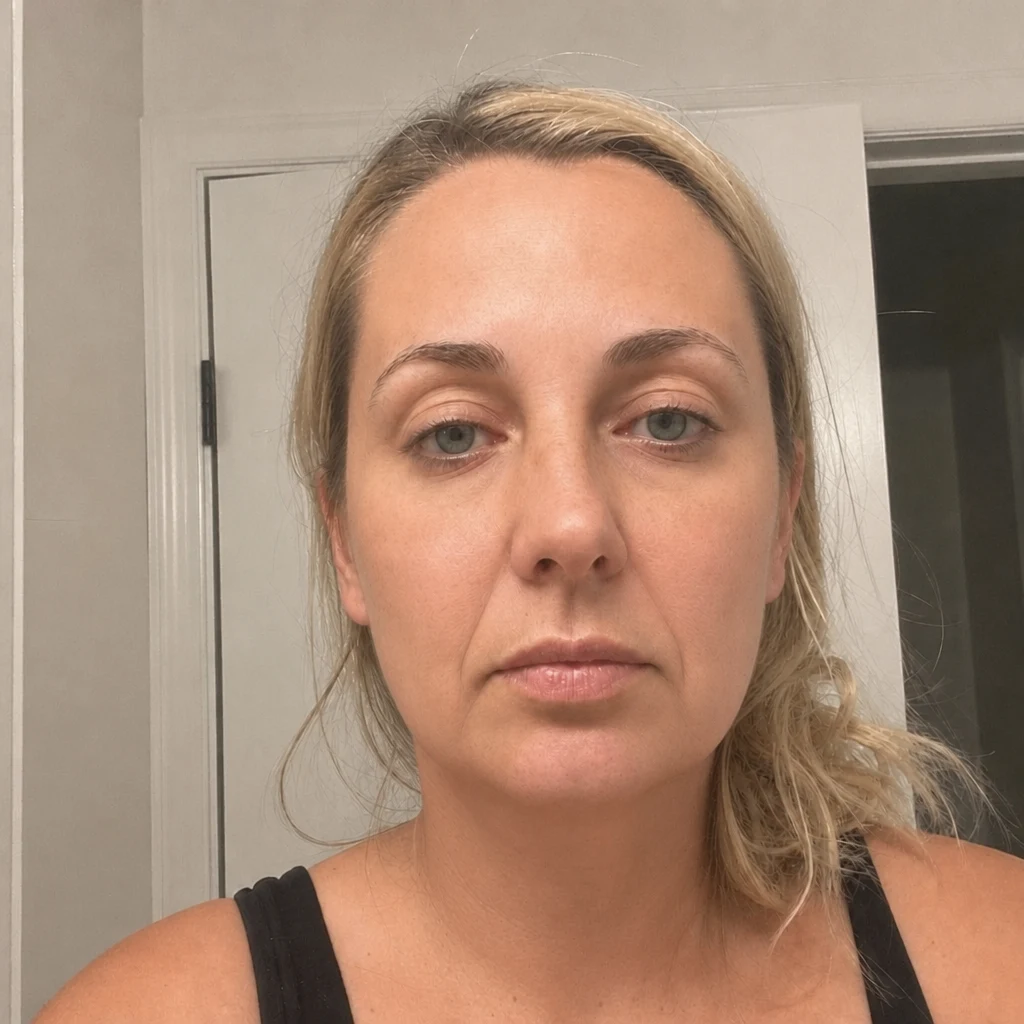
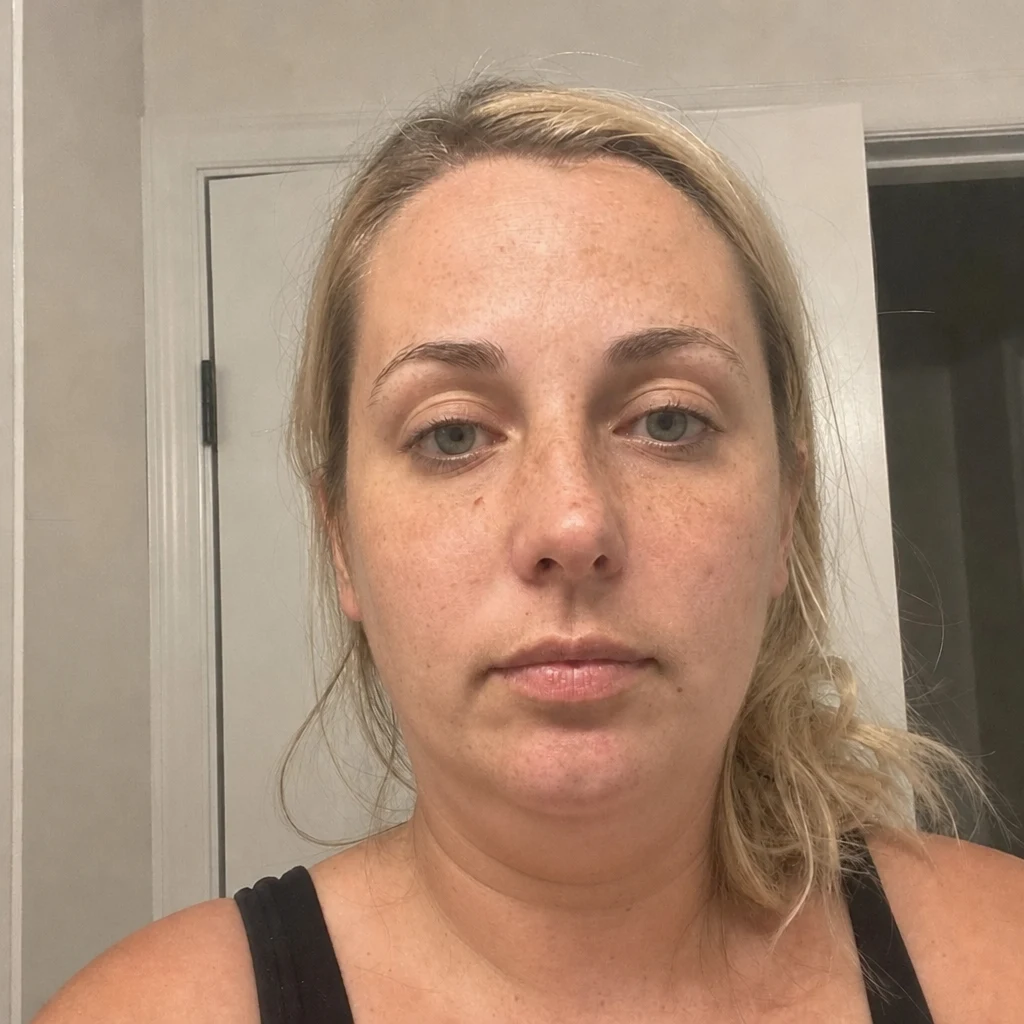
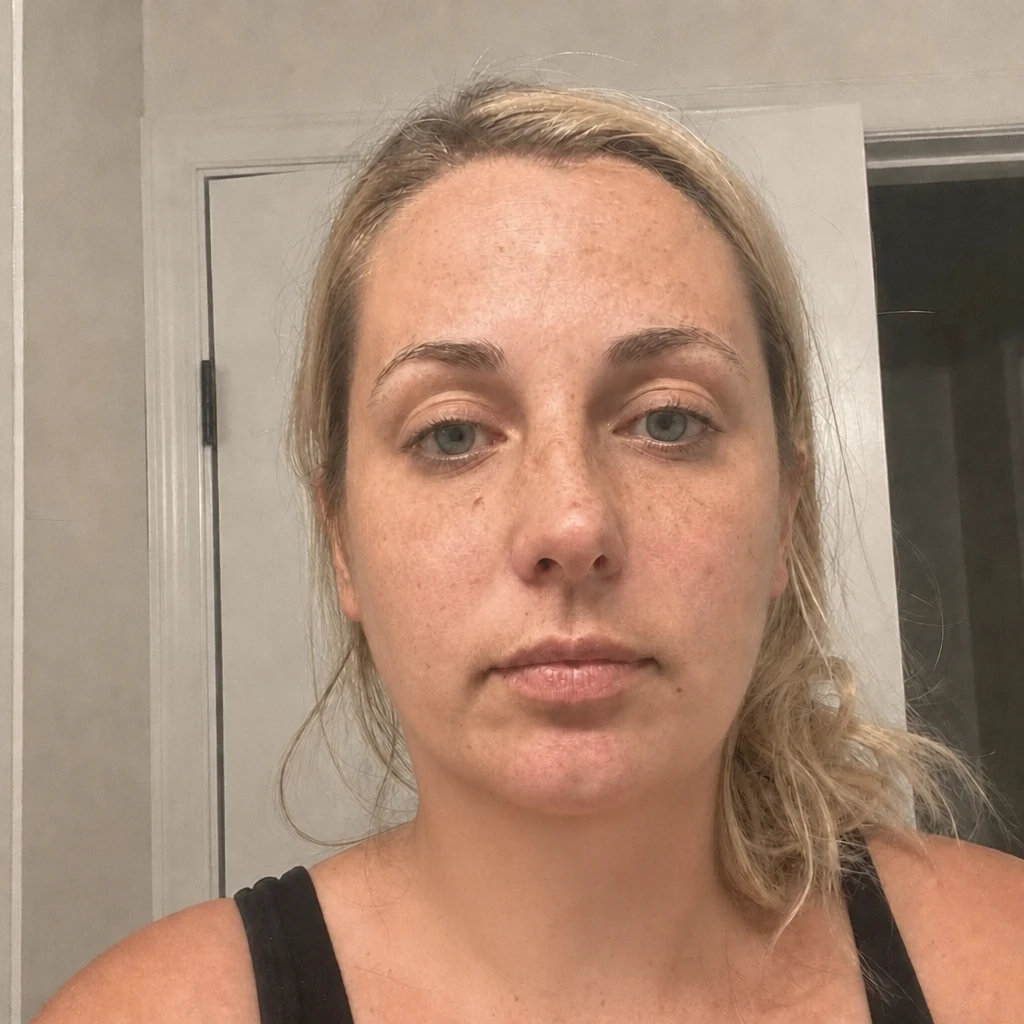
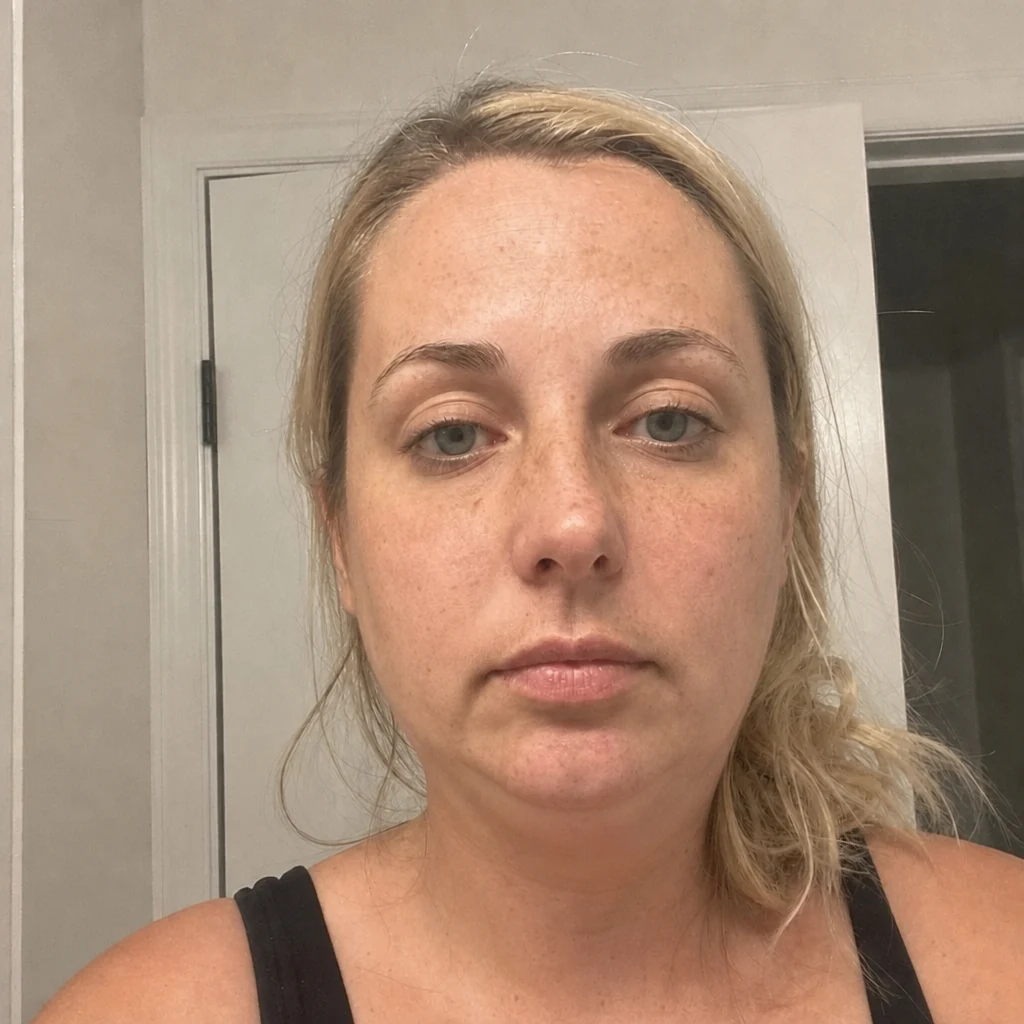
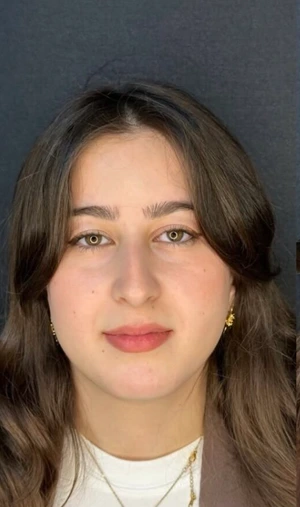
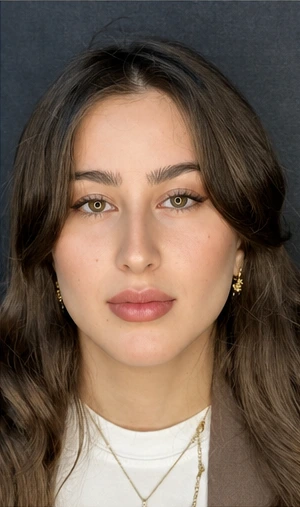
No, and that is worth stating plainly rather than leaving to a caption. Every "after" frame on this site is an AI simulation produced by the same model the page runs — not a photograph of a surgical result, and not a record of anyone’s outcome. On some pairs the "before" frame is generated as well, and those are labelled "Before — generated" instead of being left to imply a real pre-operative photo.
Do I need an account?
Not for the measurements. Every tool on the free half of the site runs inside your browser tab with no account and no upload. A render does need one, because it runs on a GPU we pay for and the result is stored against your account so that it appears in your history and you can delete it.
Can a simulation tell me which procedure I need?
No, and nothing here is written to suggest it can. What this site does is match a region: if you measured your nose, the render it offers changes a nose. That is a factual link between a measurement and an area of the face. “You need a rhinoplasty” is a clinical judgement, and geometry taken from one photograph cannot support it — that conversation belongs with a qualified clinician.